
- Title: MIUI V6 & TWRP
- Listed: January, 2015
- Last modified: 08/02/2015 6:36 am
- Version: 5.7.31 KK & TWRP
You must be logged for ROM download.
121576 total views, N/A today
83 Total favorites
CUSTOM







 Member Info

DESCRIPTION
After repeated copying the firmware, I stop work and continued support. All requests to the PM
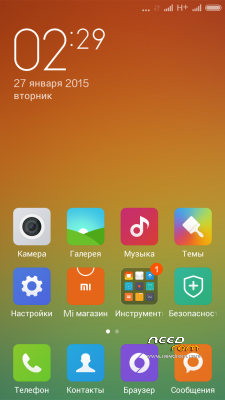
MIUI V6 Developer ROM 4.4.2 KK
WSM is unstable on MIUI v6, wait for the update (I will not say how much it coming).
Rooted (ROOT in Security App)
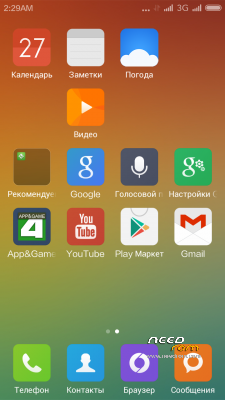
Gapps (PlayMarket-patched, Calendar & Contact synk, no feedback & backup, Core-patched)
Completely remove all third-party applications
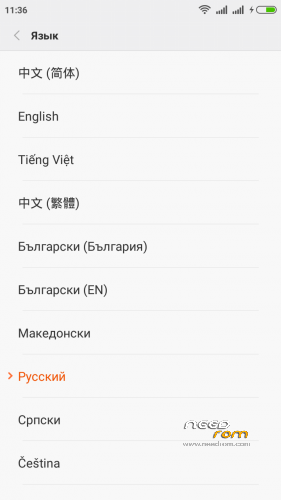
RU rom- miuipro based CH-EN-DE-RU-Bel
EU_Multi – xiaomi.eu based multilang for EU
※Please make a backup of your device before installing or updating ROM
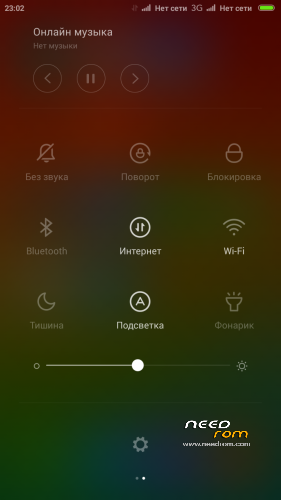
too bad miui removed 2g/3g toggle, so it would be nice to get intelli3g work over xposed or wsm tools, what you think, is it possible?
This ROM ported from BETA! In this ROM added more edits in the code!!! And are you goin to apply to the WSM tools firmware based on Android 4.2??? Don't you think this question is stupid?
coolllll
Please swap external and swap 3g both sim
Hello,
Y have all wipe and format,
but i don't play a video with the explorer that is on my network ? "an unknown error as occured"
Thank you for the help and your rom is beautiful.
Internal video player unsuported stream playback, use other player. For example MX Player
Ok! Next update i fix this!
I asked it only because I saw some user reported working xposed + intelli3g module on miui v6… there is no stupid questions, only stupid answers
ok! Just try! Could not work in 90%!
@mickvip Please attach again systemUI 5.2.xx for fixing No service issue, (or may there is file I can take from newer versions and put in the older, I use 5.2.24 because of DPI)
Many thanks in advance
This fix is defect. Use new CLICK
Hello mickvip,
I have the v3 and I can’t switch from 2g to 3g. I select the 3g network but it’s come back to the 2g (battery saving) option.
I have everything working in any mode. I recommend clean installation (Full Wipe). Backup only through MIUI Backup!!! Not use Titanium or similar applications.
I have made a clean install with full wipe and I don’t use titanium backup or similar applications. Is there maybe a power saving modus enabled?
Ok. Next ROM fixed this Bug. POWER SETINGS
I have switched the Sim cards and now works fine. I put the 3g Sim into slot gsm.
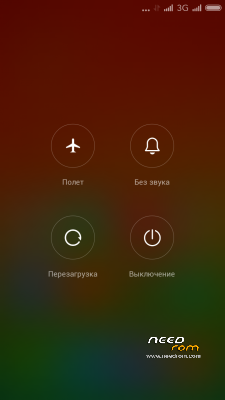
Please add reboot option menu
Option? What option exactly?