
- Title: MIUI V6 & TWRP
- Listed: January, 2015
- Last modified: 08/02/2015 6:36 am
- Version: 5.7.31 KK & TWRP
You must be logged for ROM download.
121587 total views, N/A today
83 Total favorites
CUSTOM

 Member Info

DESCRIPTION
After repeated copying the firmware, I stop work and continued support. All requests to the PM
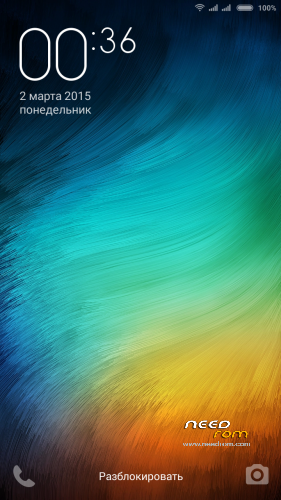
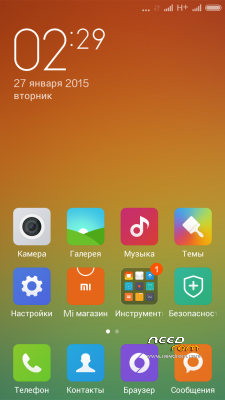
MIUI V6 Developer ROM 4.4.2 KK
WSM is unstable on MIUI v6, wait for the update (I will not say how much it coming).
Rooted (ROOT in Security App)
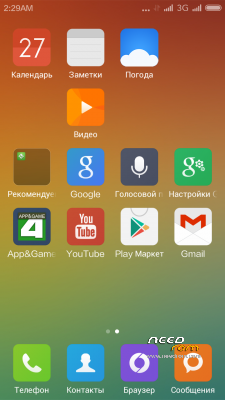
Gapps (PlayMarket-patched, Calendar & Contact synk, no feedback & backup, Core-patched)
Completely remove all third-party applications
RU rom- miuipro based CH-EN-DE-RU-Bel
EU_Multi – xiaomi.eu based multilang for EU
※Please make a backup of your device before installing or updating ROM
sir how to ota update 5.5.1 to 5.5.8 ?
No longer will the OTA! Only full firmware versions!
If you are not satisfied with the speed of downloading, I can just make storage baydu.
ps OTA is not located after making a firmware patch. And people put patches. For example make a third-party Root.
The speed here is very good. It takes only 2-3 minutes to download the rom.
how to install this rom in TWRP?
For version 5.5,8, ineed sugest
like any other firmware do not forget the wipes
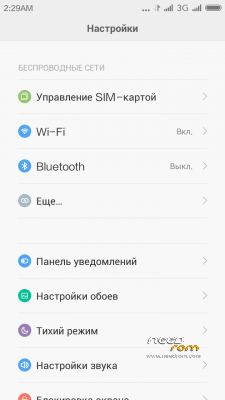
this rom stable for signal, i like it. but please help to add menu switch 3G on configuration SIM and little voice on device.
Oke thanks sir, this rom is stable and powerfull, but if i install wsm tools v2.3.5 is bootloop have a alternative wsm tools version?, i can only waiting new update wsm stable for miui v6
Hi.. First of all.. thanks for the best rom. i have tried so many roms. but ur rom is the best.
One question: Why the autorotation is not working in applications.. like Camera / Whatsapp.. etc.. i think its working only in videos.. is it from MIUI itself ?? for taking the videos if the autorotation is not there.. the size will vertical.. please advise..if there is any other application can be used for video shooting.. ??
and open themes but chinese language
5.5.8 messaging font too big even i selected the smallest font
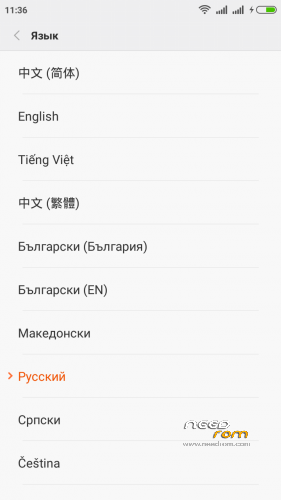
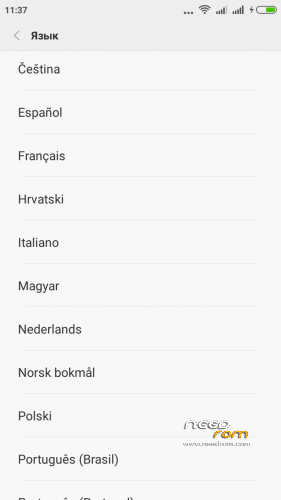
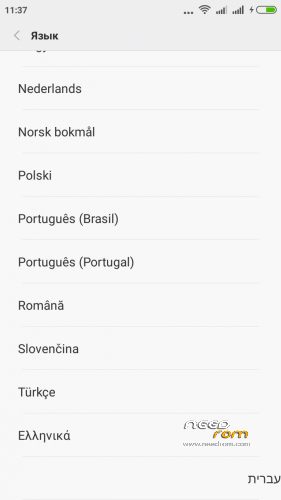
There is no Hungarian (Magyar) language and i see a "NVRAM" Wifi network!
All languages at screens! NVRAM after reboot will be gone.
ram display problem pliss mickvip
No problem! Is russian simbols. 2.2 after ram swap.