
- Title: MIUI V6 For QMobile A900 And Elife E3
- Listed: March, 2015
- Last modified: 03/09/2015 3:07 pm
- Version: 4.4.2
You must be logged for ROM download.
18046 total views, 3 today
6 Total favorites
CUSTOM






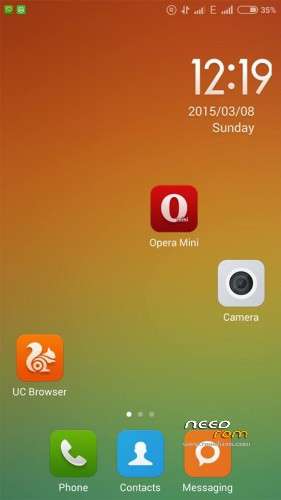
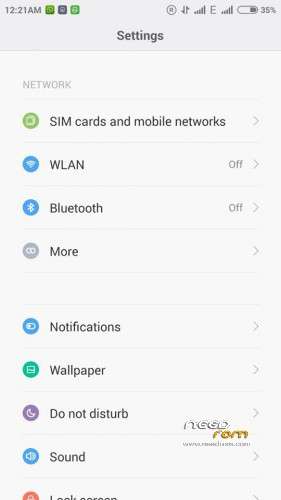
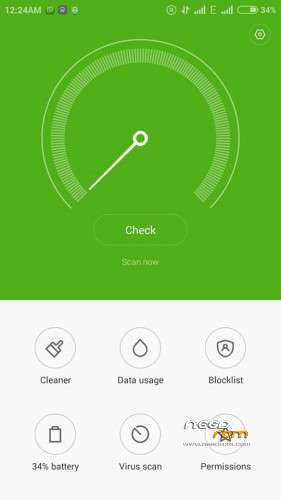
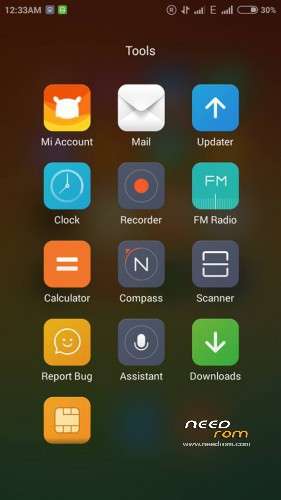
 Member Info
DESCRIPTION
Original MIUI 6 ported to elife e3 and qmobile a900 from xiaomi redmi 1s with all bug fixes and can be flashed via any kitkat compatible recovery.
Features:
- 4.4.2 kitkat based
- Original MIUI v6 from xiaomi redmi 1s
- GApps included so need to flash them manually
- Lagging UI is ripped by Ram manager script with strict minfree values
- Clearer and more bright camera result as compared to stock and ColorOs rom
- Memory bug resolved with re-partitions
- Build.prop tweaks and init.d tweaks to make it daily driver
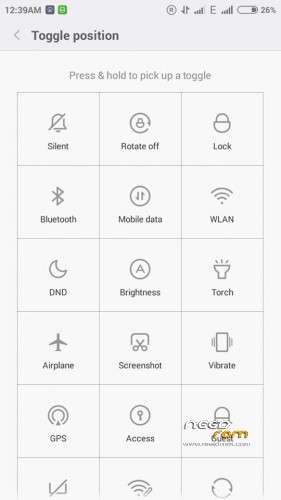
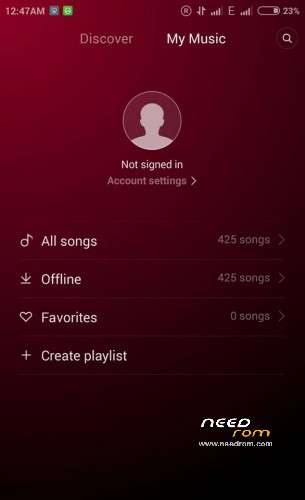
- Beautiful user interface
- Great user customization and features
- Bravia engine and funtouch sound
- Removed extra bloatware from the Rom
- Rest of the features are same like MIUI tradition and can be further discovered by installing this Rom
Steps For Flashing:
- Download MIUIv6Rom.zip file from any of link given in downloads section above.
- Transfer the downloaded Rom zip file to your phone’s sdcard.
- Switch off your phone and boot into cwm or twrp or any custom recovery.
- Make sure you have nandroid backup of your current Rom present in sdcard, if don’t make a one.
- Select “wipe data/factory reset” and under advanced, select “wipe dalvik cache”.
- Now select “choose zip from sdcard” and flash MIUIv6Rom.zip file.
- After flashing gets complete, just reboot and wait for atleast 5 minutes to boot the Rom completely.
- Done.
※Please make a backup of your device before installing or updating ROM
hi, i keep getting the erros "unfortunatly file process com.android.phone has stopped" and i click ok and it instantly apears again. ty
Also, i have a clone of gionee elife e3 qitch 4gig
me to getting this error. is that you fixed ?
it says failed to extract dir from "system"
installation aborted
PLS HELP
Gionee E3
Chi FW
stuck in boot image
It's working perfectly for me. Sujan, if you have a kitkat rom that you have backedup, what you do after you flash this rom is to restore the boot.img of the kitkat rom you have backed up on the recovery e.g. twrp or cwm. It should boot after restore the boot.img.
working fine on my E3 great job
It's great! It looks really awesome. I just hope that we can control the volume by touching the screen. I couldnt find a way to do it manually. Please help.
This ROM is switch 3G change into 2 sim…Or only 3G in 1 sim…And battery is good…?
yes pblm in data connectivity… attend time automatically two sim data network activated… plz clear bugs…
bugs on mobile data network… when i on data network, attend time active two sim… plz clear bugs
only 3g in sim 1 bad
This Link for this ROM… MGeeky ROM is FAKE this… http://4pda.ru/forum/index.php.....0#entry38490688
How can i root this rom?
It's not writing on my sd card, it's always using my phone storage. Pls fix it… Otherwise it's a best rom for Gionee Elife E3, Symphony W150, Q Mobile a900 and the clones of it.
how much ram and storage availabe after installing this rom ?? anybody ??