
- Title: Miui x32 Doogee X5MP
- Listed: April, 2018
- Last modified: 04/16/2018 8:46 pm
- Version: Miui 8
You must be logged for ROM download.
11827 total views, 1 today
 Member Info
DESCRIPTION
This will work on Doogee X5 Max Pro Device, Don’t Try this in Any other device
Charge your phone up to 80% or 70%
You will loose the original ROM or any CUSTOM ROM if you already installed on your phone. So make sure to Backup your phone before doing this step using TWRP or CWM or any Custom Recovery
You can also backup all your apps using Titanium Backup or you can Backup without any Root
You must install TWRP or any Custom Recovery on your phone
Watch Full Video on How to Install TWRP on any Android Phone.
Download the Zip files from below and Place it in your phone’s root of internal memory.
Installation :
First of all, you need to Unlock Bootloader on Doogee X5 Max Pro
Now install TWRP Recovery using this full guide. Watch Full Video on How to Install TWRP on any Android Phone.
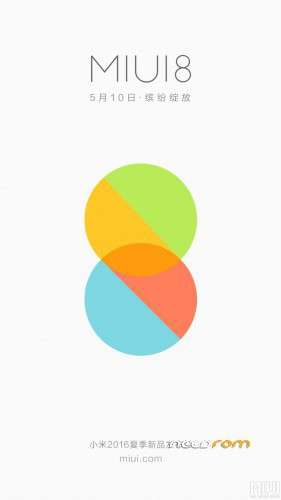
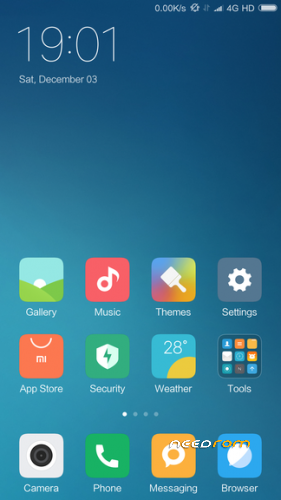
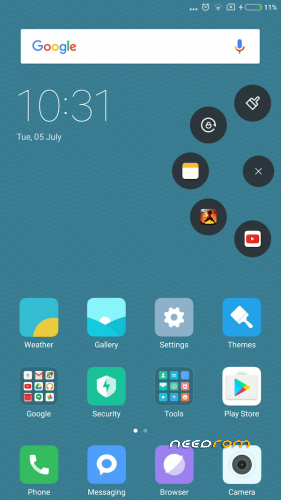
Download the below MIUI 8 ROM on to your smartphone.
Now boot into TWRP Recovery , Here is the method to boot into Recovery
※Please make a backup of your device before installing or updating ROM
Hello!! what version of android has this ROM?
Yo asumo que es la misma que este https://4pda.ru/forum/index.ph.....0#entry56876868 por lo que seria la version android 6.0 ,yo use esta hace unos meses pero ahora uso miui 9 que se actualiza cada semana (android 6.0.1)
6.0.1
Кривое старье.
For fixing the fingerprint in x32 rom: uninstall magisk and install super su
зачем врать???
не серьезно
есть проблема в "boot"
There is a problem in the patched boot image of magisksu
Я все сделал и пункт отпечатка не появился
используйте 64-битный ролик
отпечаток пальца доступен
X64 установил,использую 2 дня отпечаток рабочий.ютуб 1080/60 фпс работает.чуть подтормаживает при открытии приложений,возможно проц слабоват.Батарейку конечно кушает. Ну а так вроде спит тело.
THANK YOU SO MUCH
your welcome.