
- Title: MIUI v7
- Listed: January, 2016
- Last modified: 01/08/2016 6:50 pm
- Version: 4.4.2
You must be logged for ROM download.
17771 total views, 3 today
7 Total favorites
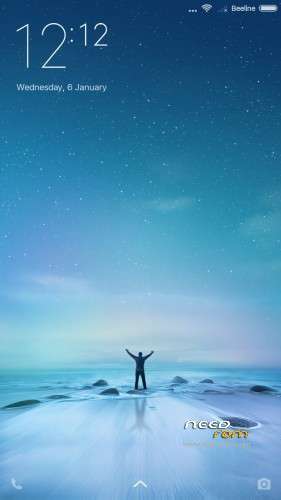
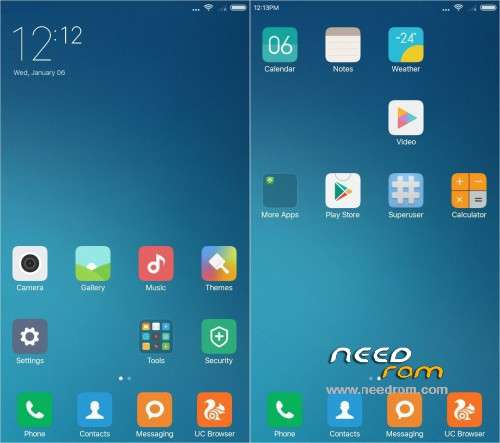
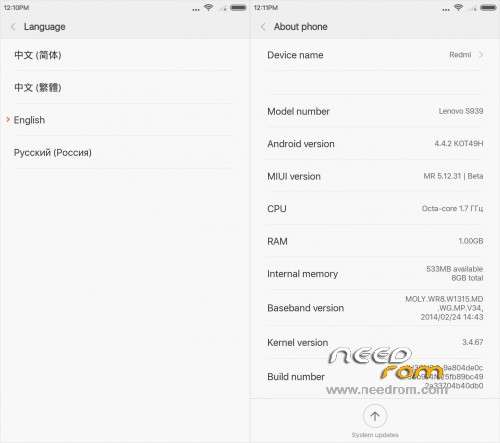
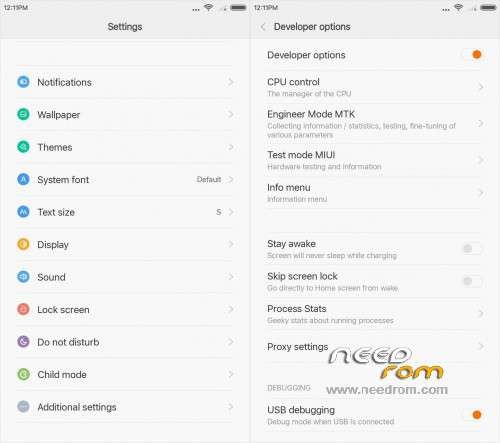
 Member Info
DESCRIPTION
Запрещено перезаливать на 4PDA в связи с хамскими действиями представителей её администрации (Маннур, Kenter, Smartecs, snekt@).
5.12.31
CN/EN/RU, root…
Using memory – very good.
Описание и обсуждение на русском языке
5.9.26_multi
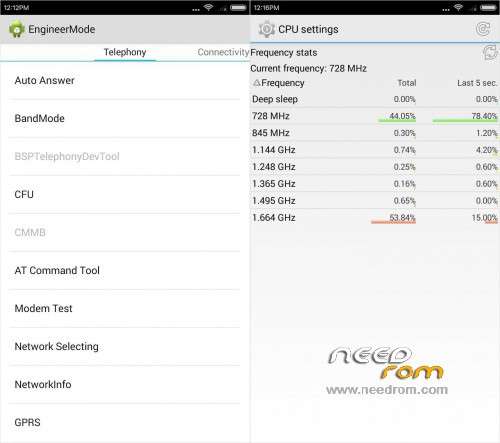
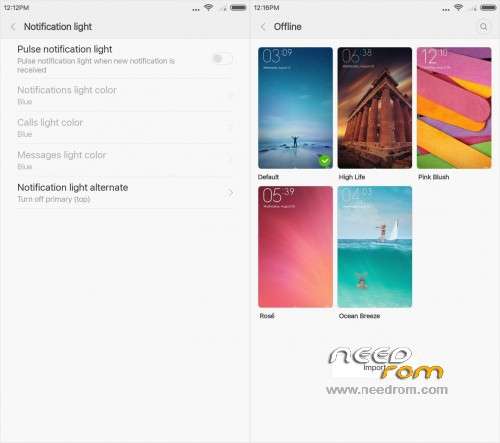
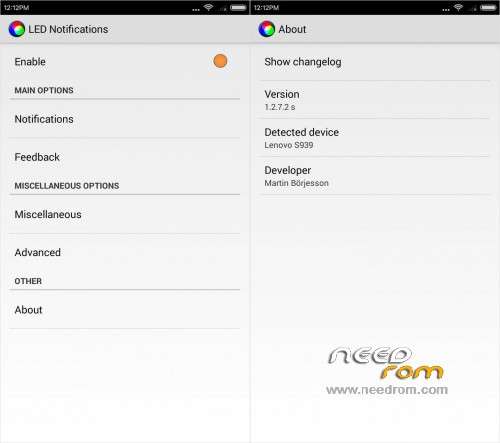
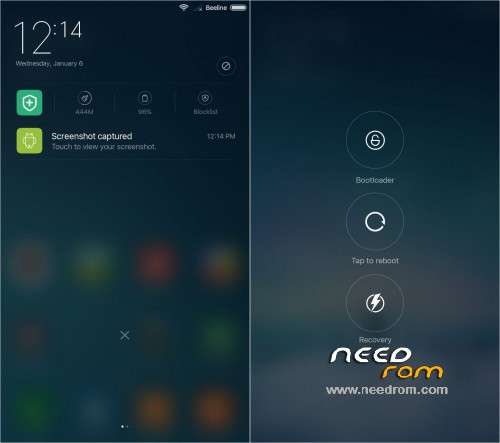
Multilingual, root, gapps, removed (other than china soft) parental control and treatment for the elderly, introduced sound engines Dolby Atmos and Viper (Native Dirac also works), made entry into the engineering menu of options, whiten some third-party applications that add control frequencies and govenors processor, as well as statistics of its work …
Please be sure to make a backup of your phone before !
Then just Wipe Data/Cache/dalvik
And update from CWM
Install ROM:
CWM
Step 1: Download the custom ROM copied to an external SD card root directory
Step 2: the shutdown state. While holding down:
– Power button + volume button down, to enter the recovery mode.
– Wipe Data / Factory Reset -> delete all user data
– Wipe Cache Partition -> Wipe cache
– Advanced -> Wipe Dalvik Cache
Step 3: Return to recovery main interface Install zip from sdcard -> choose zip from sdcard -> Select your ROM
Step 4: Brush complete, restart the phone Patience required – first boot takes a while
Описание и обсуждение на русском языке
※Please make a backup of your device before installing or updating ROM
Добрый день, подскажите какая разница между MIUImemo1 и MIUImemo2 и можно ли шить с TWRP 2.8.1.0 janmae
Hi, how to set sd card as default memory? This is good rom but without external sd card for apps, there is not enough storage.
HI there, can someone tell me how to set external sd card as default please?
i got stuck at theme after first boot setup. really wish could use this rom. but nah.