
- Title: Miui7 Multi G5S
- Listed: October, 2015
- Last modified: 10/22/2015 2:19 pm
- Version: 5.10.22
You must be logged for ROM download.
17757 total views, 1 today
4 Total favorites
 Member Info
DESCRIPTION
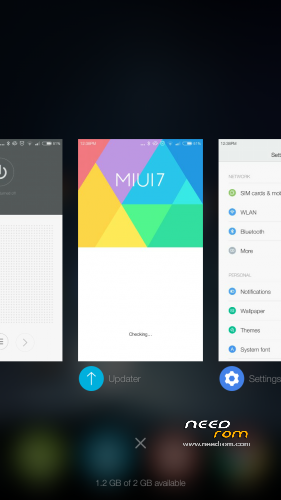
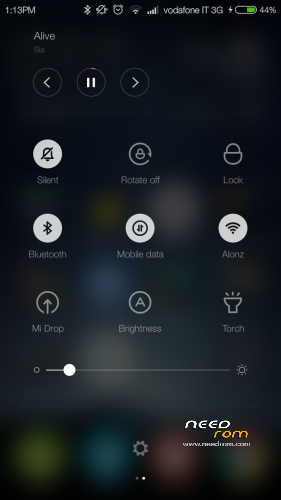
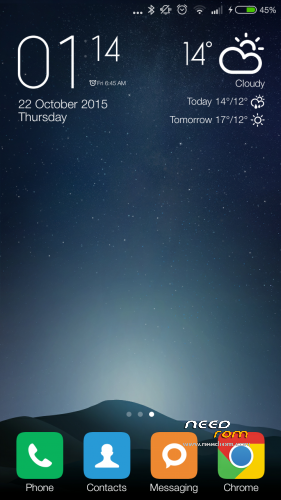
MIUI7 ROM for Jiayu G5S.
Ported from MultiLanguage Xiaomi Note 3G (MT6592) 5.10.22
CWM zip FLASHABLE
Installation
If you come from 4.2 Jellybean, you must first install official Jiayu 4.4 kitkat G5S rom to make the partitions correct. (I came from Salamander ROM and Carliv Recovery)
Backup your IMEI by MobileUncle
Copy Miui7_JY-G5S_kk_5.10.22.zip downloaded to your SD card root directory.
Reboot to Recovery mode by MobileUncle or other app. (if shutdown state to enter to recovery holding Power button + volume up)
Backup your NVRAM on recovery,
Select Wipe menu and Wipe All Data, Cache and Dalvik-Cache. (wipe data not necessary if miui rom preinstalled)
Install zip from sdcard -> choose zip from sdcard -> Select: Miui7_JY-G5S_kk_5.10.22.zip
When Brush complete, return to main menu and select REBOOT phone (first boot takes a while).
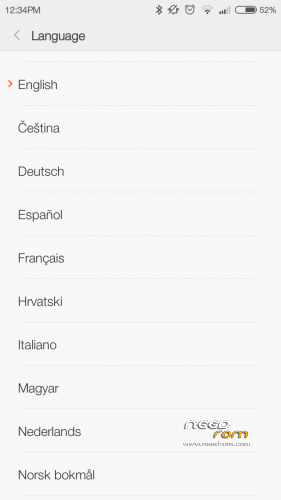
***Select English language on first wizard configurator to solve MiCloud force close.***
Added
updated system/lib, Dolby Atmos, Advanced Power Menu, WSM Tools fix.
(Remember to disable 'Delivery status' on Messages settings)
small bug:
Settings isn't translated to some language (apk's from 5.10.15 by MiuiPro, app stock had a bug )
OTA not working for this porting ROM. No smartwake. On Settings/Device info shows 5.10.15 Miui version instead of 5.10.22 (build.prop oversight, sorry)
※Please make a backup of your device before installing or updating ROM
Fix the Proximity?
This is a really nice rom
Works with G5S 16+2
Works with my G5S 16+2 too..
Hi!
How can i add apps in exceptions in cleaner settings?
Thanks!
How root this version?
Hi, I can not continue with the installation, continually out error Micloud app stops working and returns to the beginning in a continuous loop MiCloud error, not if I do something wrong ??
thanks
Set English language. After finished wizard config, you can set your language by settings menu.
Set English language initially. After finished wizard config, you can set your language by settings menu
or pull out the SIM card and so complete the installation
Does anyone can confirm if bluetooth is working correct in this release?
Thanks paceman, had not read it, now works very well, thank you for your work ..