
- Title: MIUI_7.11.16
- Listed: January, 2018
- Last modified: 04/13/2018 4:50 pm
- Version: Android 4.4.2
You must be logged for ROM download.
10548 total views, 1 today
3 Total favorites

 Member Info
DESCRIPTION
Запрещено перезаливать на 4PDA в связи с неэтичными действиями представителей её администрации (Маннур, Kenter, Smartecs, snekt@).
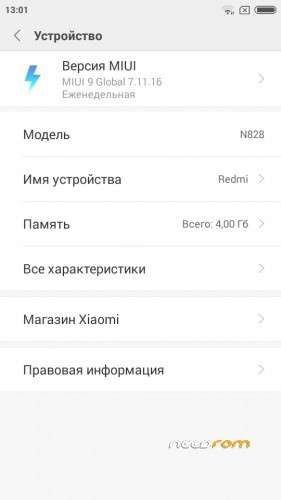
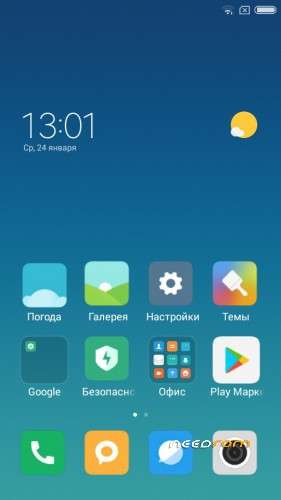
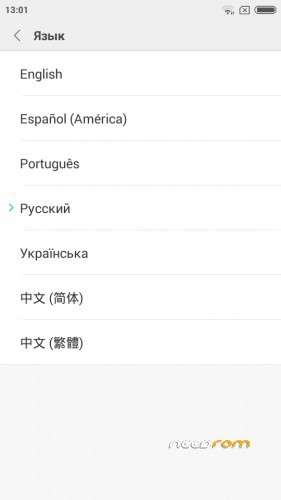
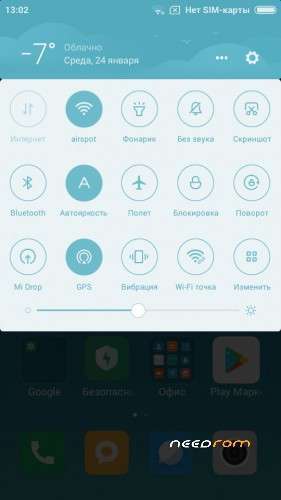
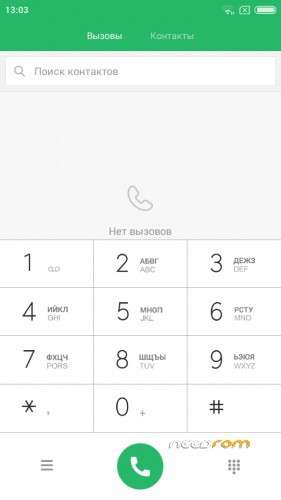
Multilingual (see screenshots …), root, gapps, removed china soft…
Please be sure to make a backup of your phone before !
Then just Wipe Data/Cache/dalvik
And update from CWM
Install ROM:
CWM
Step 1: Download the custom ROM copied to an external SD card root directory
Step 2: the shutdown state. While holding down:
– Power button + volume button down, to enter the recovery mode.
– Wipe Data / Factory Reset -> delete all user data
– Wipe Cache Partition -> Wipe cache
– Advanced -> Wipe Dalvik Cache
Step 3: Return to recovery main interface Install zip from sdcard -> choose zip from sdcard -> Select your ROM
Step 4: Brush complete, restart the phone Patience required – first boot takes a while. Setting a long time. Wait.
Я ставил на переразмеченную память. Делал исключительно для резервного старенького смартфона. Рекомендую удалять (замораживать) муишный браузер для экономии оперативной памяти.
※Please make a backup of your device before installing or updating ROM
does the system partition need?
how to fix light camera?not working flash camera?
Hey. Added fix.
Thanks. Will test it out and let you know if i find an issue
thanks.. rom from minovo is very gooddd
update via ot fail
there is no diffrent between miui 8 and this miui 9 !
the update will fail. i am not sure the ota is n828