
- Title: miuiandroid multi S920 4.3.14 jb-4.2_2
- Listed: March, 2014
- Last modified: 03/17/2014 4:57 pm
- Version: 4.2.2
You must be logged for ROM download.
20077 total views, N/A today
118 Total favorites



 Member Info
DESCRIPTION
Up on frimware Lenovo S920_ROW:http://lenovo-forums.ru/files/…..%BF%D0%BA/
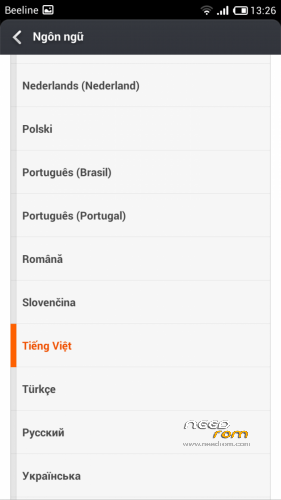
Language:Mutilanguage
You can install recovery CWM base frimware Row before install this rom:
https://www.needrom.com/mobile/s920_row_s117_130815/
CWM
Step 1: Download the custom card ROM copied to an external SD card root directory
Step 2: the shutdown state. While holding down:
Power button + volume+ button + volume – key to enter the recovery mode, wipe data/ factory reset and
wipe cache partition
Step 3: Enter menu apply update from sdcard select the ROM
Step 4: Brush complete, restart the phone
※Please make a backup of your device before installing or updating ROM
Hi friends,
This rom is in spanish leguage?
Estimados: Al parecer mi celu no esta rooteado.. le cargo el archivo en la SD… ingreso al menu pero cuando comienza a cargar la ROM… aparece un mensaje que dice Aborted!… y no deja cargar nada
Ya intente rootear el telefono con varios programa, pero ninguno me deja cargar las nuevas ROM…. que podra ser…
This version is the 4GB version. Not sure if it can be flashed in an 8GB device, ay advice regarding this issue would be mostly welcome.
Anyway thanks for warning it was a ROW based ROM instead of a CN based one.
BTW: Why don't cooks poperly specify these two so IMPORTANT things that would avoid problems when flashing?
thanks
why i cannot change the camere storage to SD card ?. thx Help please
I can install the S920 110 row
How to restore aplikasi from titanium back up
Very good rom, camera low