
- Title: MiuiPro9_Final
- Listed: January, 2018
- Last modified: 12/24/2017 1:10 pm
- Version: MM 6.O MiuiPro9
You must be logged for ROM download.
51077 total views, 6 today
63 Total favorites
 Member Info
DESCRIPTION
Final version
This is final version of my MiuiPro9 build. I’m not going to update anymore unless there is a major changes updated by MiuiPro.
Version 7.12.21 are used as base because latest version by MiuiPro are without unlock face ID.
Changelog
Replaced the following stock apps with third party (my personal favorite – uninstallable)
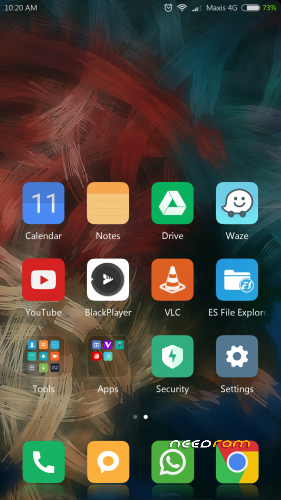
- Mi video replaced with VLC
- Mi Music replaced with Black Player
- File Explorer replaced with ES file Explorer
- Calender replaced with Google Calender
- Optional SwiftKey keyboard
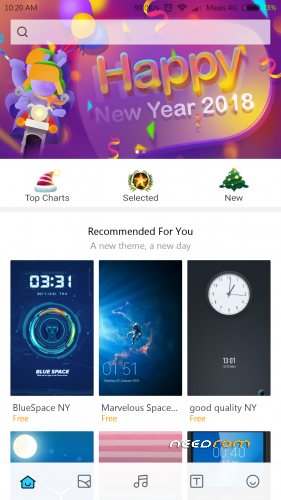
- Default font changed to Webly Sleek
- Replaced lock/unlocked sound
Audio – Roll back to original Vibe audio libs (the best after few experiments)
THING TO DO AFTER FIRST BOOT
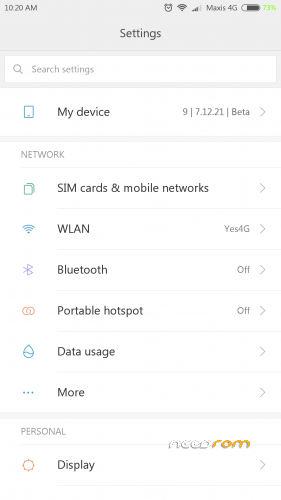
Go to Setting > my device> all specs> Miui version – tap 7 times to activate Developer options> back to Setting > additional settings > Developer options – scroll all the way down and switch off MIUI optimization.
This step will give better performance and solve lagging issue.
Conclusion
- The best daily driver (MM) other than vibe
- Battery – SOT Normal – although sometimes you feel that battery draining so fast, go through my comments and you will know the reason why. Switch off Auto Sync will improve battery performance.
- Heavy Gaming – Mid level – Activate Game Speed Boost at Security will solve lagging issues for heavy games like ML, COC, A8 etc.
Final words
Thanks to all members who gives support, positive comments, feedback and suggestions.
Version 7.12.21
Changelog
- Working FM radio
- Kernel replaced with Renice v11 – better performance and ram management.
- Tone down color saturation
- Stable network connection
- Reinstate old status bar settings – icons arrangement
- Audio FX – Installed both Viper4Android and Dolby Atmos. Combination of both will produce the best sound.
Version 7.12.14
Changelog
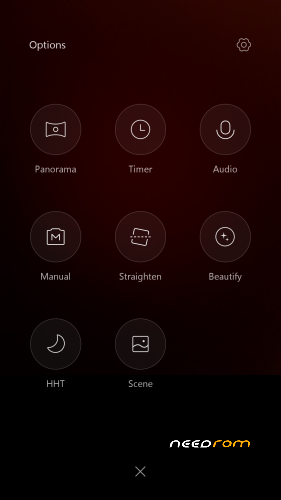
- Added convert photo to video clip – Gallery menu
- SuperSu replaced with Magisk v14.0
- Dolby Atmos replaced with Viper4Android- After first boot >activate>install driver>reboot
- Rearrange status bar icons in real time
- Added LagFix
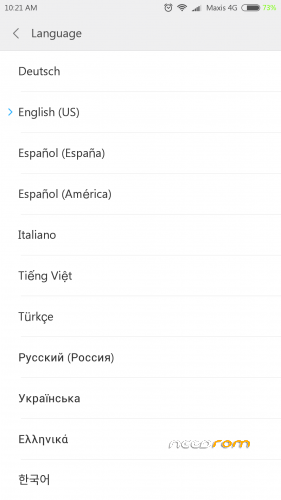
- Added Korean language
Version 7.12.7
Changelog
- Added face identification to unlock – credit to stanislav76
- Added screen contrast and color adjustment at setting.
- Added photo collage – gallery menu
- Added German language
- New audio libs – balance all around earpiece and main speakers. Turn on Dolby Atmos and volume leveler. Adjust the equalizer to suit your ears
Version 7.11.30
Changelog
- Repair audio libs for earpiece
- Added Spanish and Vietnamese language
- Replaced few static icons with animated icons
- New miui cam engine. Faster and sharper image
Ported from MiuiPro
Everything works – miui cam, sensors, led etc
Gapps included
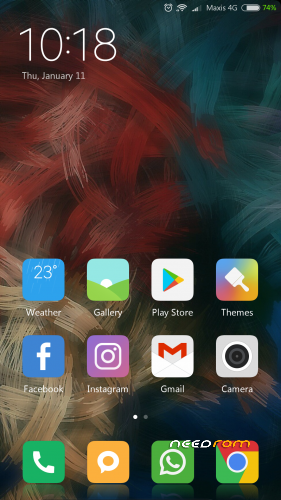
Full of gesture and screen tweaks at setting
Tweak the sound to optimal
Real lightning fast – free ram 800MB – 1GB
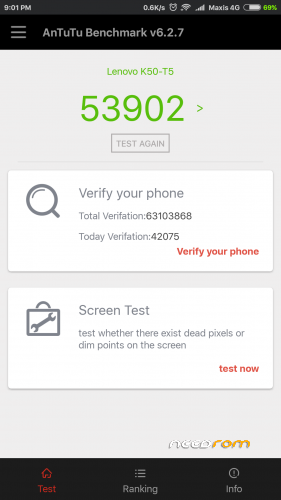
AnTuTu score 53,000+
Installation
-Copy rom to SD
-Boot recovery – TWRP 3.0.2.7 (I never try other versions)
-Wipe art cache /delvik, System, Data, Cache
-Reboot to Recovery
-Install rom
-Reboot System> Complete Phone Setting and enjoy.
- System will fully stable after few reboot.
Note: If you already on MIUI9, try dirty flash by wiping SYSTEM only and install – to protect your data.
For better ram management after first boot go to Setting > Permission > Autostart and disable apps that you not allow to autostart.
Credit to MiuiPro team
※Please make a backup of your device before installing or updating ROM
And add Brazilian Portuguese and Portuguese, please
TUVE PROBLEMAS CON EL BLUETOO. LO RESOLVI INHABILITANDO BLUETOO MIUI
ESPERO LES SIRVA
Can I flash directly over v7.11.23 ?? Without wipes?
Just wipe dalvik/art cach, cach and system then flash
Just wipe the system and flash. You will loosing your data
Sorry typo error. The answer is yes. You can dirty flash by not wiping anything or just wipe the system. So you will not loosing your data.
Is this ROM have any proximity issue??or any black screen issue while pressing power button??plz any one day plz reply
NO
94sohom- bro r u using this ROM (7.11.30)..if yes then plz write pros and cons here..plz
FACE DATA IS NOT WORKING …PLEASE SOLVE THIS ISSUE .
Speakers sound quality was bad and overheating problem
https://mega.nz/#!xw4UhJqD!rBK.....kshjlbOAUc6IN6s
It’s work. Thank you sir
For which problem this patch required bro?
Face recognition unlocking
VOLTE IS WORKING.
How is the battery back up & charging tym?