
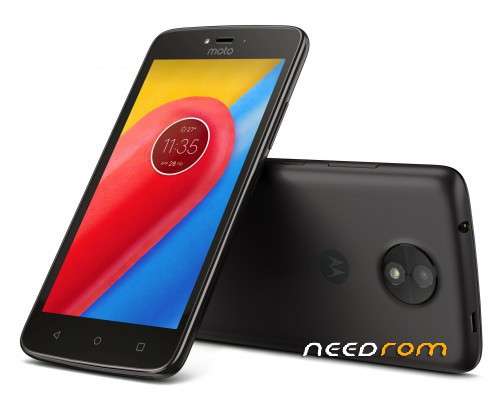
- Title: Moto C 4G (XT1754) NRD90M.054 ROW official ROM
- Listed: September, 2017
- Last modified: 09/20/2017 9:55 pm
- Version: NRD90M.054 ROW
You must be logged for ROM download.
20527 total views, 1 today
4 Total favorites
 Member Info
DESCRIPTION
How to install ROM :
Charge your phone more than 30% of battery
Use lates 7zip archiver to unpack archive
Open Download_Tool subfolder
Run flash_tool.exe
Press "Download agent" button and select DA_SWSEC_6580_98737_71604.bin
Press "Scatter-loading" button, move up from current folder, open Firmwaresoftware subfolder and select MT6737M_Android_scatter.txt
Wait for checksum test finished
Open Options – Download, both checkboxes (USB checksum / Storage Checksum) must be enabled
Select "Firmware upgrade" flash method
Turn off your phone, remove the battery and place battery back
Press “Download” button to start
Connect your phone into the computer via USB data cable.
The process will start and a red progress bar will appear after color purple, yellow.
And green circles display when flashing is Finish
Disconnect your phone from PC
Turn on your phone
Loading...
Have you tried to flash this firmware? it shows error while strating to flash
где на это чудо найти калибровки NVRAM или сам донорский NVRAM
на всех форумах молчат
калибровки то делать 5 минут через мауи метта в update parameter
Thank you
Thank you