
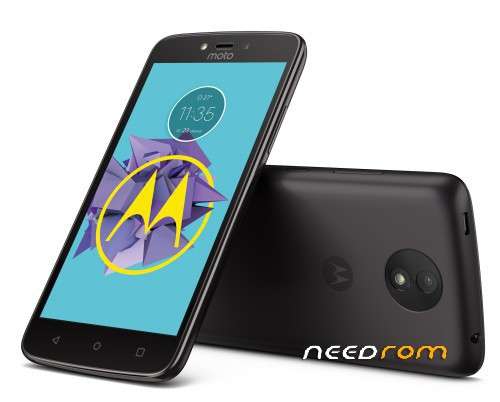
- Title: Moto C Plus 2+16 NRD90M.07.32 ROW official ROM
- Listed: October, 2017
- Last modified: 10/12/2017 3:13 pm
- Version: NRD90M.07.32
You must be logged for ROM download.
20069 total views, 2 today
5 Total favorites
 Member Info
DESCRIPTION
This is SW version for Moto C Plus 2G! Not compatible with Moto C Plus 1G
How to install ROM :
Charge your phone more than 30% of battery
Use latest 7zip archiver to unpack archive
Open Download_Tool subfolder
Run flash_tool.exe
Press "Download agent" button and select MTK_AllInOne_DA.bin
Press "Authentification file" button and select auth_sv5.auth
Press "Scatter-loading" button, move up from current folder, open Firmwaresoftware subfolder and select MT6737M_Android_scatter.txt
Wait for checksum test finished
Open Options – Download, both checkboxes (USB checksum / Storage Checksum) must be enabled
Select "Download Only" flash method
Turn off your phone, remove the battery and place battery back
Press “Download” button to start
Hold down "Volume -" button on phone and connect your phone into the computer via USB data cable.
The process will start and a red progress bar will appear after color purple, yellow.
And green circles display when flashing is Finish
Disconnect your phone from PC
Turn on your phone (very long press on Power button)
After phone start, dial in Phone app ####682# for setup Country code
Loading...
it is for moto c plus 2gb ram+16gb internal?
wher is link
after flash imei invalid bro…. any solution?
don't dial that number it resets your device…..feeling too bad
imei is resetted after this!!
help me the file not Exctract …………
Hi this can work