
- Title: MultiROM MIUI 8 6.12.1 MST port speed 7 plus
- Listed: August, 2017
- Last modified: 08/19/2017 11:39 pm
- Version: 5.0 speed7 / plus
You must be logged for ROM download.
10220 total views, N/A today
2 Total favorites
 Member Info
DESCRIPTION
Your warranty is now void. * * I am not responsible for bricked devices, dead SD cards, * thermonuclear war, or you getting fired because the alarm app failed. Please * do some research if you have any concerns about features included in this ROM * before flashing it! YOU are choosing to make these modifications, and if * you point the finger at me for messing up your device, I will laugh at you.
Hello,
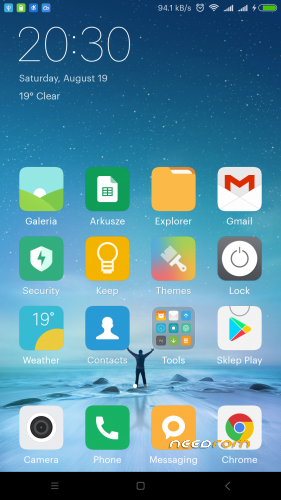
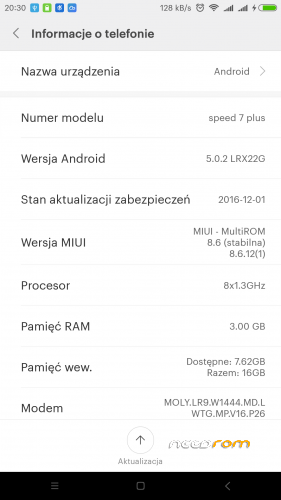
I ported this ROM MIUI 8 6.12.1 For Firefly Intense Desire
All Credits are to:
- - Janric Vicedo (The One Who Originally Port This!)
- - Knight Owls Porting Assassins
- - MultiROM
- - pocaropa
- - MiUi Polska
Details
- - Based Android 5
- - Pre root with Busybox
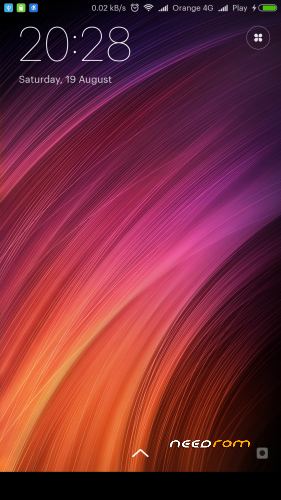
- - MiUi 8 6.12.1
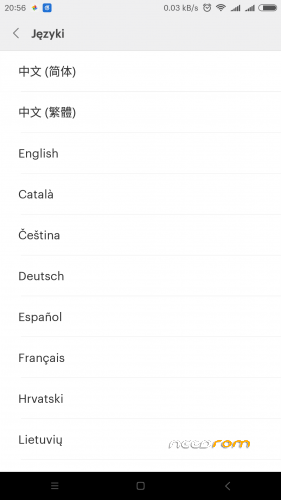
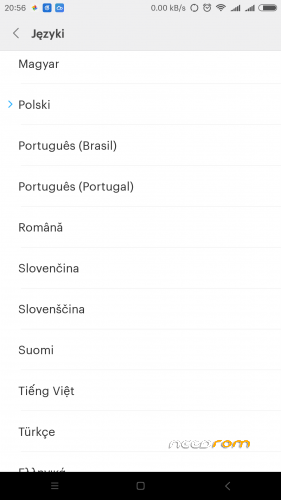
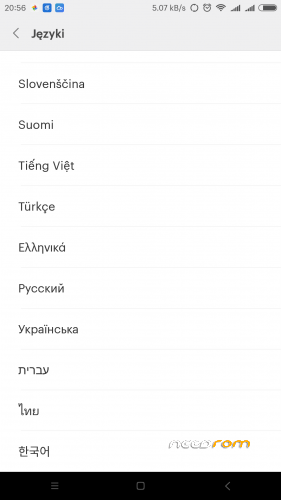
- - Multilang
- - tweaks on bulid.prop
- - added /etc/hosts file
- - bloatware apk removed
Tested
- - wifi / hotspot
- - sim1/sim2 + mobile data
- - camera front / back
- - Torh
- - Bluetooth
- - GPS
- - rotate screen
Not working
-
- compass – like on stock ROM

How Install
1) Download ROM to to your phone/SDcard
2) Reboot phone to Recovery (tested only on this CWM)
3) wipe data/factory reset
4) wipe cache partition
5) advenced >> wipe dalvik cache
6) install ZIP
7) restart system. Make a coffe and wait 10-15m.
8) Reboot phone to Recovery and install Updates.
xposed installer download – flash via Recovery
Waiting for Wi-Fi to download apps from Google play store
Open app 'Downloads', go to 'Settings' (top right corner), in 'Download size limit' use the scroll wheel to select 'Unlimited.'
※Please make a backup of your device before installing or updating ROM
şunu türkçe anlatan biri yokmu adam akıllı
Hi.
I have a ZOPO zp952 with the latest stock firmware. Worked badly.
Decided to install this firmware. Did everything according to the instructions, starting with a clean installation of the first stock firmware, recovery and getting root.
At the download stage, an hour was waiting, the system hung on the MiUi logo and did not boot. The operation was repeated twice.
As a result, rolled back to stock.(((
restart the system. Take coffee and wait 10 to 15 minutes I waited for 1 hour
and nothing Rom can install
This must be installed over stock 5.0 lolipop.
I tray instal…tnx for post…