
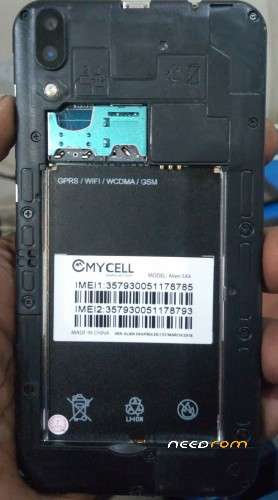
- Title: MYCELL ALIEN SX4 PRO LCD FIXED 2ND VERSION FLASH FILE 100000% TESTED
- Listed: November, 2018
- Last modified: 11/05/2018 12:30 pm
- Version: ANDROID 5.1
You must be logged for ROM download.
9508 total views, 1 today
 Member Info
DESCRIPTION
MT6580__ALIEN_SX4_PRO__ALIEN_SX4_PRO__ALIEN_SX4_PRO__6.1__ALPS.L1.MP6.V2_YUANDA6580.WE.L
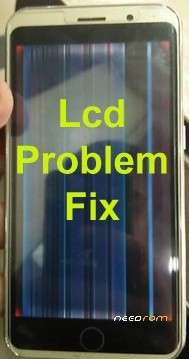
Mycell Alien SX4 Lcd Fix Done Firmware Flash File Tested
Mycell Alien SX4 Display Fix Done Firmware Flash File Tested
Mycell Alien SX4 Hang Logo Lcd Fix Done Firmware Flash File Tested
Mycell Alien SX4 Lcd Fix Done Flash File Firmware 2nd Version Tested
READ HOW TO FLASH
1.Download the correct firmware to your computer.
2.Extract the file in desire drive to your computer.
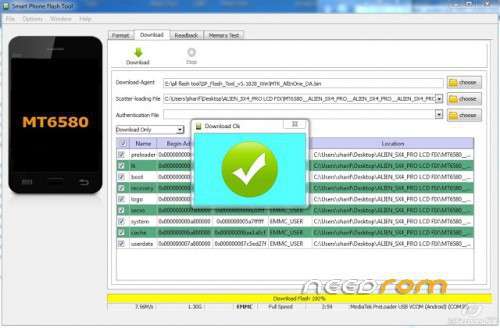
3.DOWNLOAD and Run SP FLASH TOOL
4. Load scatter file from the extracted firmware folder.
5.Now Click the Download / upgrade button of SP flash tool to start flashing.
6.Turn off your mobile and plug in again with data cable
7.And wait for finish the process and please don’t unplug your device before finish the process.
8.If the flash success a green ring will show on the top of the display.
PAID FILE NOT WITHOUT PASS
9. MOBILE 01822171746
※Please make a backup of your device before installing or updating ROM

|
pass ke ???????????????????????????????????????????????????????
? is the password
pass ke ???????????
paSS…………………..????????