
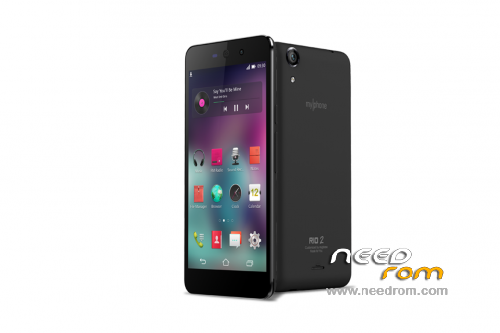
- Title: MyPhone Rio 2
- Listed: July, 2015
- Last modified: 07/23/2015 1:44 pm
- Version: v1.14/April 8 Kernel
You must be logged for ROM download.
18656 total views, 2 today
3 Total favorites
 Member Info

DESCRIPTION
ONLY MT6582
Official ROM Myphone Rio 2 Version : S5400AP_5.0_RIO_2_20150408_V1.14
Gapps include – No Rooted
Language support: Multilang
Install ROM :
- Unpack FlashTools, and Click on Flash_tool.exe
- Select a the MT6582_Android_scatter.txt in ROM
- Wait file to be added into Flash Tool
- choose Option->USB Model,click USB Model
–> Choose Option->DA DownLoad All->Speed->High Speed, click High Speed
- Turn off your phone, remove the battery.
- "Press F9 (hit Download button)" OR " if upgrade ROM Firmware->Upgrade "
- and connect your phone into the computer via USB data cable.
- The process will start and a red progress bar will appear after color purple, yellow.
- And green circles display
- Finish !
- You can now safely disconnect your phone and turn it on.
Password: akoaytuwidisback
credits to:
MyPhone Rio 2 Official Group
AkoAyTuwid
※Please make a backup of your device before installing or updating ROM
Penge link
HI THERE! hindi po makita ang scatter.txt sa file. missing po. salamat sa pag re-upload