
- Title: Mystic OS v4 Lollipop Acer Liquid E2 duos V370
- Listed: September, 2015
- Last modified: 09/25/2015 2:04 pm
- Version: 5.1.1
You must be logged for ROM download.
19067 total views, 1 today
5 Total favorites
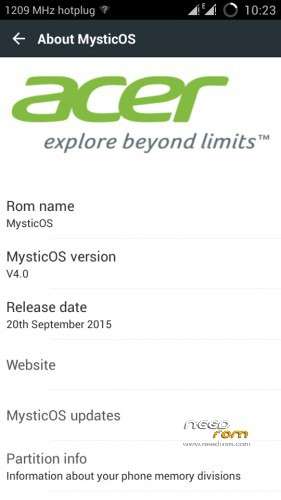
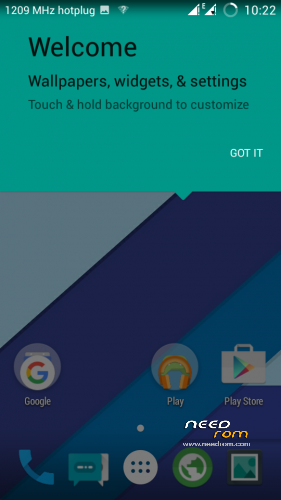
 Member Info
DESCRIPTION
PLEASE GIVE YOUR APPRECIATION BY GIVING A CREDIT FOR ME AND GIVE MY SOURCE IF YOU WANT TO SHARE THIS ROM ANYWHERE
Inside this ROM :
- Pre-Rooted
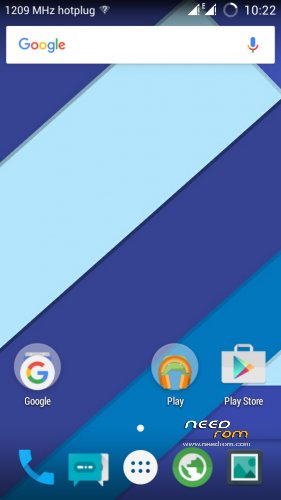
- Android M bootanimation
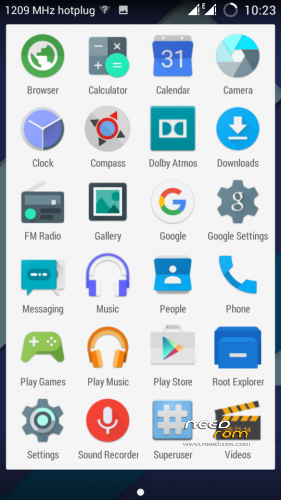
- Pre-installed Root Explorer
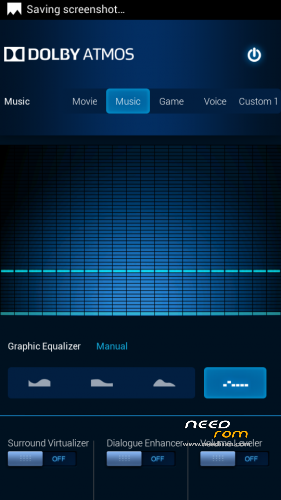
- Pre-installed Dolby Atmos
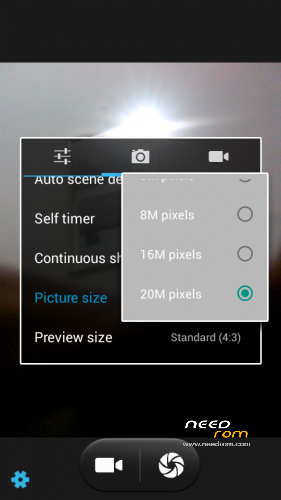
- Pre-installed 20 MP back camera
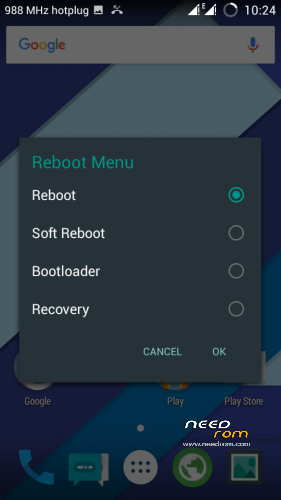
- Advanced Reboot Menu
- … try it yourself …
DONT FORGET TO BACKUP
3 WIPE, 3 FORMAT, FLASH VIA CWM
NOTE :
THE PHONE WILL GO BLANK SCREEN ON FIRST BOOT AFTER BOOTANIMATION
BUT IT'S NORMAL. JUST WAIT UNTIL IT GO TO SETUP
CREDIT :
Raj Shekhar, Bang Djoe
ported by : http://central-data.blogspot.com/2015/09/custom-romport-lollipop-acer-liquid-e2.html (click to visit)
update fixed phone memory : (thanks to dorik-xxx)
http://adf.ly/8774443/mystic-fix-memory
or
http://adf.ly/8774443/alt-mystic-fix-memory
FIXED MEMORY (UPDATE 2) !!
http://adf.ly/8774443/mystic-fix-memory-update2
or
http://adf.ly/8774443/alt-mystic-fix-memory-update2
goto CWM Recovery
Install zip files WITHOUT doing any wipe
※Please make a backup of your device before installing or updating ROM
me too, can't see phone memory, please fix on this problem. tq very much
Fix Memory https://yadi.sk/d/a5zJTDCrjRu9.....D
i have attach new zip files for fixing phone memory
thanks for your patience
Is this lollipop or kitkit????
links not working
central-data.blogspot.com/2015/09/custom-romport-lollipop-acer-liquid-e2.html
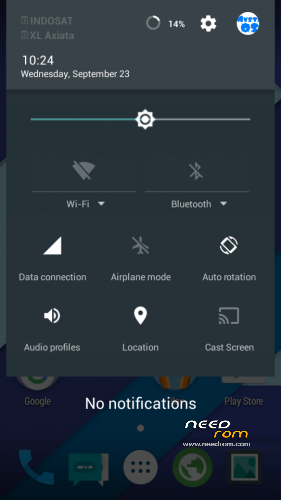
Hello! Can you tell me how to stop displaying the frequency of the processor in the notofication bar?
Found out: Settings>[MYSTIC FIBRES] Advanced>Cpu Info>Uncheck all!
link is not working..
 please help can't download anything..
Please give fshe links
PLase give fresh links
hi,i don t now how to instal it because is not working from sdcard and sp flash tools….
Will this work on an E3?