
- Title: N003 Premium S4UI
- Listed: November, 2013
- Last modified: 11/01/2013 7:08 pm
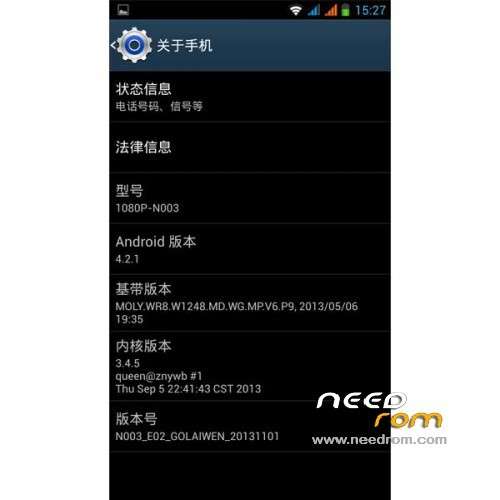
- Version: ROM Android 4.2.1
You must be logged for ROM download.
15552 total views, 1 today

 Member Info
DESCRIPTION
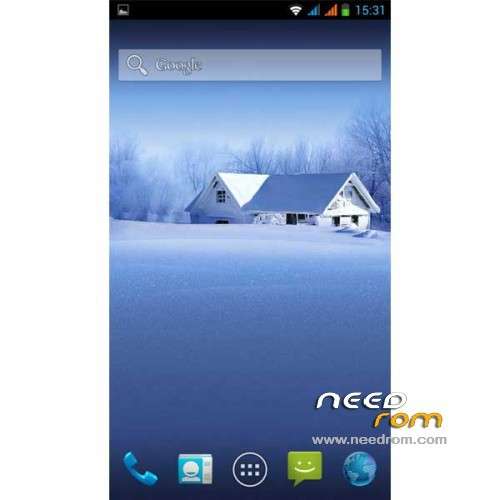
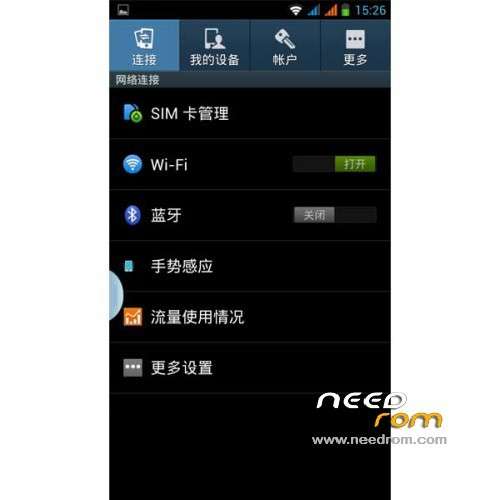
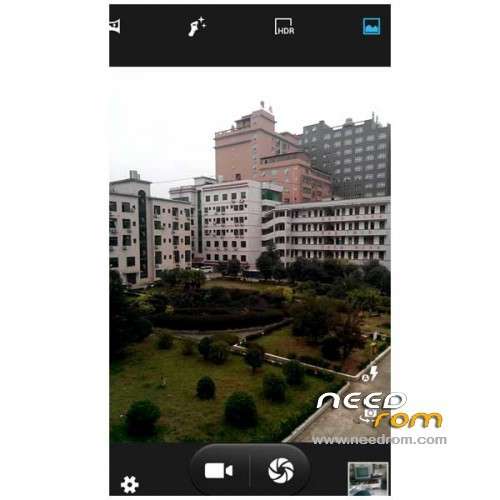
ROM Mobile N003 Premium – ROM Android 4.2.1
For mobile N003 1080P N003 Premium - MTK6589T – 2GB Ram – 32GB Rom – 1920*1080
Maybe working with N003 youth but no guarantee
Features ROM:
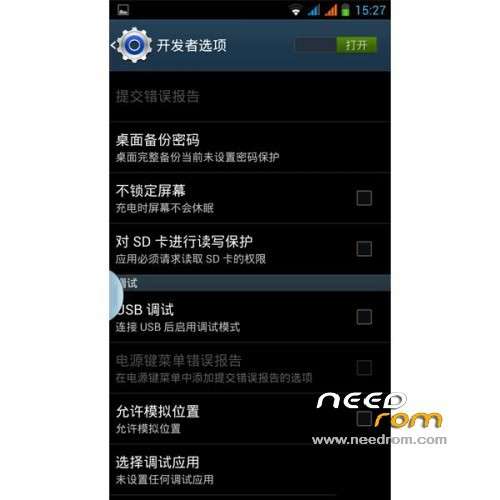
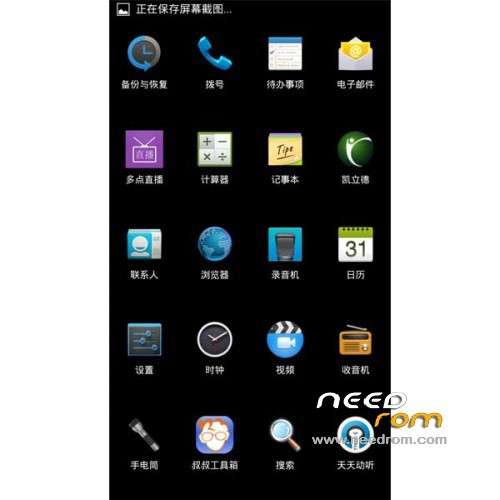
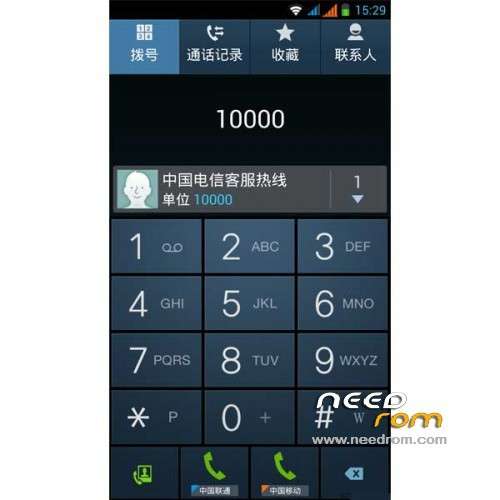
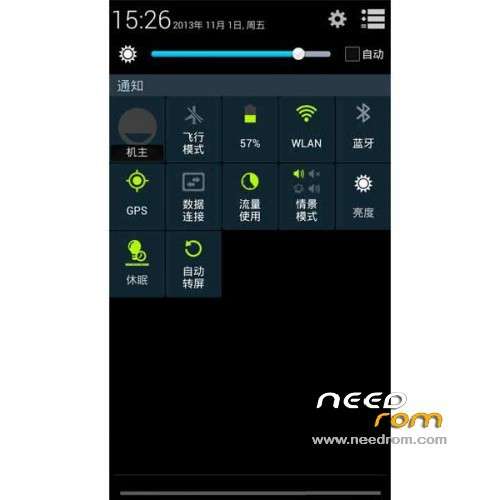
1 the latest official stable version of the native modify all programs zipalign optimization ;
2 the next part of the program to keep the system stable and streamlined to reduce resource consumption ;
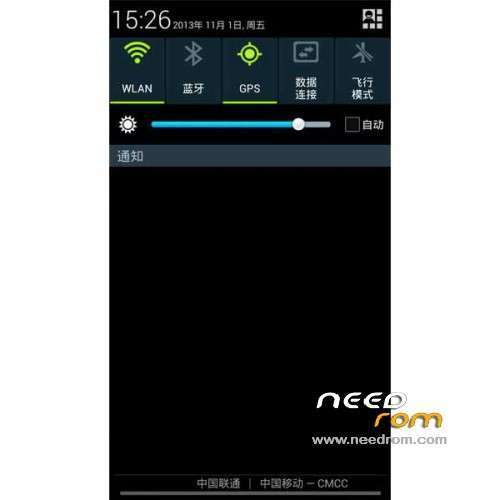
3 the global background transparent , you can customize the background image displacement globally , the default is frosted background ;
4 the system is ROOT, comes with super authorization management and RE File Manager ;
5 pre-installed input method and mobile telecommunications fly uncle toolbox, such as do not like brush after unloading ;
6 Google framework and login is installed ;
7 add the BusyBox support ;
8 the replacement battery icon is a self- made blue -ring Battery icon shows clear and beautiful ;
9 built Xposed framework and senior home design , you can round on the system interface, status bar , notification bar , etc. enhancement setting ;
10 ringtones were optimized and streamlined replacement , remove some nasty tones, adding some sweet tones ;
11 and replace it with a powerful Hololauncher starter , to strengthen the management of the desktop and menu settings ;
12 the replacement digital display fonts , standby , lock screen time display font is more beautiful ;
13 optimizing the GPS configuration files , speed up search positioning time ;
14 increasing the boot music ;
15 to increase the system comes with a browser ;
16 some other small changes .
Bugs:
- WIFI is turned on but can not connect to the Internet occasionally , need to restart the phone only after properly.
- no HDMI connection options. MTK6589 chip itself has no HDMI
Gapps lite include – Rooted
Language support: Multilang
Install ROM :
CWM
Step 1: Download the custom ROM copied to an external SD card root directory
Step 2: the shutdown state. While holding down:
– Power button + volume button up, to enter the recovery mode.
– Wipe Data / Factory Reset -> delete all user data
– Wipe Cache Partition -> Wipe cache
Step 3: Return to recovery main interface Install zip from sdcard -> choose zip from sdcard -> Select your ROM
Step 4: Brush complete, restart the phone Patience required – first boot takes a while
※Please make a backup of your device before installing or updating ROM
Is this compatible with E02 or / and 1.1 versions?
not v1:1
unfortunately it can not connect to wifi and 3g internet. audio interface beautiful. no internet then do
fix this ROM !!
é uma boa rom! mas arranja a wi-fi!