
- Title: Neken N6 MIUI V5
- Listed: September, 2014
- Last modified: 09/20/2014 2:53 pm
- Version: 4.2.1
You must be logged for ROM download.
17033 total views, 2 today
 Member Info
DESCRIPTION
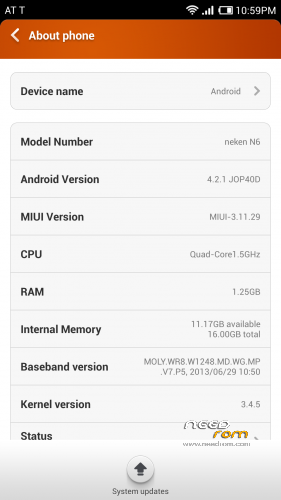
Latest MIUI V5 Android 4.2.1 rom working on my Neken N6 1/16gb version. I cannot confirm this works with other phone versions.
Gapps not included (install included gapps file)
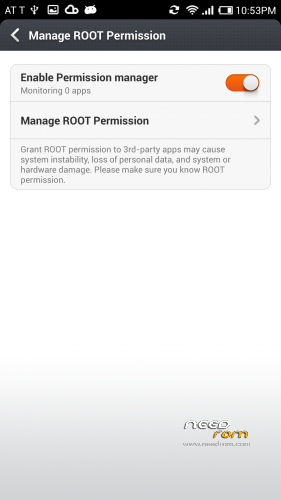
Rooted (use permissions app on phone)
Multilanguage
—-Install—–
Copy rom, recovery.img and gapps file to root of phones storage.
Install TWRP with the Mobileuncle MTK Tools app which can be downloaded from Play Store. Choose the Recovery Update tab then select the recovery image provided.
Once installed locate the TWRP folder on your phone and inside this create a folder named "theme" (without quotes). In the theme folder place the ui.zip file to correctly match the TWRP ui to your screen resolution and prevent rendering errors.
Once complete shut down the phone.
Reboot phone holding power and volume + to enter TWRP recovery to install rom.
Select wipe in TWRP to do a factory reset and wipe the cache then move slider to the right to begin. I did this twice when I installed.
Select install in TWRP and select the MIUI rom and move slider to begin install.
Once complete reboot system then shut down the phone.
Reboot phone holding power and volume + to enter TWRP recovery again to install gapps.
Select install in TWRP and select the gapps file then move slider to begin install.
Once complete reboot system and enjoy.
If you encounter any issues after installing either rom or gapps then use TWRP to perfom a factory reset and do another wipe. Also if problems exist after installing then reboot into TWRP and under the advanced tab select fix permissions.
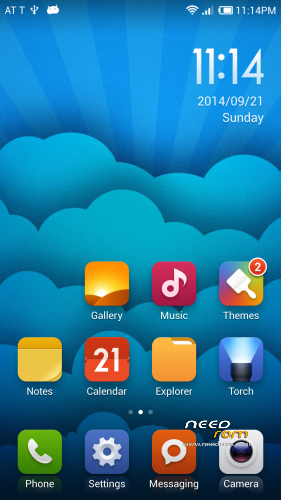
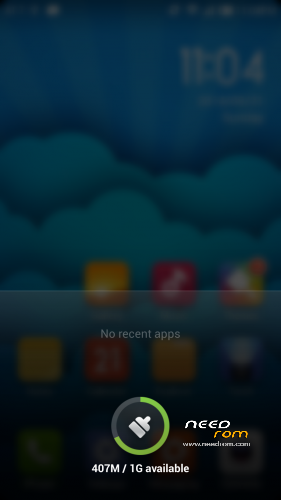
(The blue cloud wallpaper was downloaded through the theme app)
※Please make a backup of your device before installing or updating ROM
Hola como puedo instalar con SP flashtools, que se hizo brick en el movil y no puedo reparar
Gracias
@jbag Yo segui este tutorial en Youtube https://www.youtube.com/watch?.....v=U1CkqdLGkE4
This is the solution for Flash Tools after brick
It does not work for me either. Black/blank screen. I saw the layout for a second but disappeard again into the black screen. What now? How to fix?