
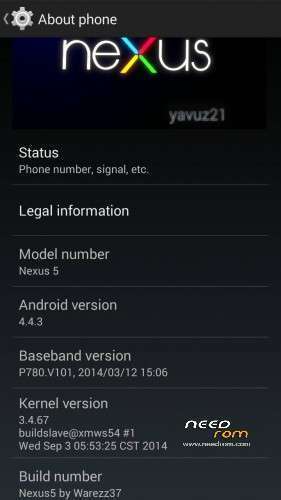
- Title: Nexus 5 by Warrez37
- Listed: November, 2014
- Last modified: 12/05/2014 6:11 pm
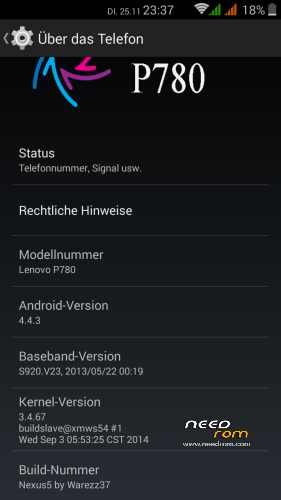
- Version: 4.4.3 Android
You must be logged for ROM download.
26892 total views, 2 today
3 Total favorites
CUSTOM





 Member Info
DESCRIPTION
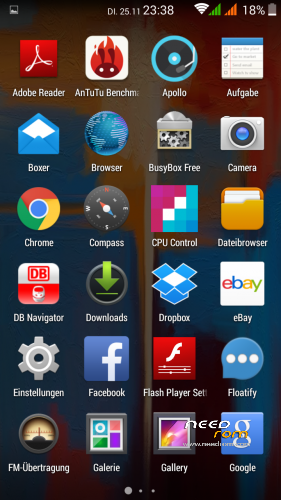
Here are the links to Warezz37 his “Nexus5“ AOSP-Build.
It can easy be flashed with the chinese TWRP.
It is China based.
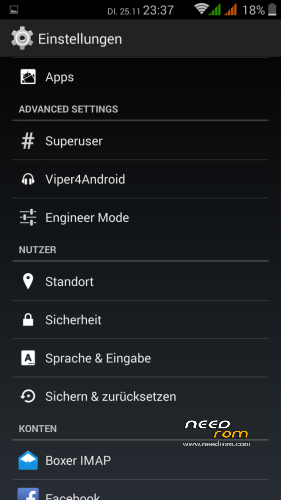
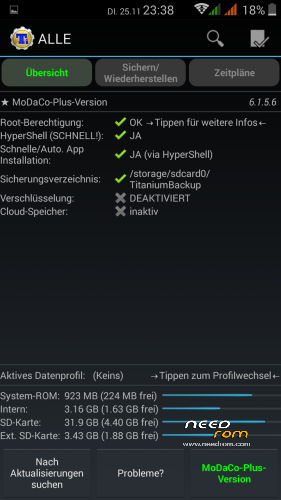
Rooted and Multilanguage.
I'm using it for two days and haven't experienced any bugs
Original Source:
http://4pda.ru/forum/index.php?showt…#entry35015123
You can search at xda for further informations!
Edit 12/05/2014
Uploaded 2.2 Final.
I didn't test it until now!
※Please make a backup of your device before installing or updating ROM
battery consider good but some problem on SIM2 not getting network (no Network) on changging Tower (sometime)
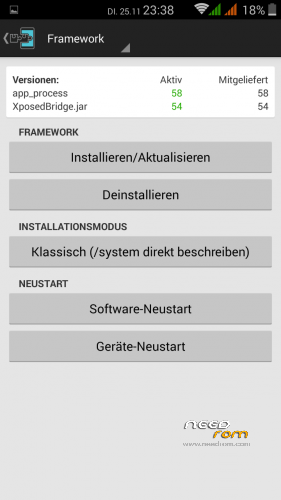
The time U installed Xposed Installer U not be able to set Runtime to 'ART' only dalvik by defaul
Lag mostly on appl (whatsapp aspecially..too long white screen..FB take sometime to load)..Slow on visual caller (ringging then a while the visual comin)
The best Icon for GPS…nice and on the right statusbar..
This is how i installed Nexus 5 by Warrez37 on a 4GB Row (non China) version.
1– install P780_S135_130917 by following the guide in this website http://www.cyberkey.in/install.....80-row-version/
2– download P780_Nexus_5_by_Warezz37_up2.2_final from this site
3– transfer P780_Nexus_5_by_Warezz37_up2.2_final.zip you downloaded to the SD card
4– boot the phone into Recovery Mode by holding down VOLUME+, VOLUME- & POWER key simultaneusly.
5– Choose WIPE and wipe Cache, Factory reset & Dalvik Cache
6– Choose INSTALL and install P780_Nexus_5_by_Warezz37_up2.2_final.zip
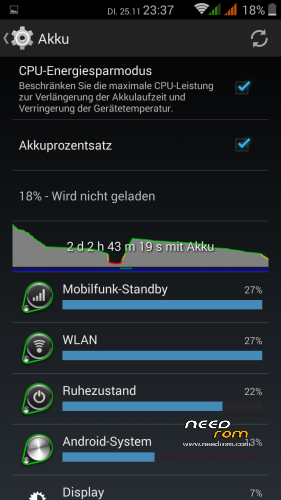
This rom trades battery life for performance…. Battery drains relatively fast compared to the vibe ui rom but is smoother and lighter
Hi !
I have small problem – Antutu 5.7.1 can't run 2D test.
I factory reset and reflashed rom' but no success.
Out of this, it's best KitKat rom for Lenovo P780.
All programs works good and exellent battery life – 2-3 days with 3G, WiFi, BlueTooth and GPS allways ON.
I really missed wakeup by volume buttons.
But anyway, in my opinition now it's best KitKat rom for the device.
Thank you