
- Title: Nexus Style V3 Feiteng H9500+
- Listed: June, 2014
- Last modified: 03/24/2014 3:44 am
- Version: 4.2.2
You must be logged for ROM download.
20751 total views, 1 today
1 Total favorites
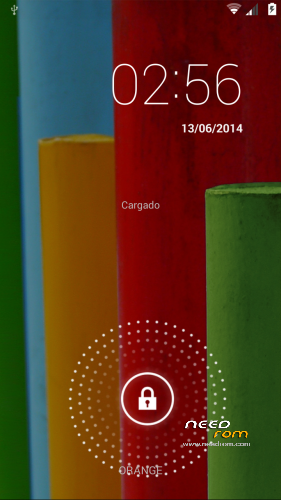
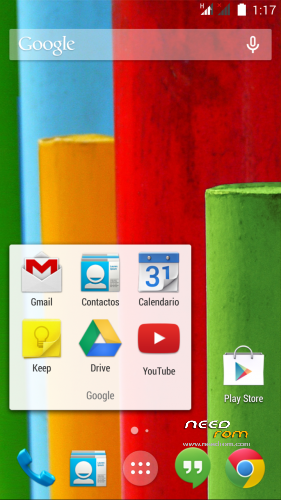
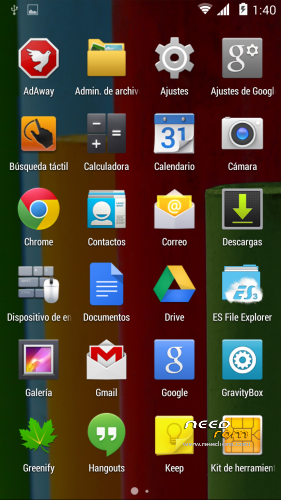
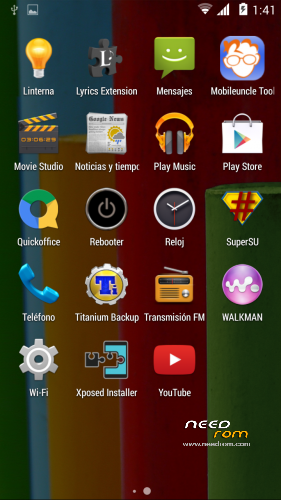
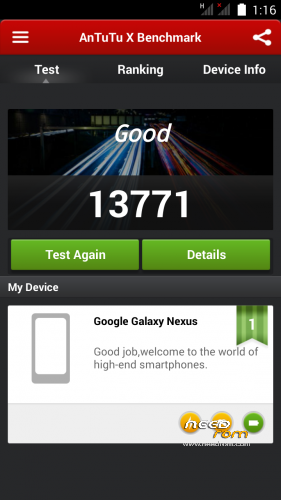
 Member Info
DESCRIPTION
Only MTK6589
If you like my work, rate me as author and make me a donation, THX
(Google Traslate sorry)
Changelog V3:
- Based on a ROM for Zte V967S
- Deodexada, zipaligneada and rooteada.
- Init.d Scripts.
- Partitioning of the original system.
- Added GPS.conf to Spain.
- Aroma Installer.
- Google Edition Bootanimation.
- Change default wallpaper.
- Changed some coloeres system.
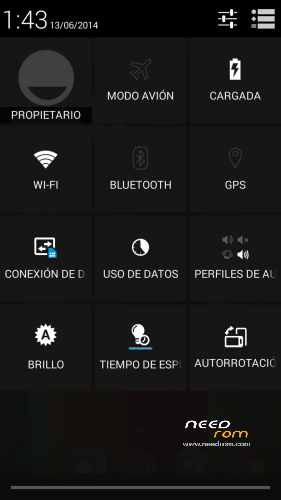
- Transparent notification bar.
- White icons in the notification bar.
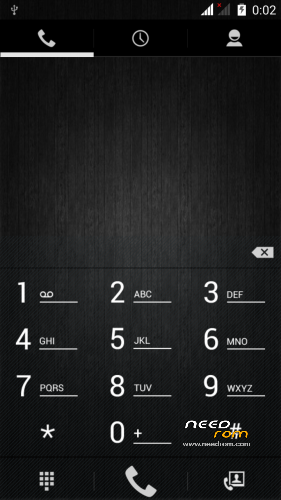
- Changed dialer background.
- Changed the dialer numbers on white
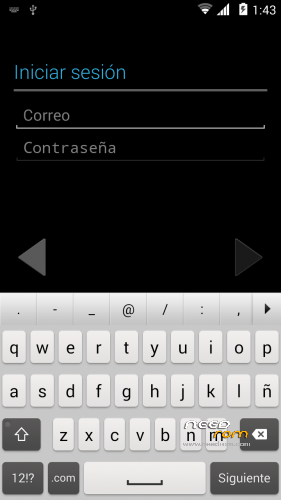
- Added keyboard white Xperia with some skins.
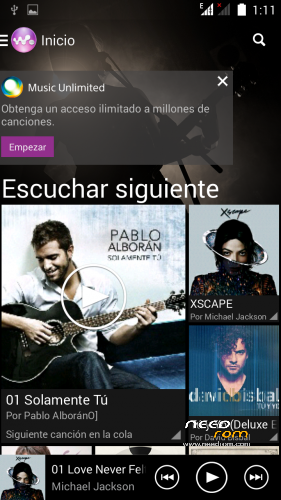
- Added Sony Walkman Xperia Z2 (Visualizer does not work)
- Added some updated apps and more.
- Xposed Installer and Gravity Box
- Original Sounds Nexus 5
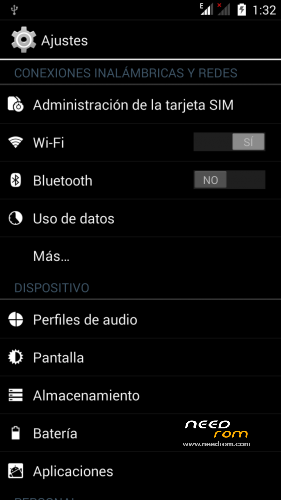
- Multilanguage
- If you want SD memory set to internal memory and easily resize/data check THIS…(this in Spanish)
Install ROM :
CWM
Step 1: Download the custom ROM copied to an external SD card root directory
Step 2: the shutdown state. While holding down:
– Power button + volume button up, to enter the recovery mode.
– Wipe Data / Factory Reset -> delete all user data
Step 3: Return to recovery main interface Install zip from sdcard -> choose zip from sdcard -> Select your ROM
Step 4: Brush complete, restart the phone Patience required – first boot takes a while
※Please make a backup of your device before installing or updating ROM
Для Русских) Хорошая прошивка. Мне понравилась..самое главное что наконец то теперь приложения автоматически ставятся на флешку, правда для этого пожертвовали памятью телефона. но не суть.
Does Dualsim work?
Maybe yes, i have only one sim, sorry
PERFEKT. thx
phone memory is delete , i install 30 apps and phone say memory is full , pls fix storage problem
I have 1gb of apps and I still have another free 1gb…
i can not app to sd card and not to internal storage , i have not a another free 1gb . this is problem.
i flash stock rom i have 1 gb app storage , 1 gb free phone storage , and my sd card storage.
you rom have always 1 gb app storage , not a 1 gb free phone storage = is sd card – can not send app2sd.
I says in the description, SD memory set to internal memory, here you can see how to do this in Spanish …
hi Blesal thy for this link you help me very good , i have 2,4 gb app storage very nice .
thy buddy
I'm glad buddy…
Could you please tell me the name of the original zte rom?
ROM V967S AOSP by gacama
Helo Gacama, i install dis rom, bat after install and restart phone not run dis rom, wait 30 min. bat not wark, gast close and open flash recovery.
What is your phone? in my Feiteng H9500+ everything works fine, by the way, Gacama is the author of the ROM that I used to port this, I'm Blesal…
This Rom works with Feiting H9500+ , works very fine but I lost my phone memory. I mean I cannot see Internal storage, External SD card is shown as Phone storage. How to show the internal memory as phone storage???????????? Please update…
I says in the description, SD memory set to internal memory, here you can see how to do this (in Spanish)
Hi, Does this rom work with HTM GT-H9500?.
Another question, Does it resolve the problems with GPS?
Thanks
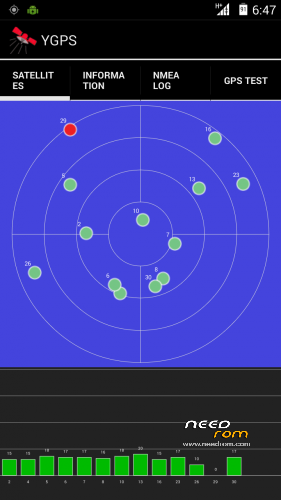
You can try… Backup your rom before flashing this, I don´t have problems with the gps on this rom, see the images, gps is connected…