
- Title: OBESDIAN 4.2.040515
- Listed: April, 2015
- Last modified: 04/15/2015 1:51 pm
- Version: 5.0
You must be logged for ROM download.
23020 total views, N/A today
9 Total favorites

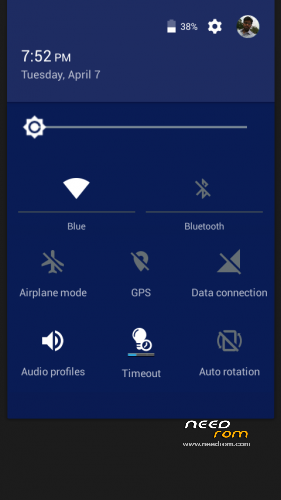
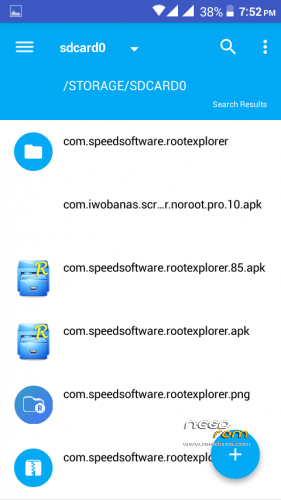
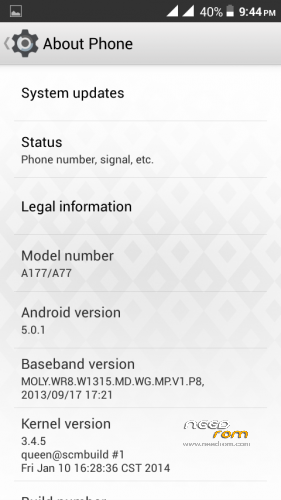
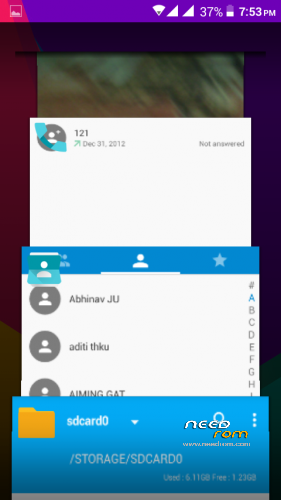

 Member Info
DESCRIPTION
Obsidian ROM For A177/A77
IMPORTANT NOTE
LINK IS MADE PUBLIC NOW
This is the HARD WORK of Developer Siong Esteban
THE WHOLE PROCEDURE AND FILE HAS BEEN CHANGED SO TRY THIS NEW ONE REQUEST TO EVERY ONE
FOR MICROMAX A177 & A77
- DOWNLOAD THE ROM FROM THE LINK
- (same link for a177 and a77)
- place the rom In ur sd card
-
(i) A77 users needs to replace the boot img before placing into sd card
-
Now GO to recovery
-
Install the zip (browse your obesdian .zip in ur sdcard)
-
NOW after completion
-
DO A FACTORY RESET OR JUST WIPE THE DATA AND CACHE
- NOW browse the patch and install
- ( you can also flash patch after the first boot up no issue with that)
-
NOW HIT REBOOT NOW
-
WAIT FOR MAX 10 mins … USUALLY IT WILL TAKE 5-6Mins
- ALL done enjoy rom it will definately boot up
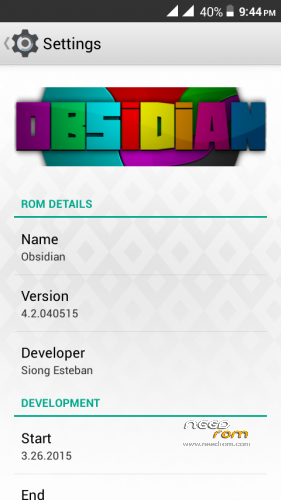
Obsidian
4.2.040515
Developed by Siong Esteban
for MT6572 Devices
—–
Proyecto™ Innova
http://proyecto-mt6572.ucoz.com/
http://www.facebook.com/proyectomt6572
—–
Features
Basic Features
-Rooted
-Deodexed
-Debloated
-init.d Enabled
Main-Lollipop
-Jelly Bean User Interface/Framework *Not Completely
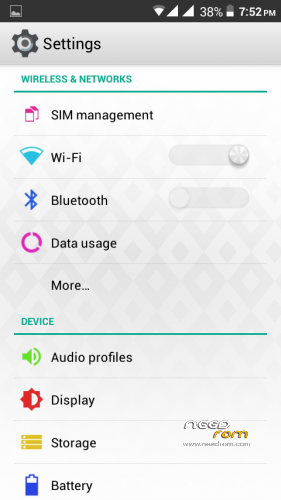
-Material Apps
-Smooth Perfomance
-Clean to use-Additional Apps
-Updated Google Play Services and Store
-Others
Lollipop User Interface/Framework
-Notification Panel/Quick Settings *From FMD devs
-Status Bar Tint *From FMD devs
-Launcher
-Easter Egg
-Extended Power Menu (Hot Boot, Download, Recovery, Shutdown)
-Custom Framework Backgrounds (Holo Dark/White)
-Other parts
*Why not completely Lollipop UI? Let's just be different.
Material Apps *Updated
-Calculator
-Calendar
-Clock *From Lollifox
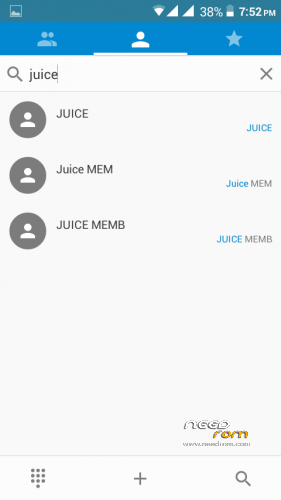
-Phonebook/Dialer
-File Manager
-Flashlight
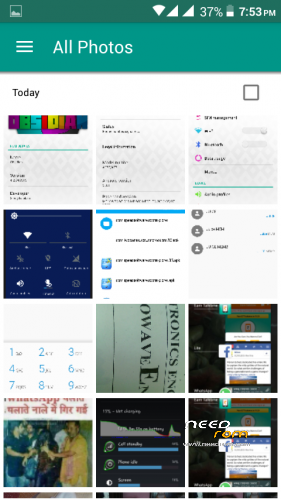
-Gallery
-Messenger
-Music Player
Smooth Performance
-Light Tweaking-
Battery
-Kernel
-CPU
-Net Speed
-A total of 550 VRAM Tweak from Cache, Data, and System
Clean To Use
-No dirts
-Light Looking
Additional Apps
-Greenify
-Titanium Backup
-Terminal Emulator
Updated Google Play Services and Store-As of April 5, 2015
Others
-Dolby Digital Plus
-Obsidian Wallpapers (Lollipop Wallpapers)
-Lollipop Boot Animation
—–
Download
*coming soon
—–
Instructions
Boot to recovery.
No wipes, just install the ROM.
After the first boot up, reboot to recovery.
Download the patch here, http://d-h.st/nsMo, and install.
When booted up, wait for SuperSU Grant to appear, just press grant.
Titanium Backup will start to restore the default settings.
When finished, reboot.
There you go, Obsidian 4 is now ready to use.
If you want to enable Lollipop Lockscreen, go to Settings>Misc>Custom Lockscreen.
More screenshots you could find on- http://proyecto-mt6572.ucoz.com/publ/proyecto/innova/obsidian/8-1-0-10
Dont Forget to backup your . Neither me nor the developer is responsible for any damage to your device or dead sd card etc
LINK UPDATED…….
※Please make a backup of your device before installing or updating ROM
Ezey download link plz
no eazy download link pm me for link
WHAT IS PM
if permition
plz send download link my email
plz provide permission to download this rom Ravinder
Download link please
Bro u done very bad…pm me fast
PM IS PERSONAL MESSAGE OR PRIVATE MESSAGE
click on link and message there
Page not found
it shows page is not available
Provide dwonload link
Send me download link
is that a exact 5.0 or based on 4.2.2.