
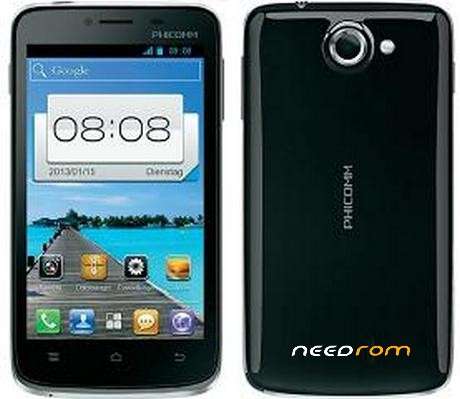
- Title: Official Firmware Phicomm i600
- Listed: April, 2017
- Last modified: 04/25/2017 1:41 pm
- Version: i600 0000 4.1.2 1.0T02 1128 SH
You must be logged for ROM download.
12272 total views, 1 today
2 Total favorites
 Member Info
DESCRIPTION
How to flash i600
1.1st Copy ROM i600_4.1.2.zip file in your SD Card
2.Power off the smartphone device and insert the micro SD card (with the firmware zip file)
3.Press Volume “+” button and “Power” button simultaneously until you see the Android system recovery screen
4.Use the volume “+” or “-“ button to select “apply update from sdcard” option,and press the power button to confirm selection.
5.Select zip file and press the power button to install the firmware.
During the upgrade process
*Once completed, you should see the following screen indicating that the upgrade is successful with the message “Install from sdcard complete”. Upon completion, the smartphone device will reboot by itself (some phone models may reboot a few of times to complete the installation)
※Please make a backup of your device before installing or updating ROM
nice job ma men…. thanks a lot…………!!!!!!!!!!!!1
hi
thanks mate! i appreciate your werk!
Thank you for sharing bro, nice job indeed
hola brod como estas el mio es un phicomm i600 me sirvira esa rom se quedo en el logo