
- Title: Official iPhone 11 stock rom MT6580
- Listed: June, 2024
- Last modified: 06/29/2024 9:13 pm
- Version: Android 7.0
You must be logged for ROM download.
3901 total views, 4 today
 Member Info
DESCRIPTION
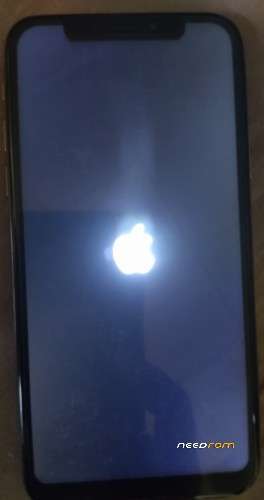
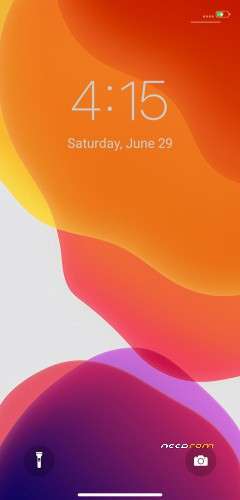
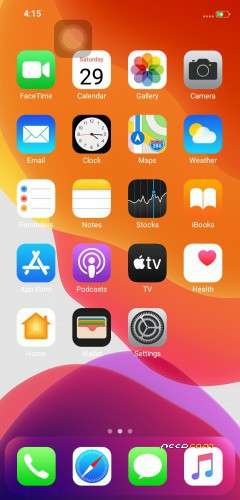
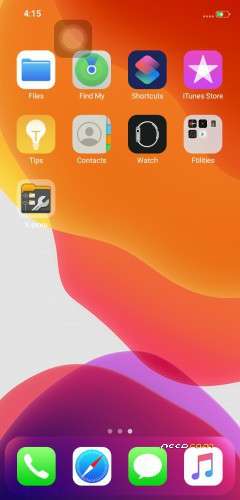
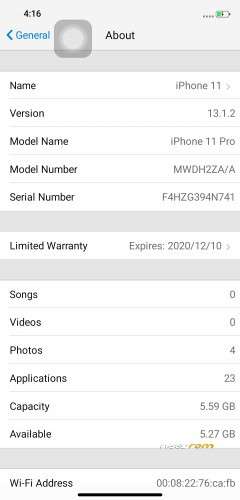
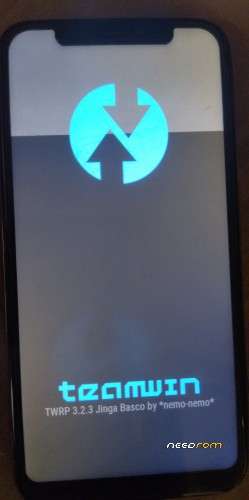
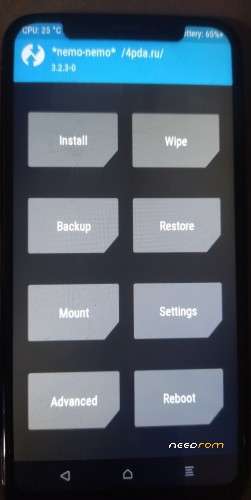
This is stock rom for iPhone 11 clone. In this zip file contain 3 stock rom image, one stock rom with stock recovery, and another one stock rom with TWRP recovery. I also include TWRP backup image for the heck of it. All of them are unrooted. In this zip file also contain 2 driver, one automatic installer and another manual installer. I also include spflash tools and wwr tools.
As always there is no warranty for this flash file, SO DON'T ASK ME, IF YOU BRICK YOUR DEVICE. IT IS ON YOU. Hope we are clear.
Something to be clear!!! Please read this description before asking around.
1) If you flash this rom with options erase all + Download. Your phone will boot into basic android image, witch is no app drawer, notification drawer, control center and limited setting options. You gonna need to install 3rd party control center, for you to access full flag system setting ie iPhone setting menu. So it is batter to stick with Download Only option, when flashing. But don't worry, you can access iPhone skins, by typing *#8686# in dialer (but once you in iPhone skins you can't switch back to basic android, you gonna need to erase all + Download again).
2)To access TWRP recovery or stock recovery menu, you gonna need to use pc, linux or mac, with adb platform-tools is setup. Simply type "adb reboot recovery" in command line or terminal and press enter. I'm saying this because this phone volume up button doesn't cooperate when trying to boot this phone into recovery with 2 button method (volume up + power button). It might be defrent cases with your phone. This volume up button also doesn't work in fastboot, when trying to oem unlock bootloader. But working fine in normal boot. What a bummer this piece of software are. But you can always root your device with 3rd party apps or pc software. Just unistall what ever bloatware they slip into your device.
Donation
You can PayPal me at asrikerex@gmail.com
THIS ZIP FILE IS NOT PASSWORD PROTECTED. So you don't have to donate it to me. If you do, I'll be greatful. If you like my work, please share it to who need it. Bye for now and Enjoy Assalamualaikum (Peace be upon you)
※Please make a backup of your device before installing or updating ROM