
- Title: Original KTOUCH Chinese ROM – multi lang – light
- Listed: March, 2014
- Last modified: 03/04/2014 1:16 am
- Version: Android version: 4.2.2
You must be logged for ROM download.
16350 total views, 1 today
1 Total favorites
 Member Info
DESCRIPTION
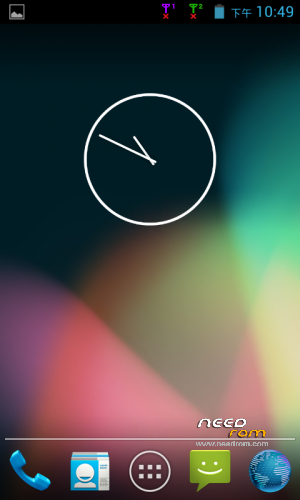
Very light original de-trashed (no chinese ballast) ROM. With original KTouch boot animation, prerooted (chinese superuser.apk included).
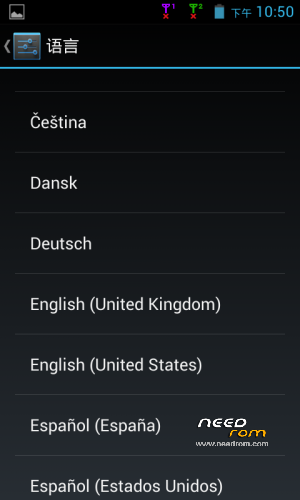
Multilanguage. No Gapps (could be downloaded http://goo.im/gapps/gapps-jb-20130812-signed.zip). Install it via recovery. Recovery could be flashed through fastboot.
How to install:
1.) download ROM and recovery fastboot package
2.) unpack recovery fastboot package
3.) unpack downloaded ROM zip into <<external SD>>clockworkmodbackup2014-02-10.11.43.44 <<files must be placed here>>
4.) install recovery.img via fastboot – put the phone into fastboot mode (power volume down hold trick) run fastboot batch file – after sucess upload boot into recovery
5.) do the FULL WIPE !!!
6.) go to backup menu in recovery and choose recover (if you want to be sured, make your backup first-takes some time)
7.) choose 2014-02-10.11.43.44 from recover menu advanced/backup/recover submenu
8.) you will see recover procedure
9.) do the FULL WIPE !!! – again
10.) reboot system
Notice: after first boot default language is chinesse, you can change it from settings/inputs&language menu
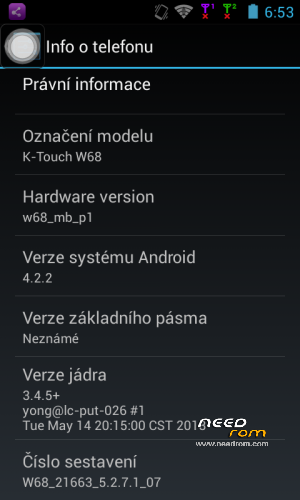
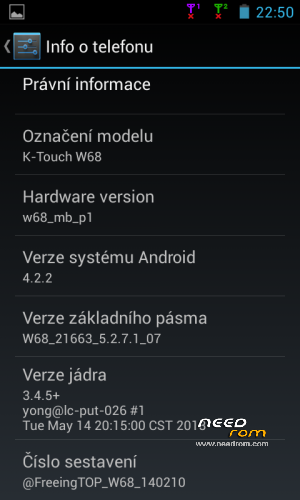
Build: W68_5.2.7.1_07
Android version: 4.2.2.
Thanks for PayPal Donation
※Please make a backup of your device before installing or updating ROM
Can i port this rom for k touch s5? How do i do it?
why fastboot.exe writes < waiting for device > and nothing happens, even when a device is connected via MTP?
You can try reboot the phone or (Get the bettery out,and wait 5 seconds and back on)
"Fastboot mode" steps
1. Press the "Power botton" , device power on & vibrate
2. Quick Press "Volume Down" holding 5 seconds, and Release
It may shows "Black Screen & Don't have any message pop put", "Press any botton wouldn't do any thing" (That's Normal)
When you plug the "USB cable" back on phone, you may see the message from Windows and Dective ADB Device
Your now have use recovery command in "Terminal Command Prompt"
"fastboot.exe flash recovery recovery.img" should work now
Downloading from PC to Phone, when it done.
Please use reboot command, "fastboot.exe reboot recovery" it will get Recovery Screen on Phone
You must copy "update.zip" or other ROM file to SD-CARD first.
When you use Recovery mode, Press "Power + Volume up" it will get Recovery Screen
and use "Install from SDCARD", then wait for complete, then reboot the Phone.