
- Title: Oukitel K10000 CM12.1 v2.0
- Listed: February, 2016
- Last modified: 03/05/2016 8:25 pm
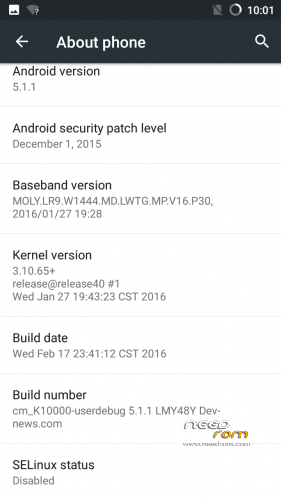
- Version: v2.0
You must be logged for ROM download.
17231 total views, 3 today
5 Total favorites
 Member Info
DESCRIPTION
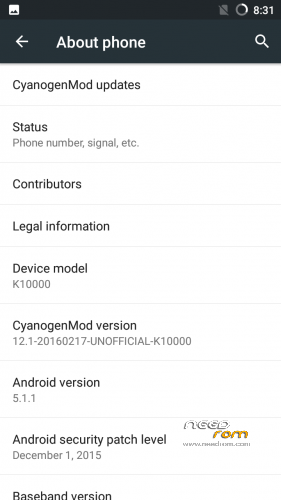
CM12.1 for Oukitle K10000 (MTK6735)
Update:-version v2.0
Changelog:-
-fixed video recording bug
-fixed sound recording bug
-fixed some performance related small bugs
Note:-It is the first ever CM12.1 for MTK6735 yet. and its for K10000, Android M (6.0 will be released soon.
Whats working:-
>>Wifi
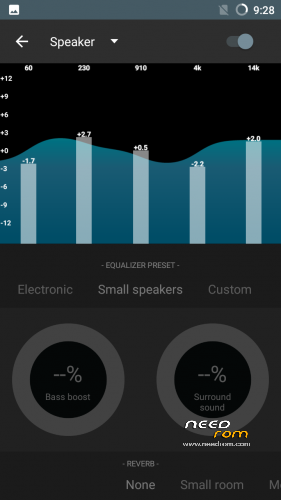
>>Audio
>>Data
>>Camera
>>Calls
>>Message
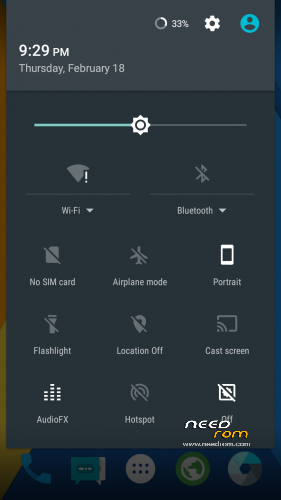
>>Themes
>>Video Recording
>>Sound Recording
Bugs:-
GPS,
Video Recording
Sound recording
…..will be fixed in next update..:p
Flash Tool Guide(pc method)
https://goo.gl/EhTazd
Installation instructions(if you install via custom recovery):-
- Root your phone if you haven't using pc/app method
- Flash custom recovery(download link given in 2nd post) using Mobile Uncle Tool/Flashify app
- Power off the phone
- Reboot to recovery
-Take a backup of installed Stock/Custom ROM
- Full wipe the data>format system
-Wipe dalvik cache and partition cache
- Flash rom zip
- Flash lollipop gapps zip
- Reboot
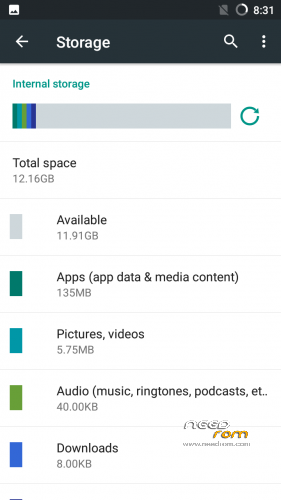
Note:-Phone will show just 1GB RAM available after installation. To fix the issue go to: Settings>Backup & Reset>Factory reset>Check the box of Clean memory>Reset.
Video
※Please make a backup of your device before installing or updating ROM
i flashed the k10000 recovery and the cm12.1 rom in the oukitel k6000
and it works fine
did you try new update?
How to root this k10000 ??
WITH KING ROOT 4.8.1
I rooted my K10000 and i had to go through a very hard time. I have all the files required to root it. If you want I can help you.
download supersu.zip
and flash it with trwp
simple..
does installed apps appear on the app drawer on your setup? I have to reboot the device so it shows installed apps since the last reboot in the app drawer!!??
i use a other launcher
it doesnt matter on mine what launcher I use, when I enter the app drawer the just installed apps are not there, after installation there is a icon on the "desktop" but not in the drawer, only when I reboot :/
strainge i don,t have that problem
only the video don,t work well
but thats a known bug and i don,t care it wil be fixed
i m happy with this cm rom
the first cm based rom for mtk chipset
Hello, there's a new update, can you make a flashable zip out of it?
can you give a link to the updated cm version!?
Do you have a link to the updated version!!??
Its hard to make a flashable zip with no files to convert.
update version is not for trwp recovery
can someone make a trwp version?
in version v2.0 sync with google not working
and video movies in facebook still not working