
- Title: Oukitel K6000 Pro, TWRP 3.0.3-0 for ARM64 FZ V12 ROM
- Listed: January, 2017
- Last modified: 02/28/2017 4:55 pm
- Version: ARM64 FZ V12 ROM
You must be logged for ROM download.
15436 total views, 2 today
4 Total favorites
CUSTOM


 Member Info
DESCRIPTION
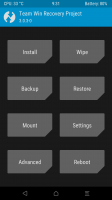
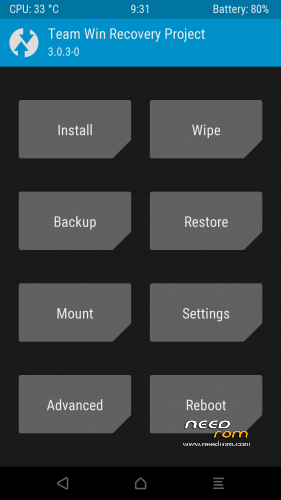
Oukitel K6000 Pro TWRP 3.0.3-0
for ARM64 FZ V12 ROM (Android Marshmallow 6.x)
Step…
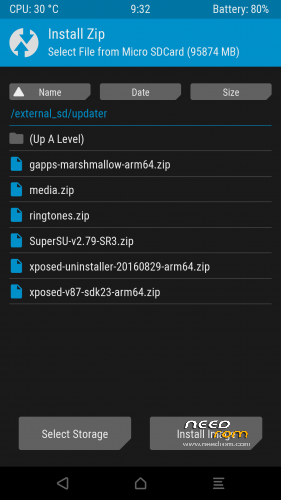
1. Copy SuperSU 2.82 to internal or external sd card
2. Switch off the phone
3. Flash TWRP 3.0.3-0 with SP Flash Tool… Not boot the phone!
4. Enter recovery mode press volume up & power button, to confirm press volume down
5. Flash SuperSU 2.82
6. Wipe dalvik cache
7. Reboot the phone
8. Give me five stars. I thank you very much for your appreciation of my work!
Quality from a German 
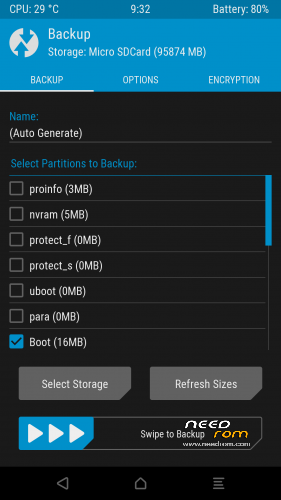
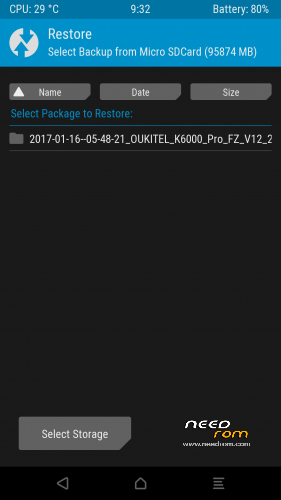
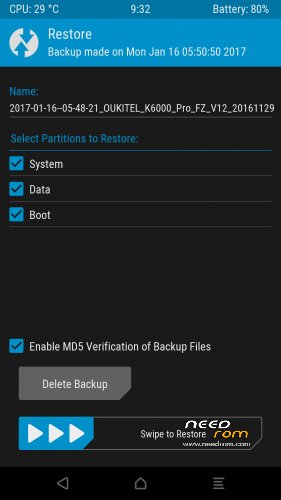
※Please make a backup of your device before installing or updating ROM
Hello.
I have a problem.
I succesfully installed the V12.
Then I installed the TWRP 3.0.
I saved in an SD card the SU.
I entered the recovery mode and tried to install the SU but it failed because of some issue with the ZIP signature.
Why? I downloaded it twice from the site but the result was the same.
I downloaded the 2.82 version of the program from the SU site but the result was that I soft-bricked my phone.
Somehow I managed to resurrect it but I am still not able to install SU.
Can you give me some help?
Problem solved.
The partition was corrupted.
So, I reinstalled the V12.
I repeated the usual procedure that led me to install TWRP.
In recovery mode, I verified immediately if I could access the /sdcard in the TWRP environment.
This time it was possible.
Then I installed SU 2.82. Everything went smooth.
So, now I have my phone rooted and with a 64-bit 6.0 android system.
That's more than enough given that some people laments that 7.0 android drains the battery faster.