
- Title: ozonide (note 3 ui)
- Listed: November, 2013
- Last modified: 03/23/2014 8:28 pm
- Version: v2
You must be logged for ROM download.
49631 total views, 2 today
3 Total favorites
 Member Info
DESCRIPTION
Note: Sms Bug and sms theme has been fixed in Patch V2
Highlights: A couple of bugs have been reported i will update the rom soon. and will make a patch too if possibile
Install ozonide V2. donot install patch v1 because it was for ozonide V1 rom,
I have tried to fix sensor and performance lag issue.but brightness settings fc persists. other than that i didnt find any issue. report back if you find any i will try to fix it.
And yes it supports 3g on both sims.i could not test the feature due to unavailabilty of 3g here leave feedback if it works for you.
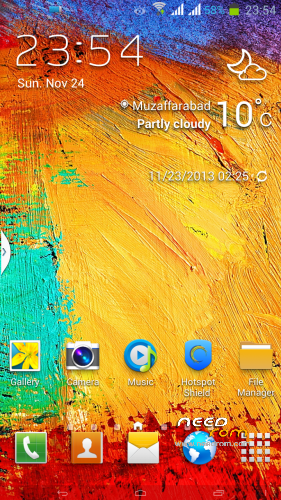
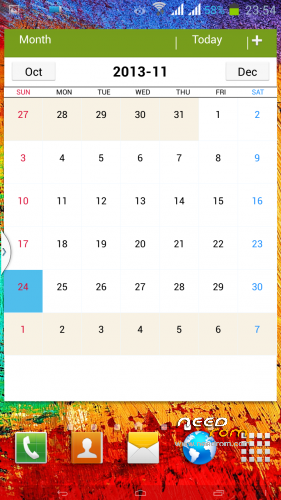
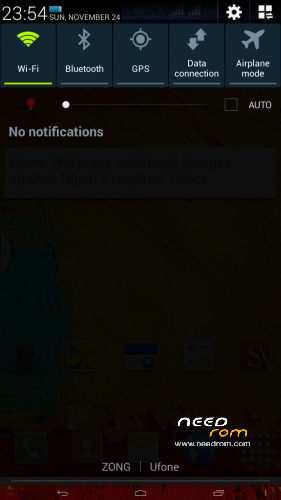
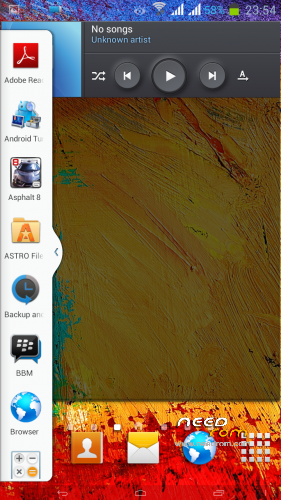
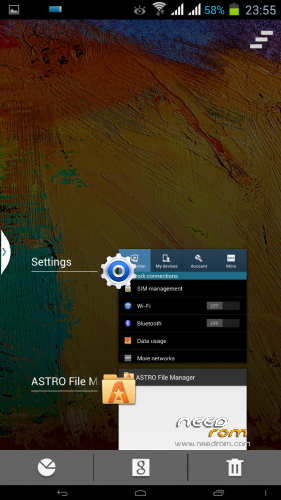
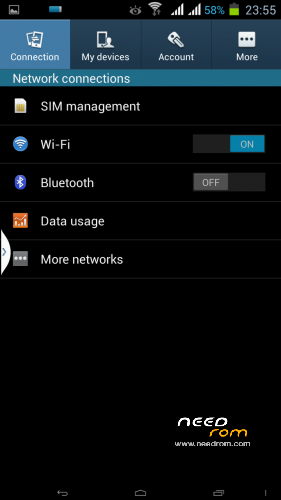
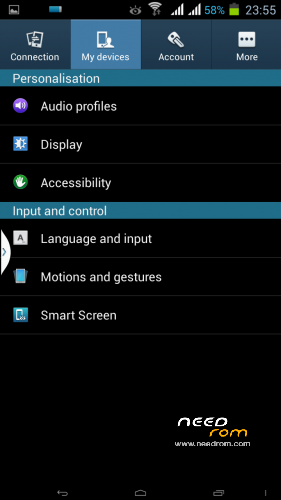
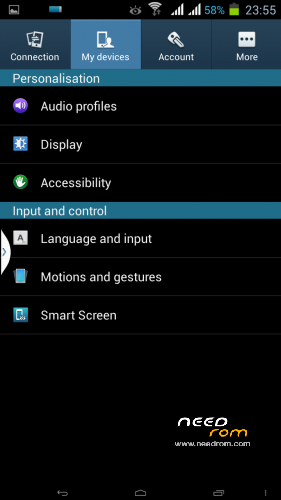
• Note 3 UI
• Launcher 6×4
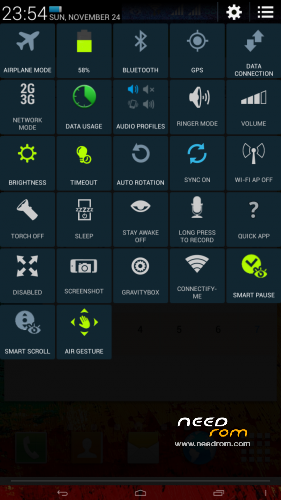
• Air Gesture (Homescreen, Gallery)
• Smart Scroll
• Smart Pause
• Transparent Lockscreen
• Transparent AccuWeather Widget (Credits: Rem Zej)
• Transparent Status Bar
• New Dialer (With Outgoing and Incoming call animation like Samsung)
• New Contacts
• Dual Sim Dual Standby
• 3G/2G in SIM 1 & 2G in SIM 2
• Green Battery Icon (Galaxy Style)
• 13mp Camera
• Swipe to Call and Swipe to Message
• Fully Deodexed & Zipaligned
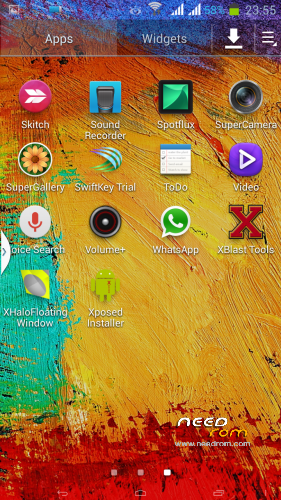
• Xposed Framework
• XBlast Tools
• Gravity Box
• Build.prop Tweaks
• Init.d support
• Busybox
• Volume+
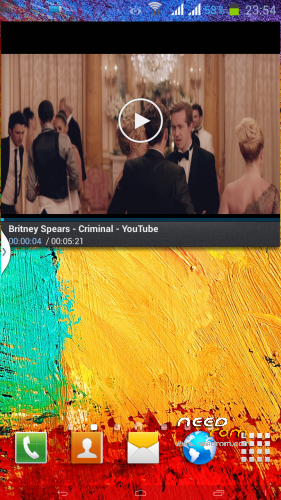
• Floating Video Player
• Ram Booster
• Fly-on Mod
• Bravia Engine 3
• Pre-Rooted
and many more……………
Credits:
Base Rom:- Note 3 Clone
Porting and Testing: Only me.
thanks to MANUNAIR for providing such an awesome base rom….
Flashing Instructions:
Step 1
1) Download zip file
2) Put into external/internal sd card
3) Go to recovery
4) Wipe data/factory reset
5) From advance menu do dalvik cache clear
6) Go in mount and storage select format system
7) Select install from sd card and select file and select yes
 Reboot your device
9) again reboot to recovery and flash ozonide v2 patch.
10) reboot & enjoy
Enjoy
※Please make a backup of your device before installing or updating ROM
Thanks Dexter
thanks to you bro.
sir how u did reach gfive g9 setting mode…
works perfectly on ZOPO950+, thx
you are welcome
thats awesome but no there is no navigatio bar on GFIVE g9 after installing this ROM.
Please help…
in the rom you have installed Gravity box and Xblast. Activate Xposed and individual modules and set everything you need
navigation bar can be activated using pimp my rom or gravity box and there are saveral apps on play store that can activate androids built-in soft keys. enjoy!!!
Hi Dex,
i Hv Gfive President G9 Phone and
install ur rom its look good but No Sim Detection? and can u plz update or give me TWRP Recovery Link your last link not working, and plz tell me how to fix the problem
Thanks for this awsome rom…
Works perfectly on gfive g9.
Pakistan
Back button appear karne ka tarika explain kar den please. Thanks.
can i use this rom for 5 inch screen and 1 gb ram
this rom include Gapps ?
yes
in the middle of top screen, there’s a little box (red and blue), how can I erase it? it’s still there when i play video music. thanks
its rambooster icon you can free more ram any time by tapping this icon for gaming and heavy apps. if you dont want this icon you can remove ramboosterpro.apk from system
What should I do to enable back buttons as seen in Gfive G9 roms. Desperately need your help in this regards. Thanks.
download pimp my rom from play store. it have an option to enable stock navigation bar
Thanks Dexter… you’re rocks !! may i have your email please… ? mine is bayunugrohomito@gmail.com… thanks again
sure asfi17@yahoo.com
Yes, I have done it. Thanks a lot Dexter, you are great.