
- Title: Panasonic T40 TWRP
- Listed: April, 2018
- Last modified: 04/05/2018 3:34 pm
- Version: 3.2.1-0
You must be logged for ROM download.
8920 total views, 1 today
 Member Info
DESCRIPTION
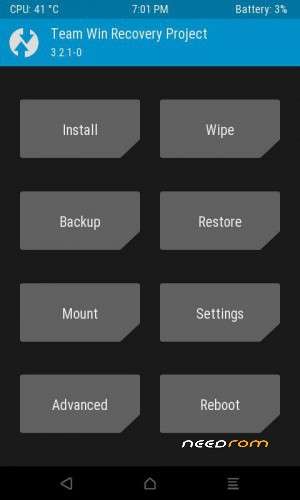
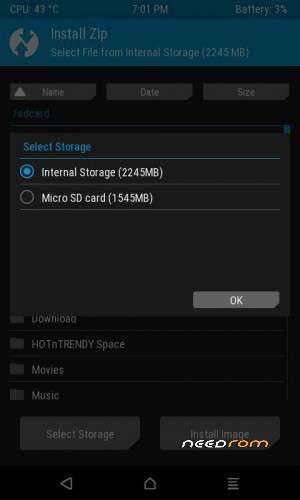
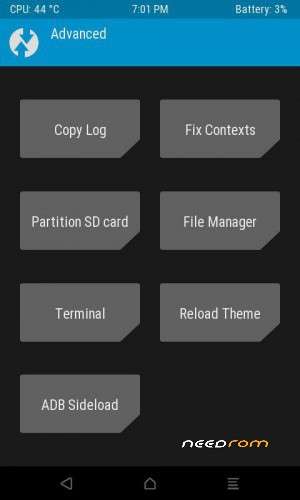
TWRP FOR PANASONIC T40
INSTALLING PRODECURE :
First, get your PC ready:
Download TWRP.ZIP
extract "TWRP.ZIP" using Winrar
Open SP Flash Tool (Double click on flash_tool.exe from inside the SP Flash Tool folder
Now, the flashing part:
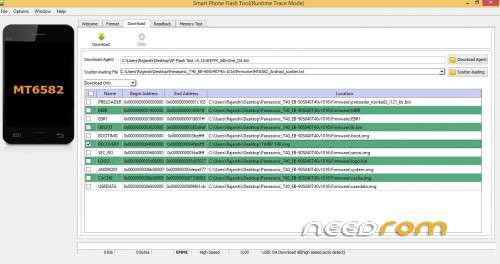
Open SP Flash Tool, and From "Download" Tab click on "Scatter-Loading"
select the "MT6582_Android_scatter " file > Ok ** SEE ATTACHED IMAGE*
Click on "Download" icon
Completely turn off your phone (BUT DO NOT REMOVE BATTERY) and connect it to PC using usb cable.
Wait till the Process completes and a "Download ok" box will appear with a green tick. Disconnect the phone from cable.
Done!
Now press and hold VolumeUp+PowerButton all three buttons at one untill you see the "TWRP" logo.
The phone will boot into custom recovery you just installed.
※Please make a backup of your device before installing or updating ROM