
- Title: PANORAMIC ROM
- Listed: March, 2015
- Last modified: 03/25/2015 2:53 pm
- Version: 4.2.2
You must be logged for ROM download.
13997 total views, 1 today
4 Total favorites
OFFICIAL

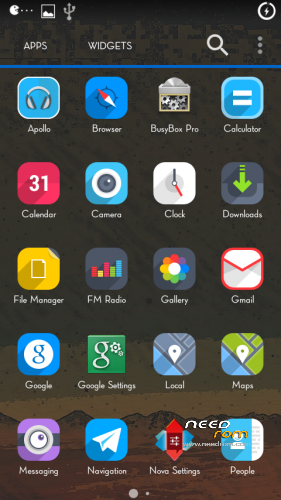

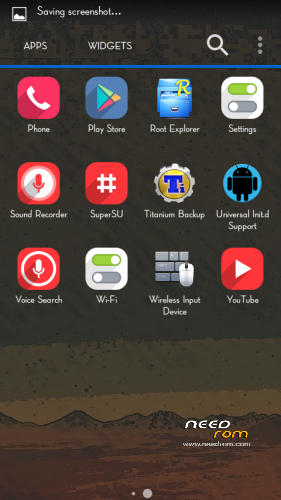
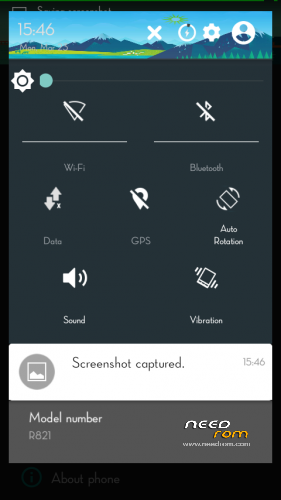

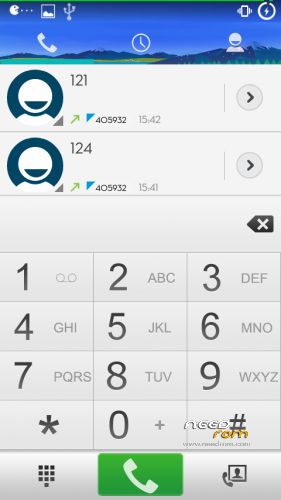

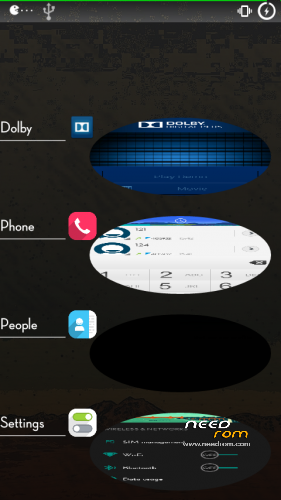
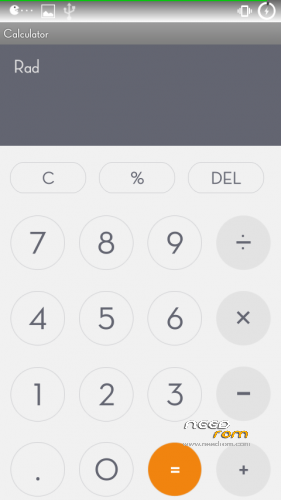
 Member Info
DESCRIPTION
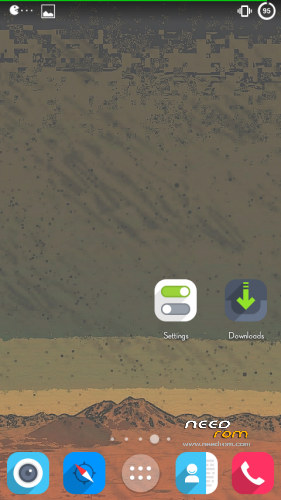
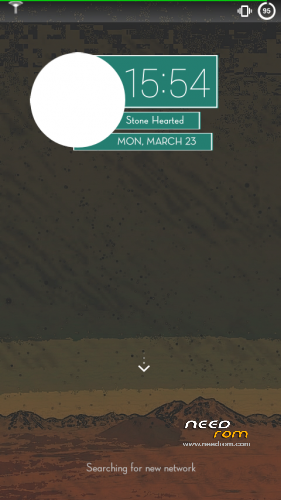
PANORAMIC ROM
Ported by me to Cnavs Juice
Developer — Dhifaf
http://dhifaf-archive.blogspot.com
FOR MICROMAX A177
1] Download the Rom file from the link provided (Same for both A77 and A177)
2] Place it in the root of your SD card
3] Go to CWM or any other custom recovery (not stock one)
4] Wipe Data/Factory Reset
5] Wipe Dalvilk cache
6] Select "Install .zip from SD card" and select the file
7] Select "YES"
8] It will automatically REBOOT (It will take 2-3 minutes to boot so don't worry)
For MICROMAX A77
1] Download the Rom file from the link provided (Same for both A77 and A177)
2]Open the ROM file in winrar
3] Download boot.img and copy paste it in the ROM file. (replace). Select "Normal" compression and "32 kb" dictionary size.
4] Place it in the root of your SD card
5] Go to CWM or any other custom recovery (not stock one)
6] Wipe Data/Factory Reset
7] Select "Install .zip from SD card" and select the file
8] Select "YES"
9] It will automatically REBOOT (It will take 2-3 minutes to boot so don't worry)
thanks to the developer
its fast and smooth
※Please make a backup of your device before installing or updating ROM
Dear Ravinder
working smooth on mmx 177
thank u
Ravinder sir upload please baidu x rom
will soon uploading baidu
hi after the installation camera showing 1M pixel
how to resolve this issue
what to do i installed all the single rom for my mmx a177 it get installed in the custom recovery but as soon as so system reboot or pwer off the phone it get stuck on the logo. For example:- I installed mediamod 2.0 rom , it got installed but as i swaitched on the rom it got stuck in google logo…..what to do can you guys give mesome solution??????
Change the boot Image