
- Title: Philz Touch Recovery | A310
- Listed: January, 2015
- Last modified: 01/21/2015 6:04 am
- Version: 6.57
You must be logged for ROM download.
16441 total views, 1 today
2 Total favorites
 Member Info
DESCRIPTION
***** LINKS UPDATED ******
Introduction:
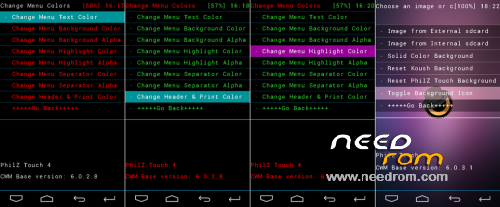
PhilZ Touch is a CWM Advanced Edition that adds all the features you could ever miss in CWM. It is a well proven recovery for many phones! It also adds a full touch interface a completely configurable GUI
Features:
1. Aroma File Manager
2. Full Touch UI
3. On-Screen Navigation Keys
How To Install:
1. Download PhilZ From Above Link.
2. Rename It To recovery i.e. recovery.img
3. Copy The recovery.img To Internal Storage.
4. Download & Install Mobile Uncle Tools From Above.
5. Grant Root Access & Tap On Recovery Update.
6. Now Tap On recovery.img Shown There.
7. Tap On Yes.
8. You Have Successfully Installed PhilZ Touch Recovery On Your Nitro A310 
※Please make a backup of your device before installing or updating ROM
dude is this new philz touch recovery 6.59 or 6.57.9
Its the latest one bro! 6.59
the latest one is 6.59.9 dude
oh sorry it is 6.59
guys can i flash a310 custom roms for my a311 ? thanks
i guess u can…
yes you can i flashed a MIUI V6 built for A310 in my A311 without porting. just copy to your SD card and flash normally.
the only difference between A310 and A311 is the storage capacity. A310 is 8GB and A311 is 16 gb. Otherwise all their specs and kernel are the same
recovery are compatible for both but
i try to install dis recovery .. after restart it shows battery symbol..then.. i press power button.. it goes default android recovery . felt disappointed .. any one give me the video tutorial for me ..pls ..my mail id . arunon2001@gmail.com
flash it with fastboot method if mobileuncle tools method does not work
thanks
are all sensors working in this rom? and my fastboot is not detecting my canvas nitro,what to do?
links not working!!!!!!!!!!
Download link kharab h