
- Title: Pixel
- Listed: December, 2017
- Last modified: 12/07/2017 5:38 am
- Version: 1.1
You must be logged for ROM download.
13507 total views, 2 today
4 Total favorites
CUSTOM

 Member Info
DESCRIPTION
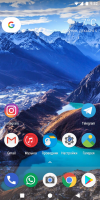
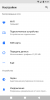
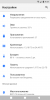
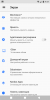
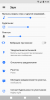
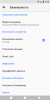
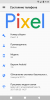
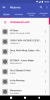
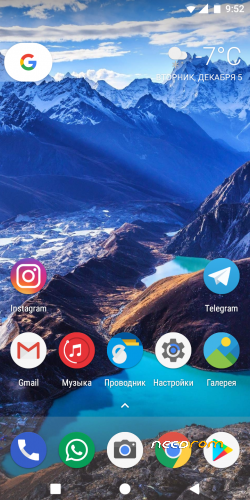
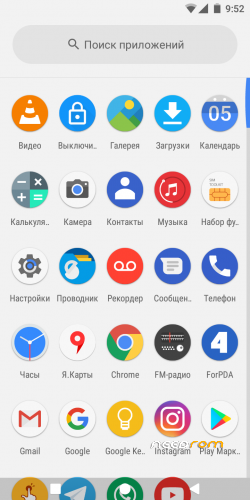
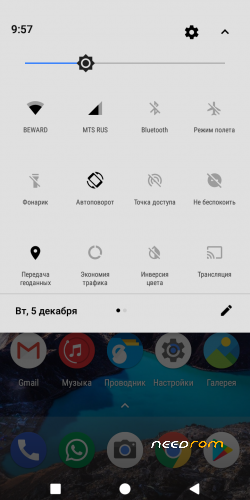
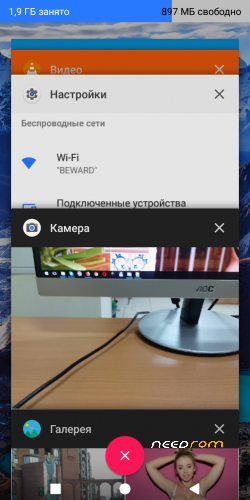
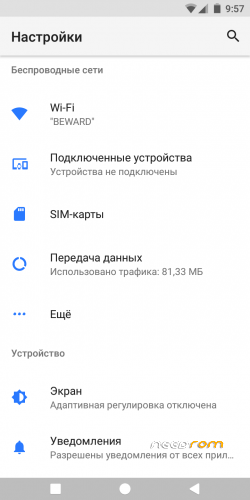
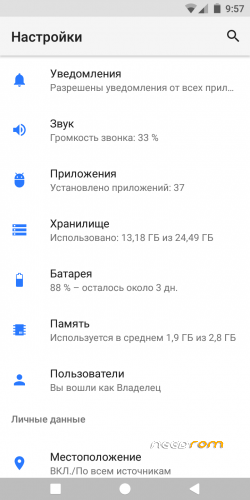
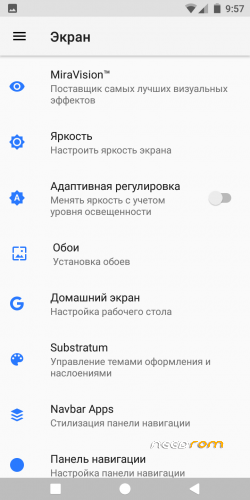
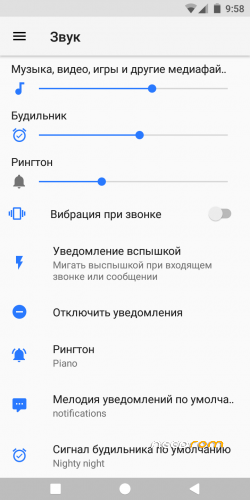
The interface is designed in the style of Android Oreo
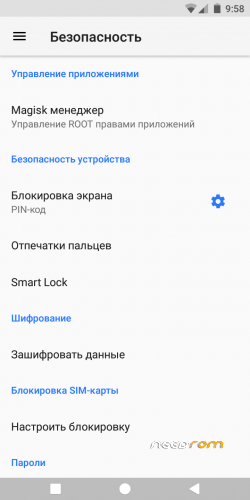
Magisk root
Face Unlock
Many other changes
※Please make a backup of your device before installing or updating ROM
It's stuck at boot logo
I also had this problem. I solve it flash only the system.img after flash all files. My navigation bar not react. Anybody have this problem too?
How can I install this room?
would be so easy if pixel.zip flashing via twrp rather than using spflashtool.
Already download this, but still not proceed to install into my s8+ (LOL). Okay inside the Pixel 1.1.zip:
META-INF (folder)
system (folder)
boot.img
logo.bin
MT6750_Android_scatter.txt
system.img
userdata.img
ps- might be proceed with spflashtool with the scatter file (MT6750_Android_scatter.txt+boot.img+logo.bin+system.img)
Under flashing with zip in twrp recovery only patching system/priv-app (containing setting.apk and camera.apk)
Tested: Working very well on Bluboo s8+ (4GB RAM/64GB INTERNAL)
How to install?
***This is my test ( Before proceed, i did port boot.img kernel from s8+ then repack all together with the pixel.zip)
1. Goto TWRP recovery
2. TWRP> WIPE>
>>Dalvik cache
>>Cache
>>System
>>Data
3. TWRP>INSTALL>… PIXEL 1.1.zip
..please wait until finished. Done!
@vladykodi Thank you very much!… Its so perfect rom