
- Title: Purexperia (4.4.2-like)
- Listed: May, 2015
- Last modified: 05/14/2015 10:32 pm
- Version: 4.2.2
You must be logged for ROM download.
16039 total views, 2 today
3 Total favorites


 Member Info
DESCRIPTION
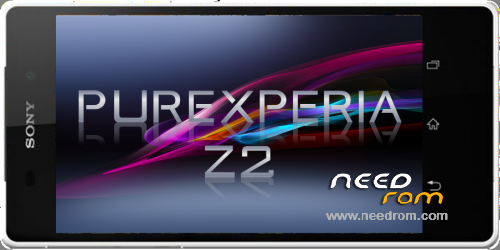
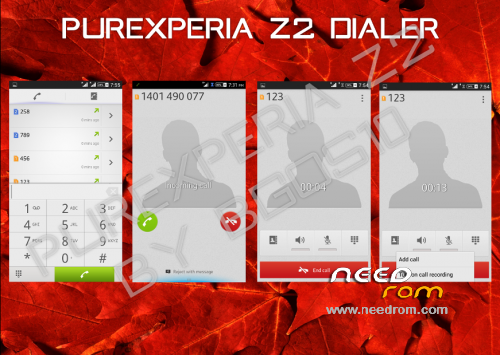
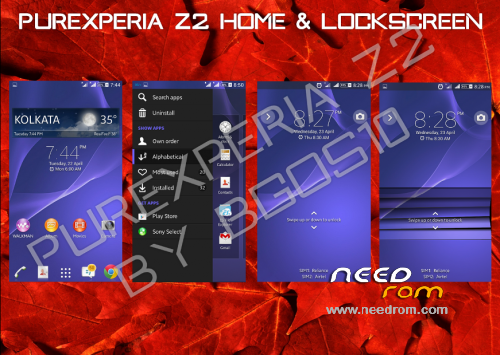
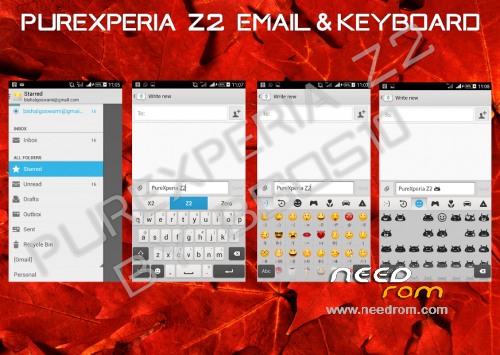
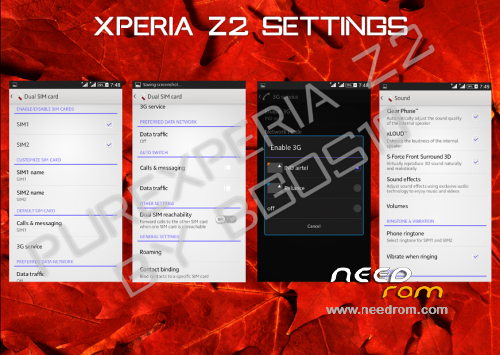
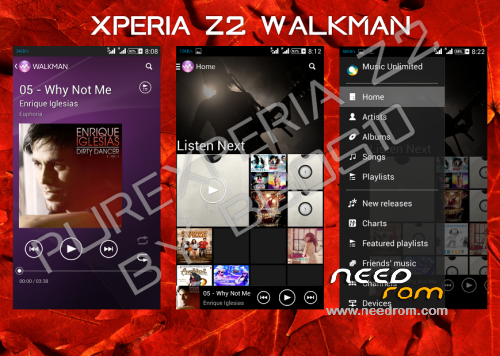
Pure Xperia ROM for jiayu g4t/B/A
make backup before installing this rom for in case somthing goes wrong!
Install instructions:
installing instructions:
1) enter recovery
2) make backup of current rom
3) wipe data/factory reset
4) wipe cache partition
5) advanced -> wipe dalvik cache
6)apply zip from sd-card -> select rom -> in the aroma installer the touchscreen probably won't work 100% just bypass it by doing the calibration or skipping it, either way this won't effect the touchscreen in the rom.
7) let the installer finish
 reboot
In case you have problems with imei, can't send sms etc:
1) download IMEI maker and IMEI repair
2) extract IMEI maker
3) hold shift+ click imei.exe -> click open command here
4) folow the readme file
5) press enter. this will generate a file called "MPOB_001_NEW".
6) rename this file to MPOB_001 and move it to IMEI REPAIR/data/nvram/md/NVRAM/NVD_IMEI
7) flash IMEI REPAIR and reboot
charging problem may occur. If it does, the charging will stop after somthing like a half hour.
※Please make a backup of your device before installing or updating ROM
WI-FI does NOT work!!!!
Wi-Fi AND BLUETOOTH do not work!!!!
Thats weird, it does work for me..
What phone are you using?
Jiayu G4T. When I try to open Wi-Fi or Bluetooth, they remain to ON without be activated. And they remain so, 'till I reset my phone..
Owkey this wil probably be the modem. I'll change it today.
Is it fixed?
sory i'm having exams at the moment, I will try to do it tomorow while i'm studying
I downloaded it againa and I reinstalled and it worked!!!!
huh that's weird, I haven't even updated it? but well no problem it's better like that is sms etc fast? tell me if it doesn't work again, then i'll just upload the version with new modem
The Bluetooth is not activated every time I want. Wi-Fi is OK. I would like to know if I can activate the normal mobile-buttons and use them instead of the softkeys. I tried with GravityBox and xposed additions but without success..
you can turn the off the softkeys in settings. there's an option for that.
The problem is that with this ROM the factory keys of the mobile do not work
Are you sure you installed the rom corectly? becaus that's also somthing I never experienced with this rom :s
But at the moment, I'm working on miui v6 and cm 11 so have a little patience and you'll get 2 much better roms than these
I reinstalled the ROM and again the factory buttons do not work. Power and volume buttons work normal but not the home, details and back buttons
I won't be able to improve the rom anymore since I broke my phone a few days ago… If you want you can flash miui v6, I uploaded it. It's a much cooler rom: theme's, kitkat (so emoji support, more games,….), a lot less bugs (only know about 2 bugs on some devices), prettier interface,…
Does this rom enable Ethernet adapter support for g4t? Trying to use G4 as android TV with monitor and Ethernet. Thks
I don't know, don't even know what you mean with ethernet adapter :s if you mean mhl, jiayu g4 doesn't support it so no ROM can enable it. But you can screencast your android to a tv through internet if that's what you mean.