
- Title: PussyFap ROM
- Listed: February, 2016
- Last modified: 02/11/2016 4:15 pm
- Version: v1 (5.0 - 4.2.2)
You must be logged for ROM download.
23665 total views, 1 today
20 Total favorites

 Member Info
DESCRIPTION
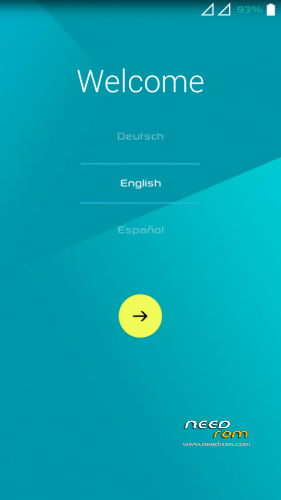
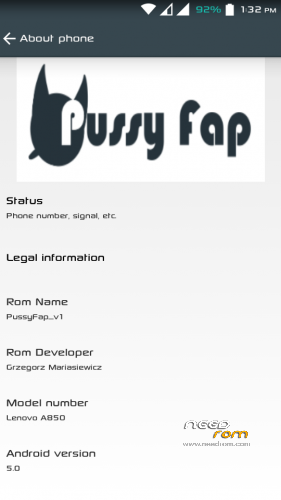
PussyFap ROM for Lenovo A850 MULTILANG
Install From CUSTOM RECOVERY:
Installation carrying on rom s121 because others can get bootlop
Step 1: Download the custom ROM copied to an external SD card root directory
Step 2: the shutdown state. While holding down:
– Power button + volume button up, to enter the recovery mode.
– Wipe Data / Factory Reset -> delete all user data
– Wipe Cache Partition -> Wipe cache
– Advanced -> Wipe Dalvik Cache
Step 3: Return to recovery main interface Install zip from sdcard -> choose zip from sdcard -> Select your ROM
Step 4: Brush complete, the phone will automatically restart Patience required – first boot takes a while
Installing Completed. Have FUN !
#not working
-led notification
I'm working on updating and repair errors.
ROM Features :
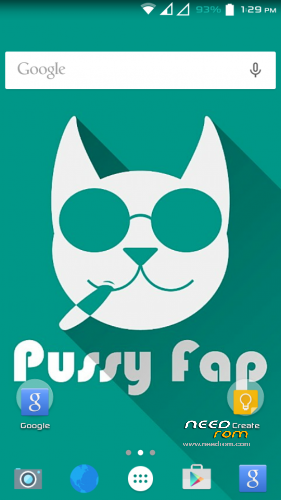
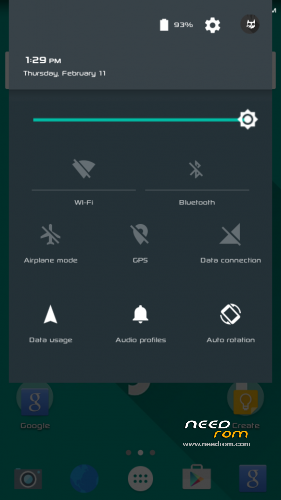
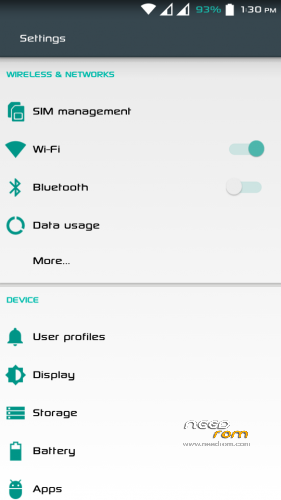
- Android L (Material) themed
- Lollipop Bootanimation
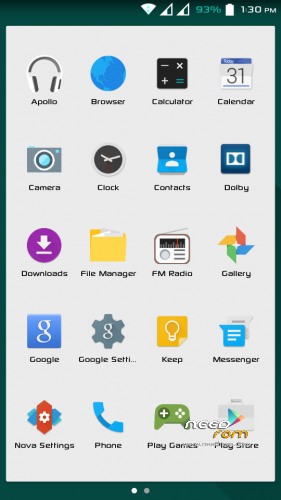
- Settings and all other apps themed like lollipop
- Lollipop Keyboard
- Dolby Digital for better sound
- Pre Rooted
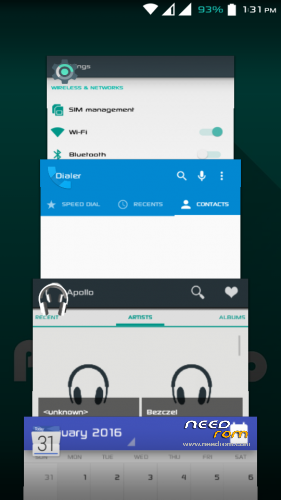
- Themed Recent Apps
- Battery Style Options
- Built in Network traffic, List view animations.
- Engineer Mode, Performance Control are part of settings
- Added heads up n app privacy option
- Lollipop Platlogo
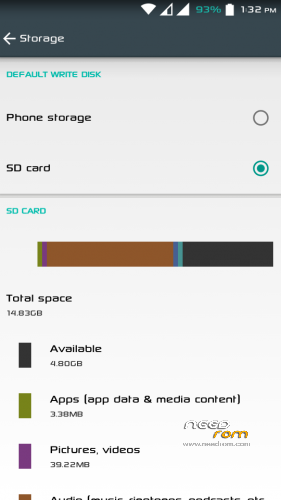
- Partition Info in about phone
- Android Lollipop Ringtones
- And many more, find out yourself.
Credits :
Team Pussy for this Awesome themed ROM.
Ported : Yokosa
Contact me: jagis23@gmail.com
All your actions with the firmware you are running on their own responsibility, the claim can not be accepted in the brick and should be written off either on the force majeure or the curvature of the hands.
If you have any other questions or facing any kind of issues with the ROM, you can comment below. Have a good day !
※Please make a backup of your device before installing or updating ROM
Hello,
Pls is led working?
Can I install from TWRP?
Can I install from s121 linerty Rom?
Can I save apps to sd card?
Will there be an update for the Rom. ?
Hello
Led working, Yes you can instal from TWRP. If you install on s121 everything will work. You can install applications on the SD card.
I'm currently working on updating the applications and the entire system. Soon should appear V2.
Stay Tuned!
Have a nice day
Thank you very much.
Ive always wished for a lollipop Rom for Lenovo a850. I will flash it this weekend or should I first wait for the update
Can you make lollipop rom for lenovo a850i
It is possible that soon will appear for the 850i
I have flashed the ROM. Its very smooth and no bloatware on it. But Led notification does not work for missed calls and text messages. Also, the status bar does not display network speed.
I get the information that led the notifications do not work on some phones. I take the job and repair it soon
Hi, virtual memory still exist on this rom?
The network speed does not show on the status bar too,
I like the simplicity of the ROM though battery life does not look good so far,
Maybe an update will fix it.
in Xposed you must download gravitybox and then set the network speed on the status bar
Hi dev, could you also make this rom available for odexed? Coz' everytime I flashed a deodexed rom, iget my A850 brick. . Please? Thank you so much.
Of course I will do it as soon as I can
Please which of the gravity box should I download ? Is it JB, KK, LP or MM
for JB
im have a problem, im get a bootlop for my phone :c
i can do something? :c
Install S121 later go to recovery TWRP and flash PussyFap
@ricaedo0905d
Follow the installation instructions. Flash it on S121 ROM and it will work fine. I flashed mine on S121 Linerty ROM.
what you mean s121 rom? you can help me? I'm desperate by bootloopthks 4 ur coment! im can repair my lenovo using a S121 Linerty rom!
Again thks for the help Nybol! u sabe my phone!
Nybol thanks for helping others when I am absent