
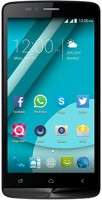
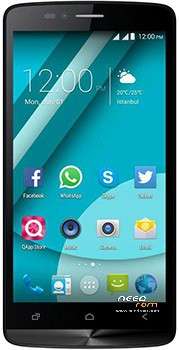
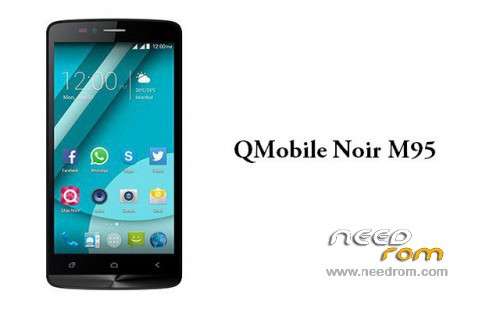
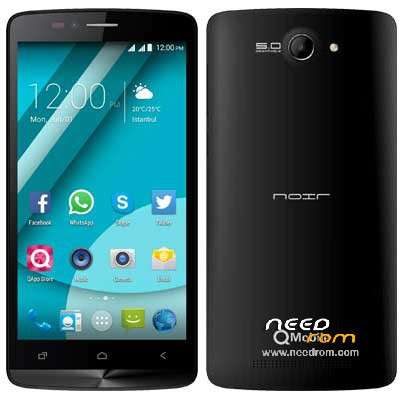
- Title: QMobile M95
- Listed: October, 2016
- Last modified: 10/06/2016 2:07 pm
- Version: 4.4.3
You must be logged for ROM download.
14945 total views, 2 today
14 Total favorites
OFFICIAL

 Member Info
DESCRIPTION
Model Name : scx35_sp7731geaplus_dt
Model Brand : QMobile
Model Device : scx35_sp7731gea
AndrVersion : 4.4.3
BaseBand CPU : SP7731GEA
Project Ver : KOT49H 14B_test-keys
Model Ext : QMobile M95
———————————————————————————–
01-This backup is taken by CM2. Open the CM2SPD Tool.
02-Select CPU Boot Which supports you mobile phone.
03-Click flash button and Select Pac option.
04-Browse file which’s name is (SC77xx_FLASH_CONF.pac)
05-Now click flash button
06-Plug-in the USB cable to phone to connect it to your PC.
07-The process will be started,
08-Wait for a few minutes“Ok”Notification will be appeared On your Cm2 Tool.
———————————————————————————–
100% Tested File, QMOBILE__M95
Free & No Zip Password Enjoy
Any Help:// +923423886088
https://www.facebook.com/alirazasoomroksa
———————————————————————————–
※Please make a backup of your device before installing or updating ROM
thanks bro
welcome
after noir blue lcd problem
try again with CMT2 SPD If problem shows again contact hardware speacliast
PLEASE UPLOAD ONE FOR SPD UPGRADE TOOL PLZ?/?/?/?
I DID NOT HAVE CM2 SO
thanks yar
after flash phone stuk on logo
plz help
after flash phone stuk not disply