
- Title: QMobile Noir A8
- Listed: May, 2013
- Last modified: 05/15/2013 2:23 pm
- Version: ROM Android 4.1.2 LeWa
You must be logged for ROM download.
18071 total views, 1 today
127 Total favorites
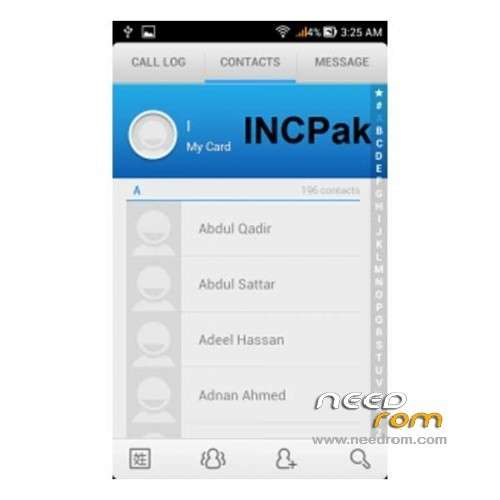
 Member Info
DESCRIPTION
ROM Mobile QMobile Noir A8 – ROM Android 4.1.2 LeWa INCPak Ultimate Edition with MIUI Launcher
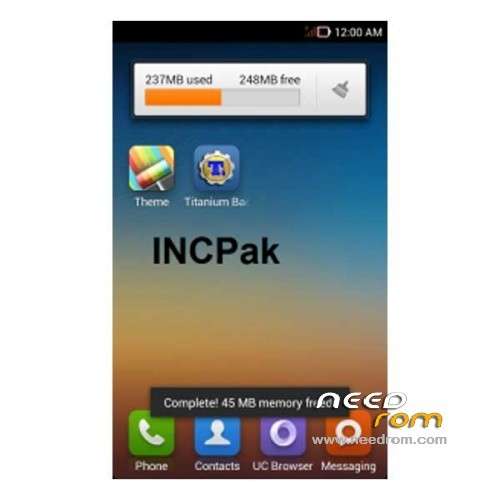
I will say this is the almost perfect and most stable rom upto this date. Around 200-250-MB free and long battery life with power management apps. You a choice to select between Lewa Launcher and MIUI Launcher.

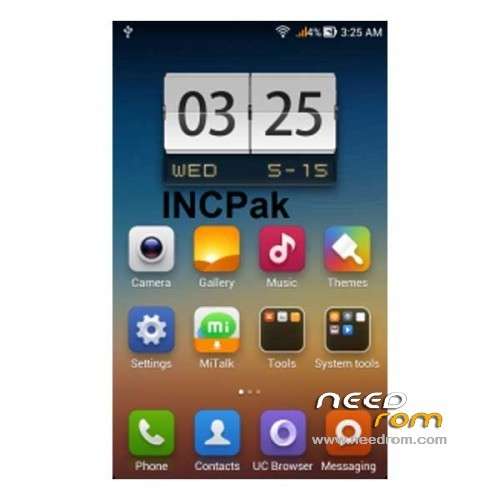
Previously we successfully ported LeWa ICS on QMobile Noir A8 and we said we'll be back after making it more efficient and stable OS, This time we are coming with LeWa + Jelly Bean 4.1.2 currently INCPak Team testing the features, Here I would like to share some screen shots and tell about what's the difference in our upcoming LeWa + Jelly Bean 4.1.2
BATTERY

Even without turning any Power saving feature of LeWa + Jelly Bean 4.1.2 it gives you excellent timing unlike Jelly Bean 4.1.1 as I turned the Smart Save the difference is wide and visible

Jelly Bean 4.1.2 ease the stress no doubt ! when you compare it with ICS or JB 4.1.1 there's a huge difference, it's much stable and quick response and lewa has it's own charm plus features.
NOTIFICATION
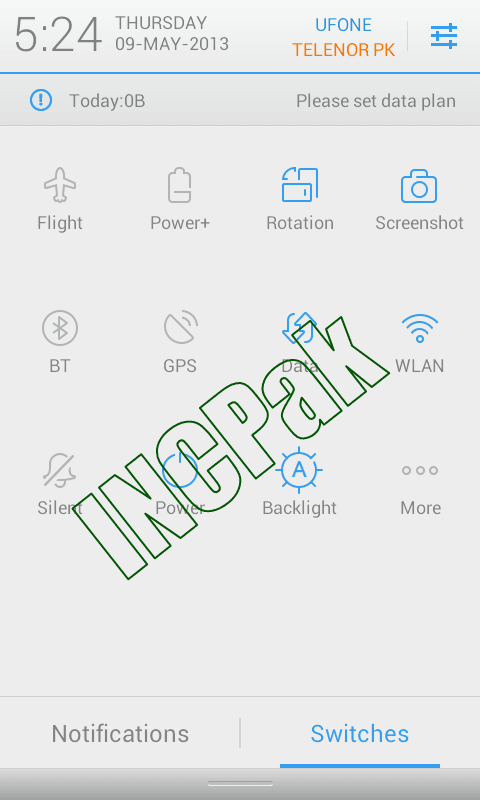 Switches are easy to customize and they look awesome in white as compared to previously used Black Theme – The Default theme of LeWa is White but you have the option to switch to LeWa Dark as well which is black.
LOOK o.O

LeWa has its own stunning interface and you can customize it the just way you want its just all click away.
KEYBOARD

TouchPal Keyboard its way better than stock one and its free I am using it swipe and the customizable layout interface makes it easier for you to adjust just the way you want it.
Things we have tested !
> Battery timing - No Issue
> GPS - Working
> BT - Working
> Camera - Working
> Music Player – with lyrics feature
> Volume - No Issue
> Video Playback – No issue
> Heating issue – Fixed
>Radio -Fixed
NOTE: FLASH AT YOUR OWN RISK !!!
INCPak IS NOT RESPONSIBLE FOR ANY KIND OF DAMAGE TO YOUR PHONE
IF YOU MADE ANY MISTAKE.
This is a Flash-able Zip file that can be flashed only from ClockWorkMod Recovery ( CWMR ) . Make sure that your phone is ROOTED before Installing ClockWorkMod Recovery. If your phone is not ROOTED than first Root Procedure and require files are there on the post click the post below :-
How To Root QMobile Noir A8
http://www.incpak.com/alerts/root-method-qmobile-noir-a8/
- How To Extend the System Storage from 1 GB to 2.46 GB Kindly check the post and follow the procedure ( download Zip ) Than continue with the method below to PORT LeWa )
AND FOR INSTALLING CWMR:
1) First install MTKtools from playstore.
2) Download CWMR( Recovery.img ) and copy recovery.img in zip file to SDcard.
3) Select recovery update from SD-Card
Follow these steps very carefully:
1. Download Lewa_4.1.2_A8_INCPak.zip
2. Copy the downloaded file on your SD-CARD.
3. Power off your phone.
4. Turn your phone on in recovery mode (by pressing VOLUME UP + POWER buttons).
5. Make a backup.
Select “backup and restore”. And then select “backup”. When it is done select “Go Back”.
6. Select Wipe/Data Factory Cache.
7. Select Wipe Cache Partition.
8. Go to advanced and select wipe dalvik cache.
9. Go back to the main menu.
10. Select “Install zip from sdcard” –> “Choose zip from sdcard” –> Now select “Lewa_4.1.2_A8_INCPak.zip” –> Select “Yes”
11. Go back to main menu and select Reboot.
12. Enjoy!
※Please make a backup of your device before installing or updating ROM
A Scatter File?