
- Title: Qtab Q120 Stock Rom (Sp Flash Version)
- Listed: April, 2016
- Last modified: 04/10/2016 2:06 pm
- Version: 4.4.2
You must be logged for ROM download.
11096 total views, 1 today
1 Total favorites
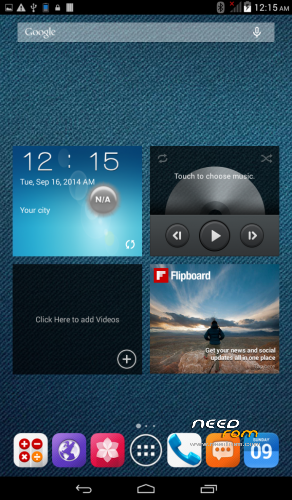
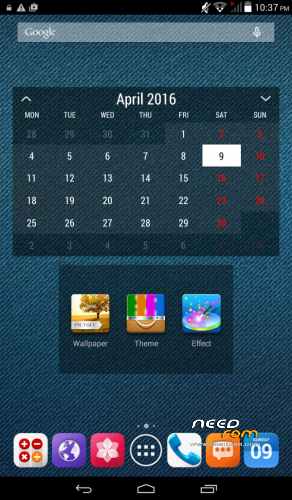
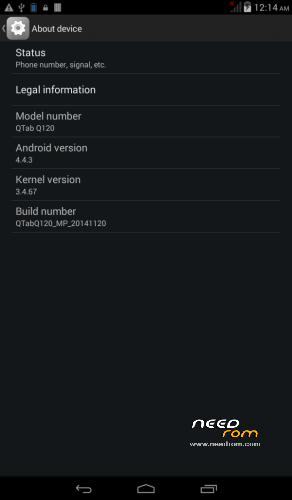
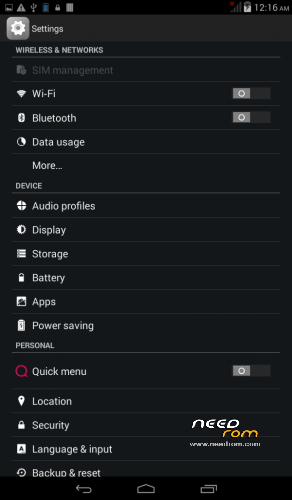

 Member Info
DESCRIPTION
Qmobile Tablet Qtab Q120 (3G)
Overall Specification
Size 193 x 109 x 10.2 mm
SIMs Single SIM
Battery Li-Ion 2500mAh battery
OS Android 4.4.2 (Kitkat)
Memory 4 GB built-in, 512MB RAM, microSD card (supports up to 32GB)
Processor 1.2 GHz Dual core, MT6572 Chipset
Display Size 7.0 inches , 400 x 800 pixels
Rear Camera 2 Mega Pixel Camera
Front Camera VGA camera
Network GSM 850/900/1800/1900 WCDMA 900/2100
3G, GPS, GPRS/EDGE, WAP/MMS, WLAN, Bluetooth
How to Flash..!
First of all, make sure that you have MediaTek USB VCOM drivers installed. use "Qmobile_Android_usb_driver.zip"
Download latest SP flash tools v 5.13 from
http://www.mediafire.com/download/5f5h3owa7s7y6g2/SP-Flash-Tool-v5.1352.01.zip
or from https://app.box.com/s/q1jvksn59qw1wtww7k5s
To Downlaod Rom, Make an account on Needrom.com and disable any popup blocker utility if installed.
1- Download stock rom (QTab_Q120_By_Imtiaz.zip) & check MD5 Hash (e2efeb5bd9ee322f4f97a08108f4c0fd) before further proceeding.
2- Use Winzip/ WinRar to extract.
3- Switch off Qtab.
4- Open SP Flash tool folder and click on Flash_Tool.exe
5- Browse to the scatter File MT6572_Android_scatter.txt in the stock rom folder and ignore any message that may appear
6- Make sure all item are checked except USRDATA and CACHE. Then press F9 (or hit Download button)
7- Connect your tab into the computer via USB data cable.
8- The process will start and a red progress bar will appear.
9- After the red progress bar is complete, there will appear a purple progress bar, then yellow progress bar.
10- When the yellow bar is complete, you'll get a pop-up with a green circle and Download OK message,
which means that the process has been successfully terminated.
11- You are done.
12- Enjoy your new Alive Handset.
Credit:
Imtiaz ahmad Khan
※Please make a backup of your device before installing or updating ROM