
- Title: RAINBOW ROM by TF
- Listed: August, 2014
- Last modified: 08/29/2014 2:32 pm
- Version: 4.4.2
You must be logged for ROM download.
39742 total views, 7 today
2 Total favorites
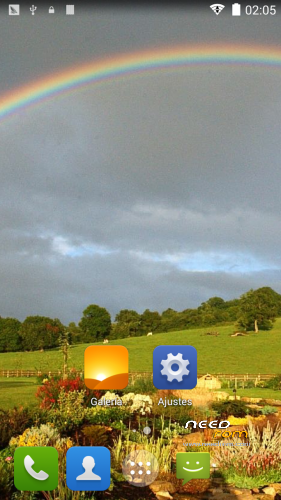
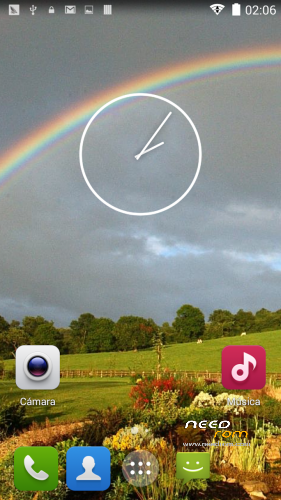
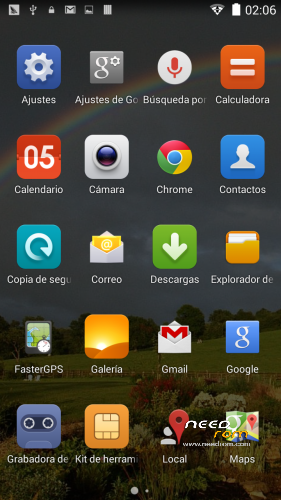
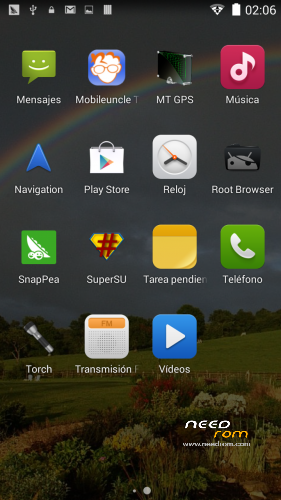
 Member Info
DESCRIPTION
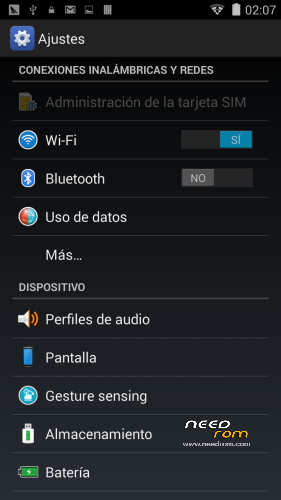
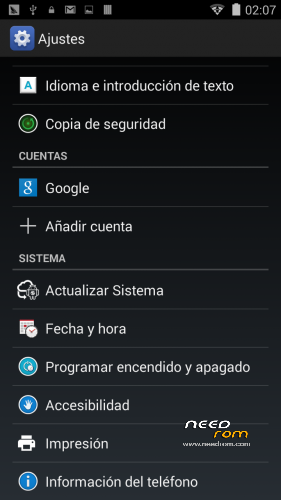
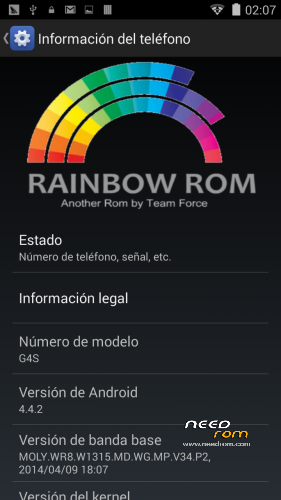
From this we present Team Force ROM whose main characteristics are its color and cleanliness. This makes it very smooth and stable. Fully rooted and support apps like Titanium.
CHANGELOG:
-Multilanguage
-Based on the latest stock functional V2 (which does not give problems with the touch screen).
-For G4S / G5S
-AROMA Installer
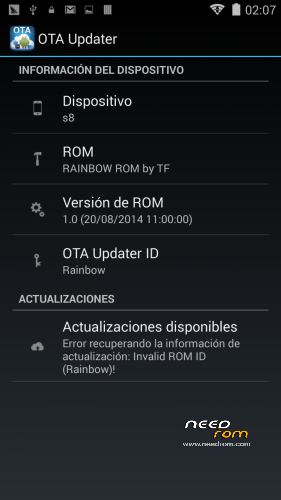
-Added OTA Support
-KingUser Completely rooted
-It works and all root Titanium applications
-Memory Storage conserved as stock rom (not exchanged)
-RAM optimized
-Optimization audio -Tweaks
-Added Reboot into Recovery option in PowerMenu
-Video Orb (to display your videos on the lock screen)
INSTALLATION
-Install in recovery mode. We recommend any of the last published by the Team Force
-Format External SD memory (recommended)
-Download ROM and copy it to the SD
-Enter In Recovery Mode
-Wipe Data
-Wipe Cache
-Wipe Dalvik Cache
-Format System
-Install ROM from SD
-It reboots automatically
-Configure Wi-Fi
-Configure Google account
-We wait about 5 min to stabilize the ROM
-Update the apks it takes from Play Store
REVIEW
https://www.youtube.com/watch?v=CdcDXy980ZM
CREDITS
-Team Force
-Betatesters
IMPORTANT: Due to the large number of sites where it is published, the questions will be answered only on the website of Team Force and the official forum. There will gladly answer all your questions.
COMPATIBILITY PATCH TO INSTALL OLDER ROMS ON JIAYU G4S V.3:
https://www.needrom.com/download/compatibility-patch-for-v3-on-jiayu-g4s/
http://androidteamforce.es/
You can follow us on:
Facebook> https://www.facebook.com/TeamForceGroup
Twitter> https://twitter.com/TeamForceGroup
Google+> http://u2rl.com/1nng5rQ
Youtube Channel> https://www.youtube.com/user/TeamForceGroup
STATEMENT FROM TEAM FORCE:
Owing to Ejiayu’s sudden change of heart regarding its policy on keeping rom stock v3 up and running and being its graphics drivers fully incompatible with previous versions, we are forced to cease all of our activities until further notice.
All our ROMs are based on stock ROM v2, so if you have installed v3 via SP Flash Tools, YOU MUST NOT INSTALL ANY OF THE TEAM FORCE ROMS AVAILABLE or you will end up with a bad touch screen which will not work properly. That being the case, you will just have to re-install v3 via SP Flash Tools back again.
At first, Ejiayu released the afore-mentioned ROM officially, only to remove it in a short period of time, and then made it available to the public again, without taking into consideration the inconvenience this might be causing to mobile end-users.
Just so that we can avoid any kind of inconvenience this all may result in, completely alien to Team Force, we will cease all activity related to Jiayu until a solution is reached, thus we determine what to do next.
Giving support to the end user has always been our commitment and responsibility, so that they can enjoy the software on their mobiles to the full in the best Android environment ever. This is exactly the reason as to why we have made this decision, which we now share publicly.
Kind regards from all of the Team Force members.
NEW TEAM FORCE STATEMENT
From Team Force, we inform that, after some time deliberating, we have come to the conclusion that all our rooms for the Jiayu G4S model will be based on rom stock v1. Given fact that they are incompatible with those of v3, we will build a pack in each rom so as to make them compatible with the afore-mentioned v3.
From now on, this is how we are going to operate until further notice from Ejiayu on the right way to proceed. We are cooking a kernel so that those who already are on v3 will be able to downgrade without a problem.
We do apologise for all this but, as you may understand, we felt that we had to clarify such an awkward situation like this, completely alien to Team Force.
Best regards from all of the Team Force members.
※Please make a backup of your device before installing or updating ROM
Guys, read the changelog… All the instructions to install are Just there.
You need to flash a custom recovery and after that just put your rom in the sdcard and reboot to recovery. Now make all necessary wipes and now choose “install rom from sdcard” wait and enjoy….
READ THE CHANGELOG PLEASE!
@TeamForce rainbow rom works fine until 2 things the netwörk meter of teh 2 sims are not showing coulers and the only app i do not get working right is ebay at some artikls it ends the app and start it new. i know´d this problem since 4.4 at all rom´s but normal if you get the date to local in settings it works like by the this one https://www.needrom.com/downlo.....saosp-4-4-2-tf/ but @ rainbow it do not fix the problem
any hint to test ?
nice rom, but how can i swap SD0-SD1, swap internal(external SD.. In setting i turn to SD memory, but program data, whatsapp etc still save data on jiayu memory.. i try some google app for switch, but doesnt work, search for some lines in build.prop but there is not. and some "/fuse" lines i have both sd0 and same line for SD1. Thank you for help.
Gestures probably didnt work for me..
I have the same problem with the battery stats, battery life is better than stock, but stats level is waving, in my phone by a couple of percent.
Install "Battery Calibration" by NéMa from Google Play and follow author's instructions. I'm not 100% sure if it's working, but I did it and no problems since last week.
YESSS! This rom is awsome, thank you Borx & Erfae. I hope you keep up the good work. I got the GPS working (changed region in confs before flashing).
I have noticed only one issue, battery level stats is sometimes littlebit crazy. Sometimes it runs normally and sometimes it will stays example 55% in hours… But yesterday I had 42% battery left and then it suddenly suhts down. Battery was empty. Is it possible to get the correct value for percentage? I know it´s hard and needs much of coding (I readed once in http://www.technoforum.it ((N9500 battery broblem).) If you have some interest, please fix it and maybe upload it in OTA updater. One more question, does the OTA support work in future?
Have a great day, Ecchi
p.s. Once more, GOOD JOB DUDES!
Hi ekkilm
I have the same problame with the GPS as well.
Please advice how to fix it ? where is the file confs ? what i need to do?
Thsnks
Sure! Make sure you have installed Notepad++ to your pc first.
Open the rom zip. Locate system->etc, and there is file named "gps.conf". Extract it to your desktop-> open with notepad++ and change the NTP_SERVER to your own country example mine is "fi.pool.ntp.org".
Then save and create new folder named system, inside that new folder named "etc" and inside that put your fixed gps.conf file. Then open again Rainbowrom zip and just drag and drop that folder combination you just made in to the rom.zip. Click OK, move the fixed rom.sip into your SD and then install the rom with original instructions.
Tadaa, everything should work fine. With Mobileuncletools you should get fix as normal. But be patience it might take a while.
You welcome.
Here is the screenshot from my device (g4s) .
Thank you!
But this is not solved the problem in my case.
it's look like the GPS is disabled because I can't see even one signal.
Maybe someone have another idea?
ekkilm, Now it's working!
Thank you ,
This rom is awsome!
Great to heard. There is one file inside of the rom where it says "epo_enable:
Wether to enable EPO when device first boot up.
auto_enable:
Wether to enable EPO auto download feature when device first boot up."
Thats how I figure it out. If you change the region after installation, it ain´t work.
hello ,any possibility to swap SD memory with internal memory?
thanks
ceare
https://mega.co.nz/#!TVgVnKYI!AD28qwu45D-b-rvHUPDzEgSl5jC4Tdbhomnm8NSMjDU
Install this thru the cwm. No wipes, just install.