
- Title: Recovery TWRP 2.7.1.0 KK for Jiayu G4S/L
- Listed: May, 2014
- Last modified: 07/29/2014 10:25 pm
- Version: TWRP 2.7.1.0 KitKat
You must be logged for ROM download.
31201 total views, 4 today
4 Total favorites

 Member Info
DESCRIPTION
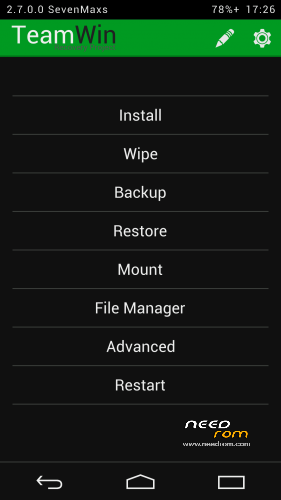
Для установки KitKat прошивок!
Огромная благодарность товарищу javum, который адаптиповал исходники TWRP под устройства на базе MTK-чипов.
Данные рекавери компилировал сам из исходников.
Установка через мод. Recovery, а у кого стоковое Recovery желательно прошиться через FlashTool.
Для прошивки через FlashTool необходимо вытащить из архива recovery.img и положить рядом со скаттер-файлом.
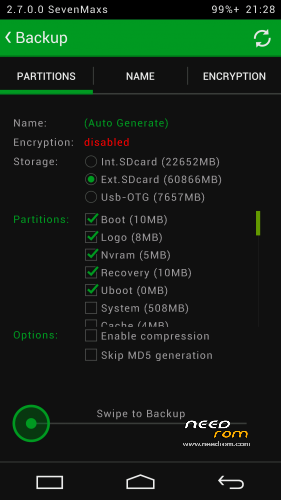
В данном Recovery мне удалось дополнительно реализовать:
- полноценную поддержку SELinuxк;
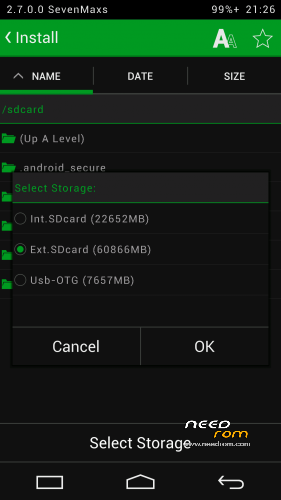
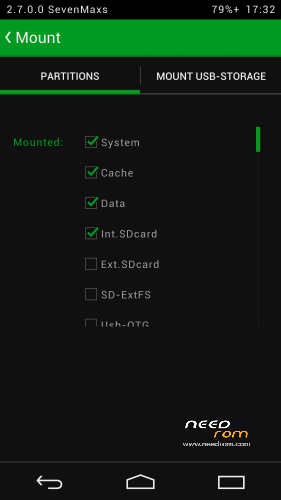
- монтирование обеих флешек - внутренней Emmc и съемной SDcard к ПК;
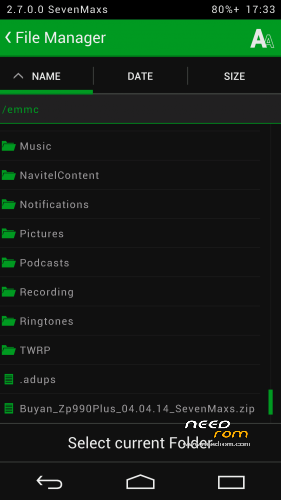
- работу USB-флешек с файловыми системами Fat32 или exFat (для этого подключаем флешку к телефону по Otg-кабелю и во вкладке Mount ставим галочку на против пункта Usb-Otg;
- работу USB-мышек;
- поддержку ОТА;
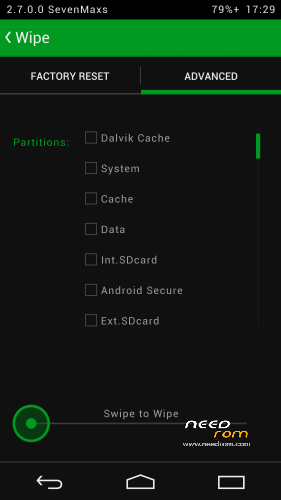
- возможность выбора FS для форматируемого раздела.;
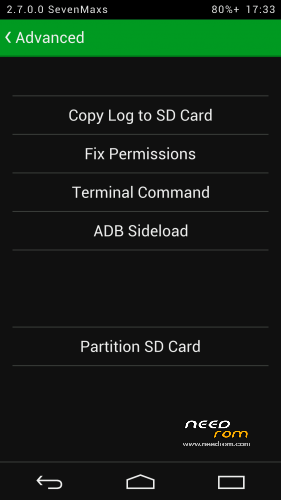
- полный функционал adb;
- работу заряда батареи;
- применена тема Holofied от пользователя z31s1g.
Благодарю товарища doperst за перевод на английский!
Jiayu_G4S_TWRP_2.7.1.0_by_SevenMaxs MD5: 6FF32931CA2FF89EE924E74000DEC4C2
Jiayu_G4S_TWRP_2.7.1.0_KK_by_SevenMaxs MD5: EFF22BDB159F9F5C43FE21F14E9F0CF2
Jiayu_G4SL_TWRP_2.7.1.0_KK_by_SevenMaxs MD5: 741ACADF251E4B946AE44FAB323BA81B
※Please make a backup of your device before installing or updating ROM
Is it possible to port this to umi x3. Ive tried but no touch input. Boiting twrp menu, clock everything looks fine but no input possible.
Greetings to russia
phil2sat
..great, is this good too for G4SL, thank you thank you thank you pretty…
Hi,
I've tried using in KITKAT and does not work.
A shame because I really liked.
Greetings.
it works fine. Mybe you are doing something wrong
Don't work OTG
- mounting and file exchange with OTG USB flashdrives, formatted Fat32 or exFat (connect flash drive, then go to Mount and put a checkmark on the Usb-Otg option);
Best Recovery. Thx
Hello,
To install this recovery if I have version 4.2 of Android, before I have to upgrade to version 4.4 or better recovery first and then install this ROM
Thank you
So you have to install KK version if you have KK and non-KK version if you have not-KK? So what do I do if I want to upgrade from 4.2.2 to KK? Do I have to install KK first or TWRP-KK first?
Why is it so hard? Why can't it be like CWM where it support KK and non-KK simultaneously?
Its says install aborted.
How i can install from recovery menu ? i have stock recovery menu
Can anyone provide step by step instruction about how to install this recovery using flashtool?
Need to connect phone from recovery menu? or just while i am on android?
Thanks!
Hi. Am in the recovery mode but unable to Partition the SD Card: ‘ Error message of Ext + Swap size is larger than SD Card’;
– EXT size 512
– Swap Size 32
– File system ext3
Have a JY-G4S; 4.2.2; MTK MT6592
Internal Storage 9.67Gb
System Storage 3.94Gb
How do I partition the SD card?
Thanks