
- Title: Recovery TWRP 2.7.1.0 for ZOPO ZP998
- Listed: May, 2014
- Last modified: 06/07/2014 9:27 pm
- Version: TWRP 2.7.1.0 Stable
You must be logged for ROM download.
20483 total views, 4 today

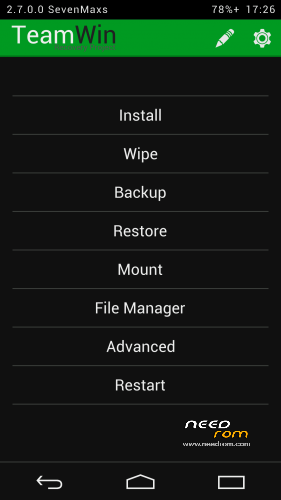
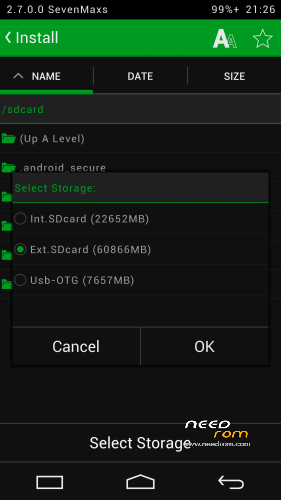
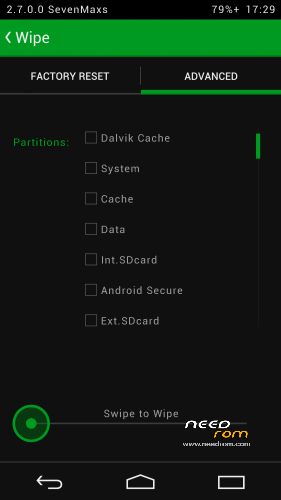
 Member Info
DESCRIPTION
Огромная благодарность товарищу javum, который адаптиповал исходники TWRP под устройства на базе MTK-чипов.
Данные рекавери компилировал сам из исходников.
Установка через мод. Recovery, а у кого стоковое Recovery желательно прошиться через FlashTool.
Для прошивки через FlashTool необходимо вытащить из архива recovery.img и положить рядом со скаттер-файлом.
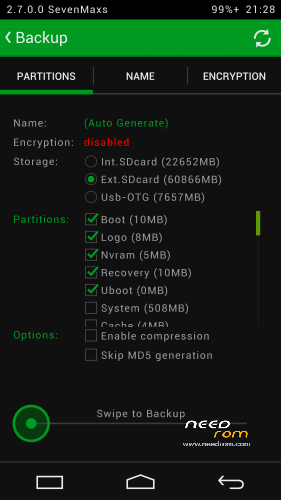
В данном Recovery мне удалось дополнительно реализовать:
- монтирование обеих флешек - внутренней Emmc и съемной SDcard к ПК;
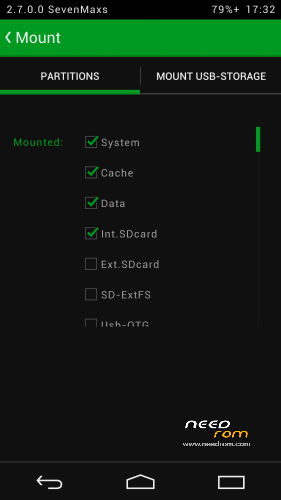
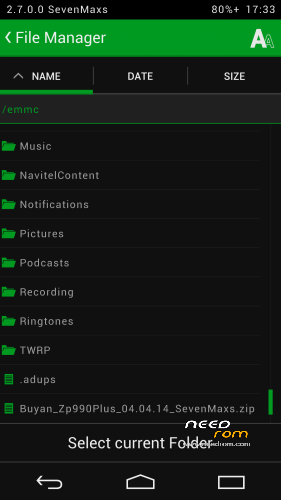
- работу USB-флешек с файловыми системами Fat32 или exFat (для этого подключаем флешку к телефону по Otg-кабелю и во вкладке Mount ставим галочку на против пункта Usb-Otg;
- работу USB-мышек;
- поддержку ОТА;
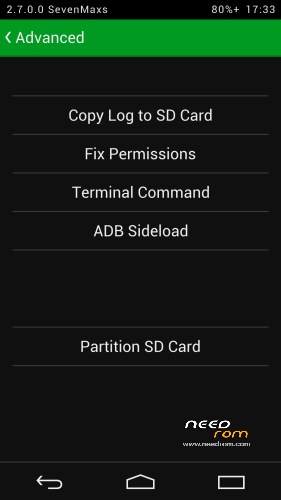
- полный функционал adb;
- работу заряда батареи;
- применена тема Holofied от пользователя z31s1g.
Благодарю товарища doperst за перевод на английский!
MD5: E9E318C7CA6CF975B5E44A57DF008F8D
※Please make a backup of your device before installing or updating ROM
WTF…Please make english mandatory !!!!
Description translation:
This recovery was compiled from source code.
Installation should be made from inside another modded recovery. For those who still has the stock one, preferable way is to flash this recovery with FlashTool.
To flash this recovery with FlashTool, you need to extract recovery.img from the archive and use your stock scatter file.
Extra features made possible with this recovery:
- mounting both internal (EMMC) and external (SD card) flash partitions while connected to PC;- mounting and file exchange with OTG USB flashdrives, formatted Fat32 or exFat (connect flash drive, then go to Mount and put a checkmark on the Usb-Otg option);
- USB mice work;
- original OTA upgrades are supported;
- adb fully functional;
- battery charge support;
- theme from z31s1g.
Thank you comrade!
Tovarisch! ))) Spasibo )
This recovery it's fantastic!!!The installation it's really easy.The first one it's by FlashTool as it shown above and the Second one(which I just used) it’s by unzipping the "Recovery TWRP 2.7.0.0" in to your internal or external sdard and then using the Mobileuncle Tools.
–>Unzipp Recovery TWRP 2.7.0.0 in to your Internal or External SDCard
–>Open Mobileuncle Tools
–>Go to Recovery Update
–>Select the first one that is in Recovery file in SDCard
–>Press recovery.img
–>Press Ok for flashing recovery
–>Press Ok for Reboot into Recovery
and You’re Done!!!Enjoy!!!
What do you mean about Unzipp Recovery TWRP 2.7.0.0 in to your Internal or External SDCard?
Do we have to unzip all recovery.img of course and META-INF inluded?
Regards
great workkkkk
Multi language?
English only
Tahnks is very good
Internal storaeg (emmc) can it be mount in this not?
Thank you SevenMaxs. It is very good and is the best recovery I ever used until now.
fliper s-case works or not?
Thx
For me Flip Case works very well…but I'm quite sure that recovery has nothing to do with recovery: it's a matter of ROM, not of recovery used