
- Title: Redmi 1 S6 Edge WCDMA
- Listed: June, 2015
- Last modified: 06/19/2015 4:43 pm
- Version: Android 4.4.2
You must be logged for ROM download.
19237 total views, 2 today
3 Total favorites
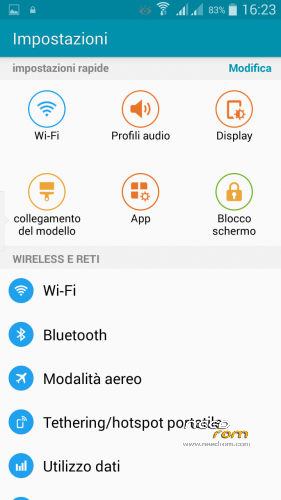
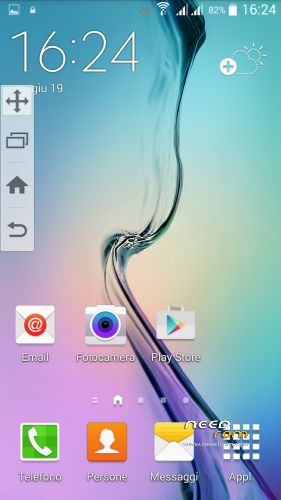
 Member Info
DESCRIPTION
S6 Edge Rom Released for Xiaomi Redmi 1 MTK (3G WCDMA)
FEATURES
-Multilanguage
-Deodex
-Dual Sim
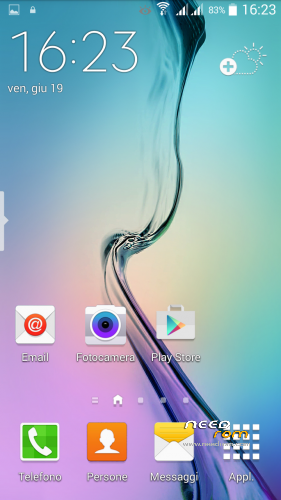
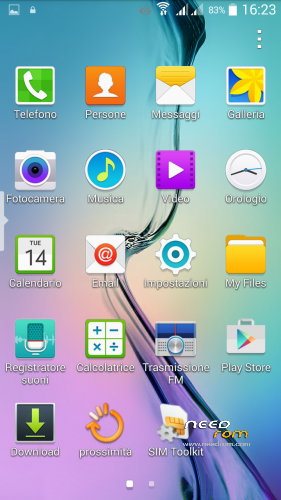
-Awesome UI
-Latest Android 4.4.2
-Good Battery Backup
-Playing Games Smoothly
-Buttery Smooth
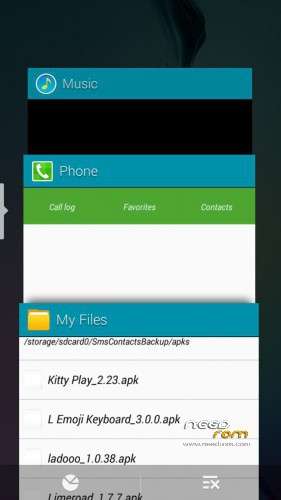
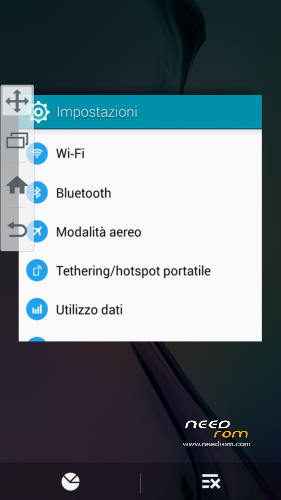
-Lollipop Recent Panel
-Latest Playstore
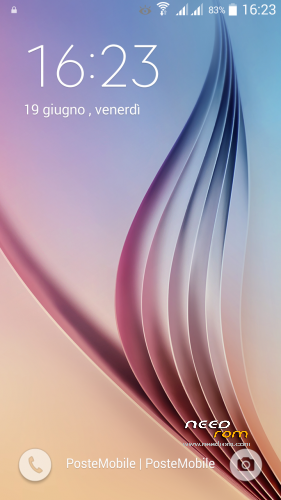
-New LockScreen
-New Dialer
-New Contacts
-New Messages
and many more
NOTE
Flash using Twrp 2.8.4
Bugs
Application manager show incorrect information on the dimensions of the internal and external memories
Install:
-Wipe data or factory reset.
-Wipe cache partition.
-Wipe Dalvike Cache
-Install ROM
-Enjoy!!!
TIPS:
-For recents apps: At left side on the screen click on that you will get recent apps (fig.6)
or Install gravity box reboot phone now go to gravity box then select Navigation Keys action>Home Key Action>select Show recent apps.
- For Multiwindow: Download and install Xposed Installer then download Xmultiwindow from Xposed Download section install it and reboot
Update full ROM
changelog:
- Deleted malware apps S5_4.4_V4008_fake.apk and Galaxy4.apk
- Fixed Proximity sensor, now works
- For Recents Apps now press menu.
Bugs
-First boot proccess. media stopped error is one-time hung up.
-Memory 32 gb. RAM 3 gb.
CREDITS:
PITTECH Frorum(for ROM), sai3811 XDA Forum
edyros2003 (Me) For porting and fixing Bugs
※Please make a backup of your device before installing or updating ROM
Please remove Galaxy4.apk from the apps directory, because it is a spam bot, showing notifications with publicity from hour to hour!
@a7462953 and all others,
If you get spammed with adverts in the notification bar, use root browser and go to the system/app/ folder and delete Galaxy4.apk.
I have already spotted Galaxy4.apk in other ROM's that spam the notification bar with adverts and i can confirm that it is the cause of the spam.
It is safe to delete.
I also suspect the XS5_4.4_V4008_****.apk (lock screen) file on the system/framework/ folder is a potential threat, because i have found the unsolicited software that is downloaded and installed in the SDCARD/Android/Data/com.skymobi.lockframe.iphone/ folder (this folder is from that particular apk), i have not tried to delete this apk, but you can rename it, then reboot the phone to see if there are any errors, if not just delete it too!
Also delete the SDCARD/Android/Data/com.skymobi.lockframe.iphone/ folder and it's content, because this folder and the trash in it will stay on the phone even if you reflash another rom!
Regards,
Num3
P.S.: When i say rename to rename the XS5_4.4_V4008_fake.apk, i mean to rename the file extention from .apk to .apk1 or something else!
UPDATE – 30/07/2015
I installed this ROM again to test it's malware and there are in fact 2 programs that must be deleted:
a) system/app/Galaxy4.apk (notifications spam)
b) system/framework/XS5_4.4_V4008.apk (unsolicited download and install of software)
To solve this install root browser and delete both apk from the system. Also delete the Android/Data/com.skymobi.lockframe.iphone/ folder if there is one.
you can just delete the respective apps,directly in the zip archive and before flashing the rom….
bootloop on most of ROS roms I tested
Good work and good ROM, everything working, all that failure is the proximity sensor, if there is any possibility of patch and would be perfect.
Thank you for your work
greeting
Update full ROM proximity sensor now works
can i try on my device ? redmi 1 td-scdma (version 3g sinyal in china) MIUI kode JHA*******
no
i want TD
how is the camera? everything works