
- Title: REDvolution HDC S4 GT-I9500
- Listed: January, 2015
- Last modified: 01/09/2015 3:13 pm
- Version: 4.2.1
You must be logged for ROM download.
13207 total views, 1 today
1 Total favorites
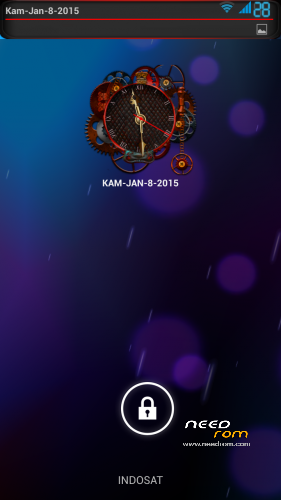
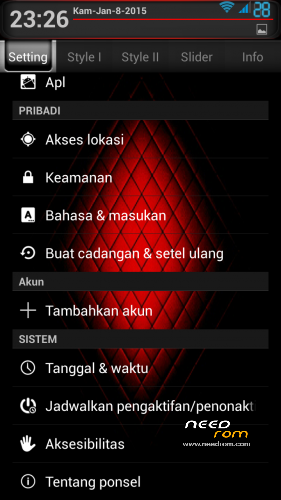
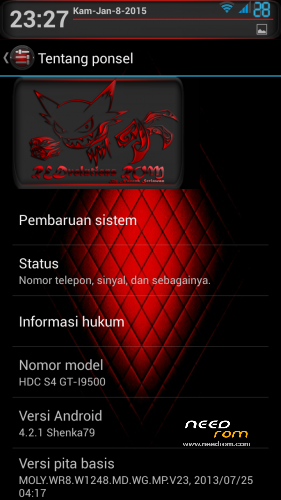
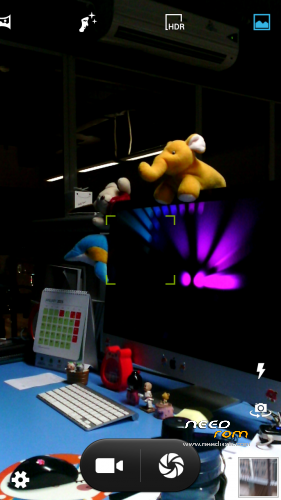
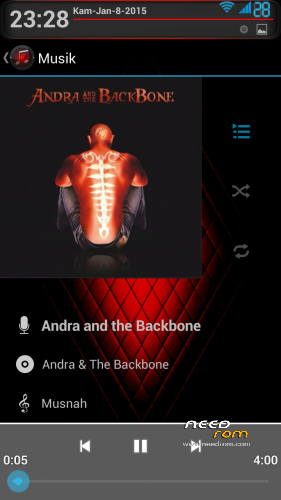
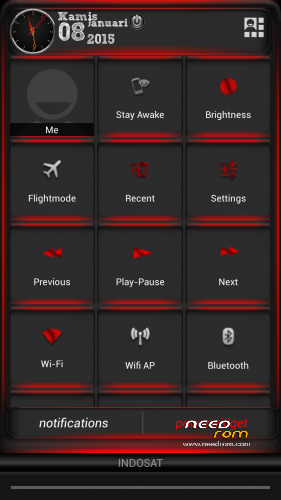
 Member Info
DESCRIPTION
ATTENTION : Read Carrefully
This rom only for HDC Galaxy S4 GT-I9500 Clone Not Tested On Other Devices !
Spec:
-MTK6589 Quad Core 1.2GHz
-2GB RAM (fake) 1GB RAM (real), 4GB ROM
-5.0inch HD IPS Screen
Display resolution: 1280*720 pixel display, 320 dpi
GPU : PowerVR SGX 544MP
Build ID : JDQ39.I9500ZSUAMDF
Hardware : UNIVERSAL5410(exynos5) fake, MT6589
Model : GT-I9500
Build number : ALPS.JB2.MP.V1.26
Build date UTC : 20130904-125830
Android v : 4.2.2
Baseband v : MOLY.WR8.W1248.MD.WG.MP.V23.2013/07/25 04:17
Kernel v : 3.4.5 (zhanghongqiang@yaocong-desktop) (gcc version 4.6.x-google 20120106 (prerelease) (GCC))#1 SMP Wed Sep 4 20.55.23 CST 2013
LCD Driver IC : 1-nt35590_hd720_dsi_cmd_truly
WARNING!!! ALWAYS BACKUP YOUR CURRENT ROM FIRST BEFORE YOU FLASH THIS!
Please Read Before Install This ROM :
- I recommend to do a full backup of your ROM first. ( i don´t take any responsibility if u brick your phone, take it on your own risk )
This ROM has been tested and succesfully installed on my Device after has been modified.
Rom Installation Procedure :
This is a CWM based ROM not a SP Flash ROM
Step 1 : Download the custom ROM to your external SD Card
Step 2 : Shutdown your handheld.
Step 3 : Go to CWM Recovery mode ( Volume Up + Power )
Step 4 : Assuming that you already BACKED UP your ROM, then go Wipe Data/Factory Reset, Wipe Cache Partition, Wipe Dalvik Cache, Format System.
Step 5 : Install Zip from SD Card > choose ZIP from SD Card > select the ROM
Step 6: Brush complete, restart the phone Patience required – first boot takes a while
Step 7: Done, enjoy your new rom….
※Please make a backup of your device before installing or updating ROM
Klo diport ke mt6582 ..bisa gak
alright mate i tried to flash this on my MTK6589 S4 clone and what i got is
1; no camera
2: some trouble with the typing and such ( fixed by making go keyboard default typing app)
ad other small bugs other wise the phone works well