DESCRIPTION
=========================
Описание:
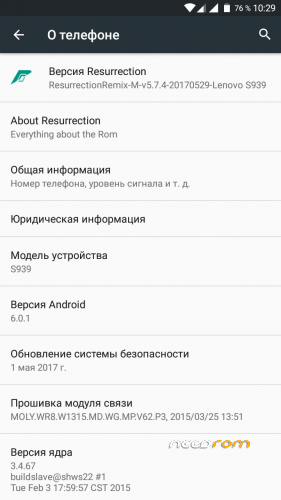
Версия Android: 6.0.1
Версия ядра: 3.4.67
Языки: Все.
Root – Есть.
Gapps – Есть. (P.S: Обновлять через Recovery не нужно иначе не запустится)
Подмен памяти – Нет. (P.S: В процессе. Следим за обновлениями!)
| "Информация" |
SelectShow |
Найдена на просторах интернета обновленная версия 29.05.2017 года.
Патч безопасности 01.05.2017.
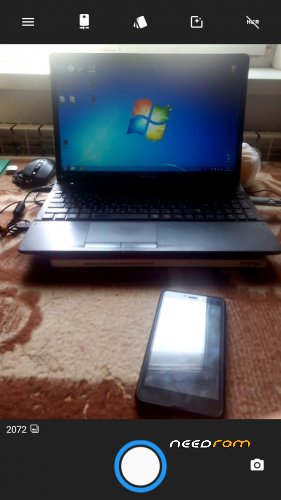
От себя: Почистил прошивку от лишнего и не нужного мусора, починил память, теперь не три памяти с ошибками, а одна. Обновил Гугл сервисы, все работает без отказов, первый запуск прошивки на Английском языке(думаю все знают где менять язык, если нет то Гугл вам в помощь), починил камеру, исправил баг c зеленым видео на YouTube, Темы работают. Вообщем все коротко и ясно, что-то будет другое допишу.
|
| "Настройка" |
SelectShow |
1. Root: Не обновляем в Play Market, будут потом сбои и в итоге слет прошивки.
2. Чтобы активировать мобильный интернет: Во-первых проверяем на наличии правильного IMEI *06#, если цифры совпадают идем дальше.
Во-вторых идем в настройки Передача данных – отключаем Мобильные данные(если две SIM – то на двох) – возвращаемся назад в настройки – SIM-карты – Мобильные данные и выставляем SIM на который будет работать интернет.
Собственно все. Если интернет не стартует, перезагружаем телефон.
|
| "Установка" |
SelectShow |
Установка через TWRP 3.2.3-0:
Шаг 1. Загрузите прошивку на SD-карту.
Шаг 2: Заходим в TWRP – Очистка – Выборочная очистка – Выставляем везде галки кроме Micro SDCard – Очищаем.
Шаг 3. Возвращаемся в главное меню TWRP – Перезагрузка – Рекавери.
Шаг 4. Заходим в TWRP – Установка – Выбор накопителя – Micro SDCard – RR-v5.7.4-S939.zip – Установить.
Шаг 5. Ждем установки. Требуется терпение – сначала загрузка занимает некоторое время.
|
Внимательно все читаем, потом комментируем!
За окирпичивание, полную неработоспособность смарта и курс доллара ответственности не несу!
=========================
Description:
Android version: 6.0.1
Kernel Version: 3.4.67
Languages: All.
Root – Yes.
Gapps – Got it. (P.S: You do not need to update via Recovery otherwise it will not start)
Memory swap – No. (P.S: In progress. Watch for updates!)
| "Information" |
SelectShow |
Found on the Internet spaces updated version 05.29.2017 year.
Security Patch 05/01/2017.
From myself: I cleaned the firmware of unnecessary and unnecessary garbage, repaired the memory, now not three memories with errors, but one. I updated Google services, everything works without failures, the first launch of the firmware in English (I think everyone knows where to change the language, if not Google will help you), fixed the camera, fixed the bug with the green video on YouTube, the Themes work. In general, everything is short and clear, I will add something else.
|
| "Setup" |
SelectShow |
1. Root: We do not update in the Play Market, there will be failures and as a result, the firmware will crash.
2. To activate the mobile Internet: First, we check for the presence of the correct IMEI * 06 #, if the numbers match, we go further.
Secondly, we go to the settings Data transfer – turn off Mobile data (if there are two SIMs – then two times) – go back to the settings – SIM cards – Mobile data and set the SIM which the Internet will work on.
Actually everything. If the Internet does not start, restart the phone.
|
| "Installation" |
SelectShow |
Installation via TWRP 3.2.3-0:
Step 1. Download the firmware to the SD card.
Step 2: Go to TWRP – Cleaning – Selective cleaning – Expose daws everywhere except Micro SDCard – Clean.
Step 3. Go back to the TWRP main menu – Reboot – Recovery.
Step 4. Go to TWRP – Installation – Drive selection – Micro SDCard – RR-v5.7.4-S939.zip – Install.
Step 5. We are waiting for the installation. It takes patience – the download takes some time first.
|
Carefully read everything, then comment!
For the scaling, the complete inoperability of the smart and the dollar exchange rate I do not bear responsibility!
=========================
Ported: Windlife
※Please make a backup of your device before installing or updating ROM

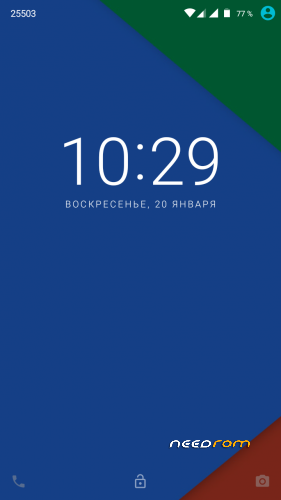
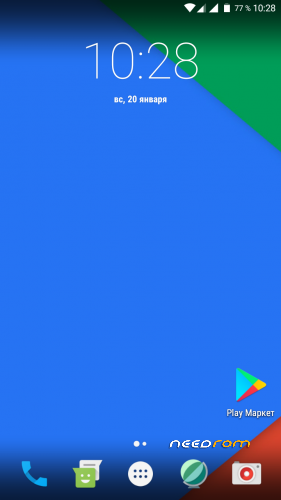
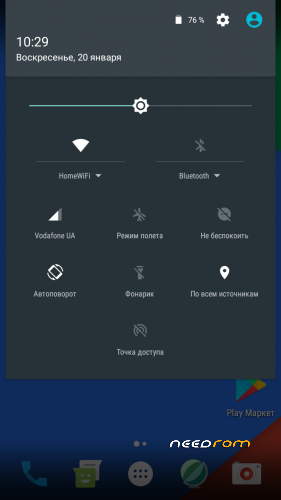
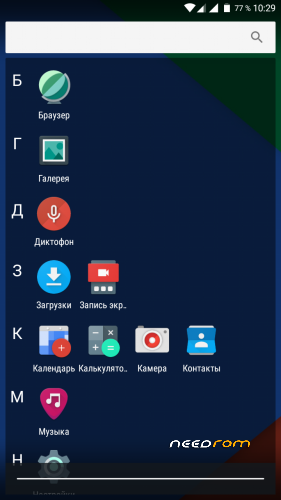
 Member Info
good
nice
can you port the oreo rom for this phone
This is not possible, since our 3.4.67 kernel does not support Android 8 – 9, but I am working on this issue.
I hope there will be Android 8 and 9 in the future
Keep on trying
We will try, thanks for the support