
- Title: Resurrection Remix – v5.8.5
- Listed: December, 2017
- Last modified: 12/09/2017 4:50 pm
- Version: Android 7
You must be logged for ROM download.
14740 total views, 2 today
5 Total favorites
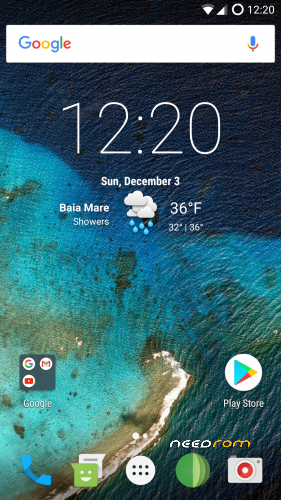
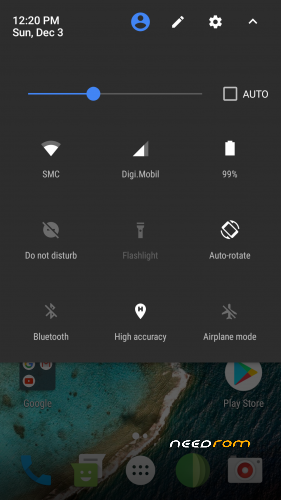
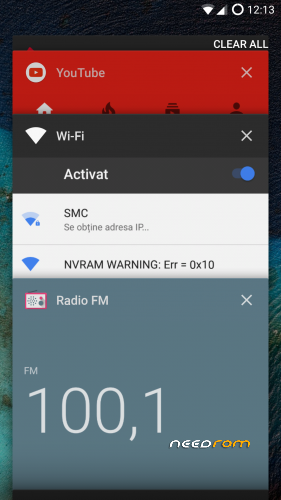
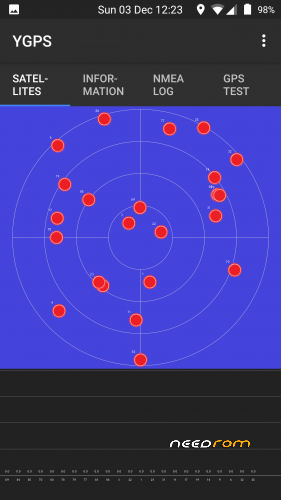
 Member Info
DESCRIPTION
Require stock 6.0 firmware
ROM OS Version: Android 7.1.2 Nougat
ROM Kernel : Linux 3.18.xx
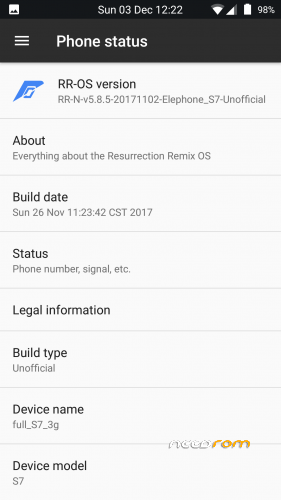
Based on: Resurrection Remix/LineageOS
Ported from Exynos Device
Version 3
Improve camera stability
Update security patch level to 05-Oct-2017
Fix bluetooth audio (not tested)
Fix more minor bugs
Version 2
Fixed Gapps
Fixed Browser
Fixed Default Video Player
Gapps Added
Rooted with latest SuperSU
corrected volume displaying internal memory/SD
init.d tweaks
build.prop tweaks
Special thanks to:
CM team, OMNI team ,SLIMROMS and of course to all the supporters
flar2 – ElementalX-ES7-1.04 KERNEL
Not working:
Default Video Player
Activate Recents:
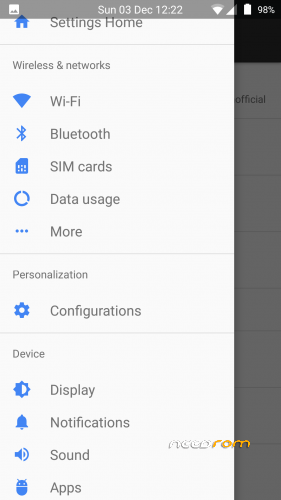
go to Settings -> Cunfiguration -> Buttons TAB
- Hardware Keys
- BACK BUTTON (long press action)
- Select custom action
- RECENTS
Installation Instructions:
- Download the ROM
- Put the downloaded zip files on your SDCard
- Reboot in Recovery
- Wipe System, Cache, Dalvik Cache, Internal and Data Partition
- Flash rom
- Reboot system
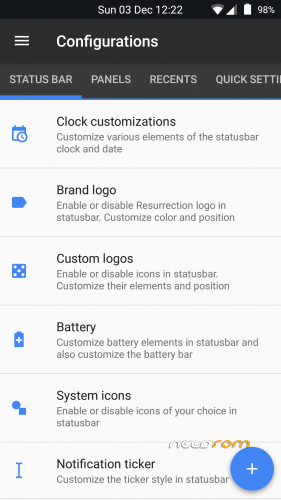
RR Customizations:
Enable/Disable Navbar
-Navbar Button Customization smartbar
-Navbar Pulse
-Navbar Fling
-Double Tap To sleep navbar
Statusbar
-Brightness Slider
-Enable/Disable Show Notification Count
-SuperUser Indicator Switch
-Double Tap To sleep Statusbar
-Carrier Label
-Carrier Label Switch
-Carrier label Color
-Carrier Label Size
-Clock Customizations
-Time & date
-Day & date Toogle
-Center/Right/Left Clock Choice
-Date Format
-Clock Font Styles
-Battery
-Battery Bar customization
-Battery Icon Customization(circle/landscape/Potrait and more)
-Battery % Text
-Network Traffic Indicator
-Network Traffic Arrows Switch
-Incoming/OutGoing Traffic
-Network traffic Color
-Statusbar RR Logo
-RR logo Color
-Position
-Custom Logos
-logo Color
-Position
-Style
-StatusBar Weather
-Weather Color
-Weather Position(left/right)
-Weather Font Style
-Weather Size
-StatusBar Ticker
-Ticker Text color
-Ticker Icon Color
Animations
-Toast Animations
-ListView Animations
-System Animations
-Power Menu Animations
-Misc Animations
Gestures
-Gestures Anywhere Feature
-3 Finger Swipe Screenshot Gesture
App Circle Bar
-Choose apps in AppSidebar
-Trigger Width
-Trigger Hieght
-Trigger Position
-App Sidebar
-Choose apps in App circle
-Trigger Width
-Trigger Hieght
-Trigger Position
-Pie
-Pie Trigger(left ,Right ,Bottom)
-Pie Targets
-Pie Colors
-More Pie Features
Recents Panel
-Clear All button Switch
-Clear All Tasks Switch
-Clear All Button Location(Top right,Top Left,Top Center,Bottom Left,Bottom Right,Bottom Center)
-Full Screen Recents
-Recents Styles
-OmniSwitch
Cclock Widget
-CLock And Alarm Customizations
-Weather Panel Customizations
-Calender Events
LockScreen
-Lockscreen Bottom Shortcuts
-Lockscreen General Shorcuts
-100+ Icons for Shortcuts
-Double Tap to Sleep Lockscreen
-Lockscreen Media Art/Enable Disable
-Quick PIN/Patter Unlock
-LockScreen Wallpaper
-Lockscreen Weather Widget
-Lockscreen Icons Color
Quick Settings Draggable Tiles
-Customizable Tiles
-Dyanamic Tiles Adjustment
-Number of columns/rows
-Tile Animations
-Notification Drawer
-LongPress Toogles to Enter Settings
-Disable Immersive Mode Messages
-Force Expand Notification
-Quick PullDown
-Smart Pulldown
-Notification Panel Transperency
-Volume Dialog Transperency
-Notification Panel Stroke
-Volume Dialog Stroke
Buttons
-Backlight Timer
-Backlight Strength
Advanced Reboot Menu
-Power Menu Customizations
-Power Off
-Reboot(Recovery, Bootloader, Hot Reboot)
-ScreenShot
-Power Menu End Calls Switch
-Restart SystemUI
-Airplane Mode
-ScreenRecord
-On the Go Mode
-Sound Panel
Home Button(For devices with HW keys Only)
-Home Button answer call
-Long Press Actions
-Double Tap Actions
Menu Button(For devices with HW keys Only)
-Short Press Actions
-Long Press Actions
Search Button(If Device Supports)
-Short Press Action
-Long Press Action
Volume Buttons
-Wake Up Device
-Playback Control
-Ringtone Volume Control
-Keyboard Cursor Control
-Swap Buttons on Landscape mode
-Volume Key Answer
Miscellaneous
-Selinux Switch (Switch Between Permissive and Enforcing Selinux if Device has Selinux Enabled)
-cLock Shortcut
-Disable Battery Saver Warning Color
-OTA U
-Cammera Shutter Sound Enable/Disable
SystemUI Tuner
-Enabled By default
-Removed Demo mode and Tweaked SystemUI Tuner As compared To AOSP
-StatusBar Icons Cuzomizations
-Quick Settings Customizations
Other Features
-Perfomance Profiles
-LCD Density
-Expanded Desktop Mode
-Heads Up Switch and customizations
-Live Display
-Configurable 0,90,180,270 Degree Rotation
-Lock Screen Autorotate Switch
-Native Tap to Wake From Marshmallow
-Double Tap Power Button To enable Camera gesture
-Prevent Accidental Wakeup
-Wake Phone on Charging Plug
-Battery Light Customizations
-Notification Light Customizations
-Font Size
-CM privacy guard
-CM root inbuilt
※Please make a backup of your device before installing or updating ROM
Hey can I flash this rom over stock 7.1.1? Thank you!
NO. is based on Android M
laaaaaaaaaaaaaaaaaaaaaaaaaaaaaaaa…….:)
In my S7 4GB X25 camera don't work. There is anything that I can do?
does the rom support DT2W ?
Not working play market, standard browser, GPS works.
Same experience here, Google Play Services crashes, Stock Browser crashes.
Can not add a Google account. Downloaded and installed opengapps standard gapps, still Google Services crashes.
Gapps and Browser fixed.
thank you for testing and bugs found, this evening or at least tomorrow I will post the next update
Awesome MadSkill….
Can’t wait to try out the update
The camera freezes
Camera crashes when opened.
Had to issues with other camera apps, like Google Camera