
- Title: ROM Lollipop i9300
- Listed: December, 2014
- Last modified: 12/29/2014 6:55 am
- Version: 5.0.2
You must be logged for ROM download.
61274 total views, 2 today
52 Total favorites
 Member Info
DESCRIPTION
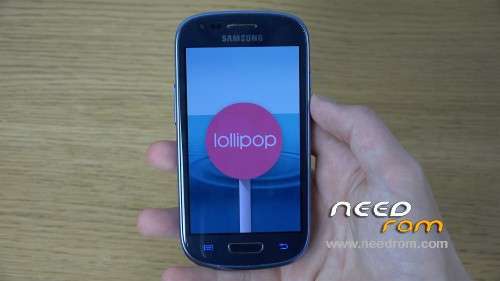
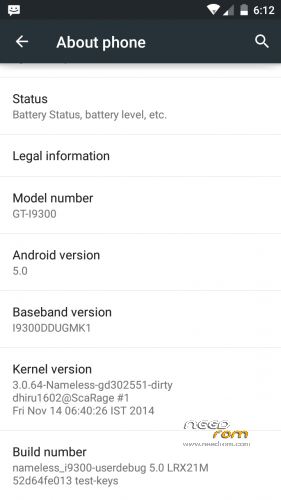
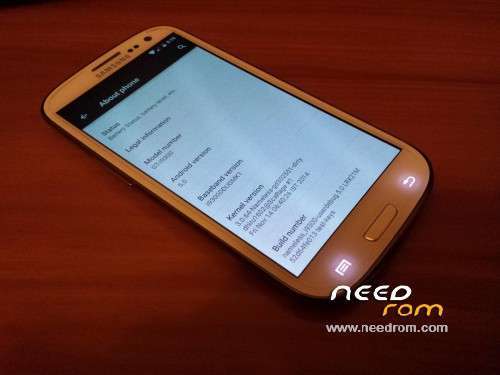
ROM – Lollipop Official (5.0.2)
===================================
Upstream changes.
Fixed crash issues with Touch Focus
Improved battery life in WiFi Standby
Fixed crash in Carrier settings.
Fixed Low Power Mode
Initial support for Buttons LED control.
Fully working HWComposer
Fixed freeze issues with stock camera
WiFi fully working.
Build based on 5.0.2
Fixed Mobile Data
Fixed WiFi
Fixed GPS
Fixed Random reboots due to WiFi
Updated to latest sources.
Initial release.
===================================
SimLock is broken! Be careful! Disable Sim Lock before flashing – Go to Settings > Security and look for Set SIM Card lock.
===================================
Install custom Recovery.
Move both files to your phone.
Turn your Galaxy S3 off. Press and hold at the same time Power + Home + Volume Up buttons. Release them when the Galaxy S3 boot animation shows up.
In Recovery, wipe data, cache and dalvik cache.
Install ROM and then install 5.0 Gapps.
Reboot your phone.
===================================
PhilZ Touch
1. Download the tar.md5 file.
2. Open ODIN, select the file and click OK.
3. ODIN will install the custom Recovery.
===================================
How to Install ROM – Lollipop Official On Samsung Galaxy S3
Factory Reset/Wipe Data
Format System
Format Dalvik Cache
Install ROM
Install Gapps
Reboot
Install Gapps for Android 5.0
Install SuperSU for ROOT device.
===================================
You can directly install Lollipop but it is recommended to install KitKat first to prevent any bugs.
===================================
Vote this rom
===================================
Happy New Year
===================================
※Please make a backup of your device before installing or updating ROM
Hello
Can i use this rom for my phone galaxy s3 Neo GT- I9300I dual sim?
Why any reply since one month???????????????????????? it's very simple yes or no!!!!!!!!!!!!!!!!!!!!!!!!!!!!
hi, you said it's an official rom and update but on samsony there are only: look the screenshot below
Download file
Bye
Thanks alot! Feels like a new phone;D
Hello,
galaxy s3 4.3 I have upgraded to 5.0.2 but does not operate the mobile data equipment stays stuck .
Please your help
regards,
very good!!!!!!!!!!!!!!!!!!!!!!
Can i flash this rom without twrp?….
Thers is no i9300 tar.md5 file for download.
Thank you
This rom i like it
Thanks man I appreciate your hardwork
for those apps that works only 5.0 above here i recommend
Hello!

Thank you very much for uploading. Samsung Galaxy S3 (GT-I9300) works perfectly.
Greetings from Hungary