
- Title: Rom S5 Permium Edit
- Listed: January, 2015
- Last modified: 01/08/2015 1:13 am
- Version: 4.2.2
You must be logged for ROM download.
29301 total views, 2 today
5 Total favorites
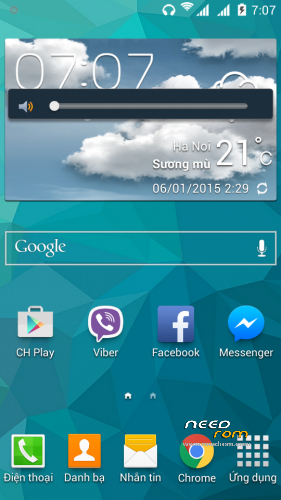
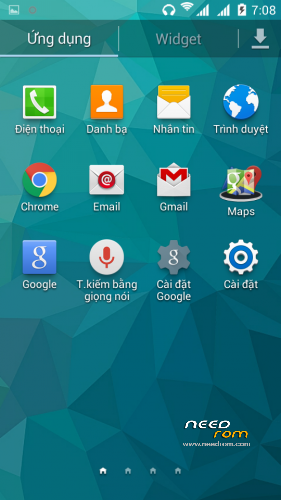
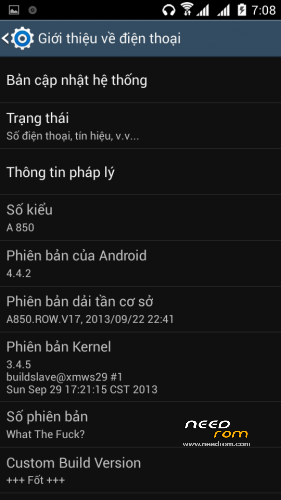
 Member Info
DESCRIPTION
Rom hạt nhân là cần fash Linerty rom gốc trước khi rom này.
MTK TOOL bằng cách sử dụng hình thức phục hồi TWRP không chỉ được sử dụng cho cơ sở CWM từ rom CWM.
Rom được sửa đổi từ S5 Permium của Nexion
Thầy đạo diễn S4 S5 vì bạn nhiều hơn phụ tùng
Thêm ứng dụng: YouTube / Maps / Gmail / GooogleChorme
Và FX Âm nhạc cải thiện âm thanh
Tuổi thọ pin tốt
Yêu cầu trước khi lên rom
+ Rom gốc rễ của Linerty
+ Tiến hành đèn Flash bình thường rom Linerty
+ Flash rom xong tiến hành thông qua MTKTools (MobileUncle) trên CH phục hồi chơi đèn Flash
+ Trọng chế độ phục hồi MTKTools hoặc sử dụng phím cứng giữ increase shrink âm lượng volume xuống và sau đó nhấn nguồn
+ Thực hiện xóa Cache / Data / System
+ Sau khi cài đặt mà Rom
Lưu ý: Không lau EMC và SD Card trong Recovery.
Cam on Google Translate.
Review if you like rom
[Tiêu đề spoiler = "Translation"]
Rom kernel is can fash Linerty original rom rom ago.
MTK TOOL use the form TWRP Recovery is not just for CWM USED basis for CWM rom.
Rom được modified from S5 Permium of Nexion
Master S4 S5 director for one of the accessories
Other applications: Maps Gmail YouTube
Music and Sound FX improve
good battery life
Ask the before to rom
+ Original Rom
MTKTools mode or use of the volume of hard to keep up the key and then press the volume down and power
+ Be clear the cache / data / Stystem
+ After installing Rom mà
Note: Do not wipe the SD card in EMC and recovery.
Thank Google Translate.
[/ Spoiler]
※Please make a backup of your device before installing or updating ROM
can someone give me the full instruction on how to install this rom??
or what is the combination to flash this rom??
i flash rom s121 from linerty using flash tool then reboot my phone in twrp recovery
wipe data/cache/devic cache/system..
intall s5 rom failed!!
*font failed
*unable to mount emmc
I’ve failed EMMC But running back is installed rom rom Linerty normal S5 khoong faulty EMMC more
You can run Z2 Honami rom then install rom S5 through WTRP
But boot boot will change
hello , i want to ask you something. i have lenovo a850i. is there any rom for my model?except s203.can i use the a850 roms?thank u very much for your time.
You can up all of a rom A850
i try it flash the honami z2 rom then reboot into twrp recovery even i flash the twrp recovery image from mobileuncle tool but still can flash thia rom..
still failed!
May be due to the error Zip. Just unzip and run out and then compressed.
hello sir can’t flash this rom via cwm recovery??
using twrp recovery failed..
CWM Recovery is for the Base
TWRP Recovery for the Kernel
Repackaging the zip and Flash Rom
your rom sucks,why have to install a bunch of different roms just to get it to work?
Because of faulty or EMMC
I made it! Repackaging the zip and flashing it using CWM. So far is good… Thanks
it can flash cwm recovery??
I can’t try
You try?