
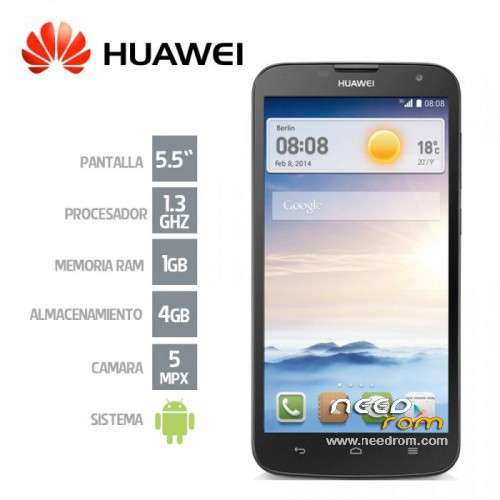
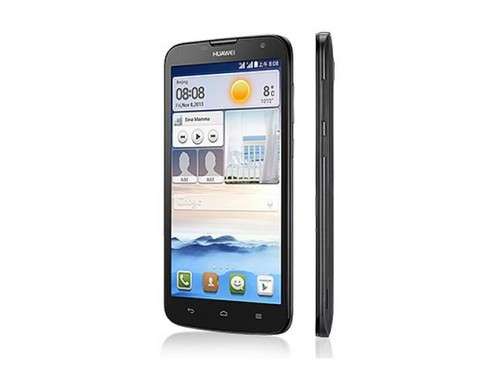
- Title: Rom stock for huawei g730 u251
- Listed: July, 2015
- Last modified: 07/29/2015 4:32 pm
- Version: iusacell 2015 android 4.2.2
You must be logged for ROM download.
21270 total views, 3 today
8 Total favorites
 Member Info
DESCRIPTION
-Formatea A microSD card (Some users have found problems when trying to install the update from a microSD unformatted and information).
-Create A new folder in the root directory of the microSD card and rename it like this: dload
-Copy The Update.app which is the update package to the dload folder, and insert the microSD card into your mobile phone.
Update procedure:
Forcible update:
Put out the device.
Take back the device's battery and insert it again.
-Then Press and do not release the volume +, volume buttons – and on.
When the mobile phone vibrates, release the power button, do not release the volume up and down buttons until the screen commands are displayed in yellow letter, at the bottom of the screen shows a bar that displays the progress
-At The end appears one (OK) Large recommend to wipe cache partition (DO WIPE FACTORY RESET) and finally reboot. (If OK at the end of an error disregard will not be frightened that does not affect appears.).
※Please make a backup of your device before installing or updating ROM
Muy buena Firmware no tuve problema cuando la instale en mi movil.
Tengo ese equipo totalmente brick, despues de tratar de flashear una rom son sp tools
aun tienes el equipo y presentas el brick duvancortes7 ?
¿Es por medio de SD o flashtool?
Sí funcionó para mi este paquete de firmware. Gracias.
No se usa flashtool con este archivo de firmware, sino que se descomprime este y la carpeta "dload" se envia a una memoria micro sd (de preferencia formateada) y luego con el teléfono apagado se presionan tanto "volumen arriba y abajo" más "power" y automáticamente el celular iniciará el proceso de reparación del sistema.