
- Title: ROM X UI
- Listed: May, 2016
- Last modified: 05/08/2016 11:36 am
- Version: 5.1.1
You must be logged for ROM download.
12668 total views, 1 today
2 Total favorites
CUSTOM




 Member Info
DESCRIPTION
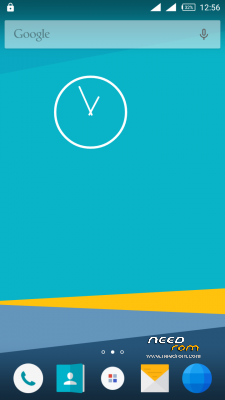
ROM X UI FOR DOOGEE X5
GESTURES NOT WORKING
※Please make a backup of your device before installing or updating ROM
how to open recent apps
i propose you a solution ….
First ..Go to play store and download recent task 2
then download home2 shortcut….then open it ….
Step One choose recent task 2
Step two ..Choose short
Step three choose your launcher
Close the app and make home2 shortcut Always App
and now you have recent apps
I enjoyed the CUSTOM ROM , what I miss is just the Gesture who are disabled. Was researching XUI manufacturer , and I see that already has updates, however, I could not do the same. There are reports of people who upgraded to Marshmallow . When will update?