
- Title: Rublix v6
- Listed: November, 2015
- Last modified: 11/04/2015 8:57 pm
- Version: 5.0
You must be logged for ROM download.
20346 total views, 3 today
9 Total favorites




 Member Info

DESCRIPTION
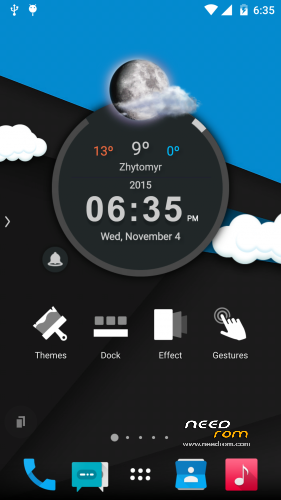
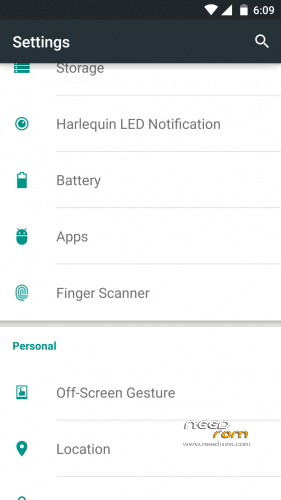
fingerprint scanner, LEDs notification, Off-Screen Gesture – works
enabled SuperSu
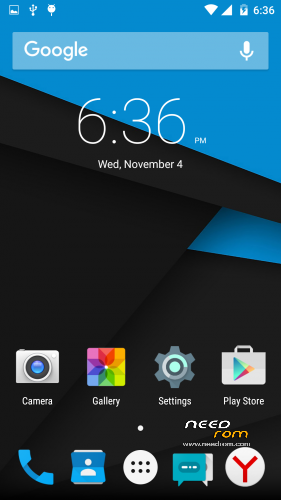
installed 2 Launcher
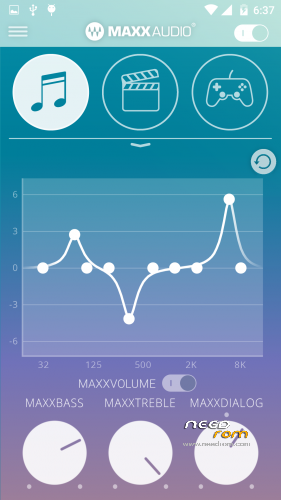
Equalizer MaxxAudio
% in the battery
Multilang
locked advertising
the camera shoots better
opportunity to choose a wallpaper and desktop lock separately
phone deepsleeps with the included fingerprint scanner
and many other useful changes
This is not a stock firmware
Rublix v6 MiraVision – stable version for everyday use
How to install:
1. Copy ROM to SDcard;
2. Go to TWRP or CWM;
3. Wipe Dalvik, Cache, Data, System;
4. Install ROM;
5. Reboot and enjoy!
※Please make a backup of your device before installing or updating ROM
app to sd?
to switch internal to external memory, look here: http://www.movilesdualsim.com/.....vecilla.114652/
Download: “Para SD principal“
you must registered to download, but it’s works on rublix v6! !
NO SIGNAL on both SIMs
4G (LTE) on both SIM works. Install a clean Rom, wipe dalvic and cache after install.
I've wipe Dalvik, Cache, Data, System before installing
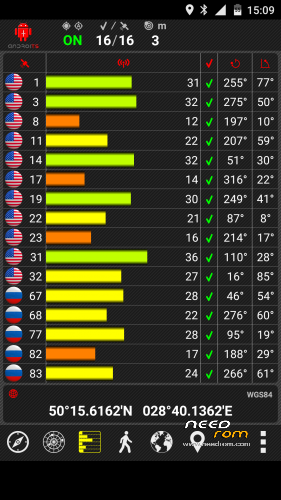
wipe Dalvik, Cache, Data, System after install and SIM works. Issue with GPS, is not working.
Im new in this. Can you make a more detailed tutorial of how to install it? Pls
PD. I never did something with any rom
hello.to rublix v3 i cant install the rom and write to me error and now to rublix v6 install it but the phone never open and i wait for many hour..what i can do to install the rom?it cant be install with flashtools?
La mejor ROM para p7000 con diferencia, gracias rublix
Super Rublix!!! V6 is in this time my favorite rom, for me all it's running, befor I was a long time on Rublix V3,
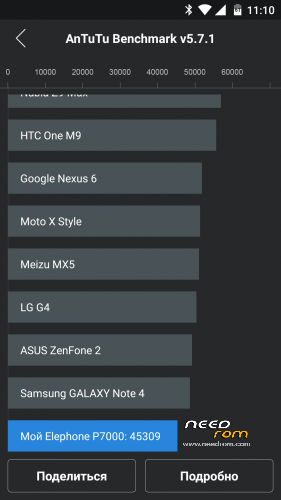
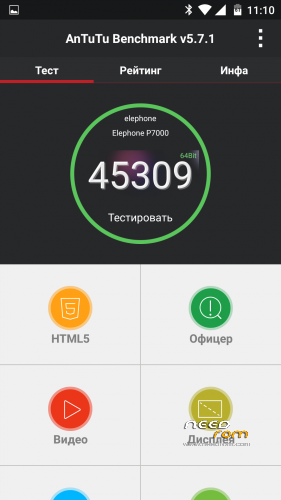
my Questing is the V6 an 5.1 or 5.0 Antutu (45123 points) tells me 5.1 ???