
- Title: Rublix v7
- Listed: January, 2016
- Last modified: 01/02/2016 3:15 pm
- Version: 5,0
You must be logged for ROM download.
18334 total views, 5 today
4 Total favorites
 Member Info
DESCRIPTION
I represent to your attention the firmware Rublix v7
two versions firmware of the: for recavery & FlashTool
If you have installed the firmware Aerom I advise you to install Rublix v7 using FlashTool
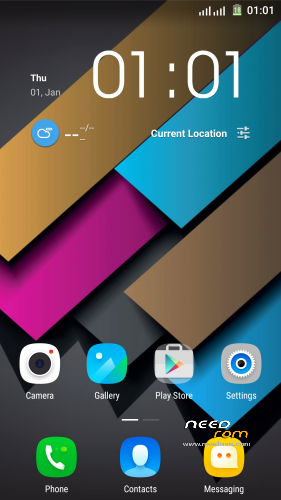
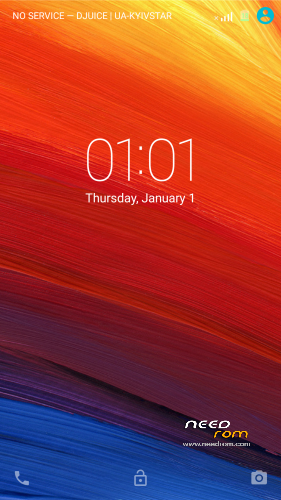
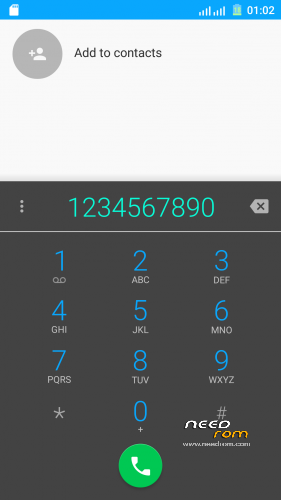
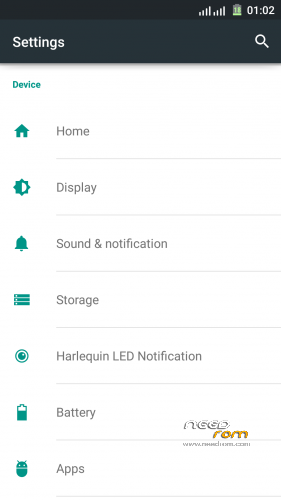
edited graphics:
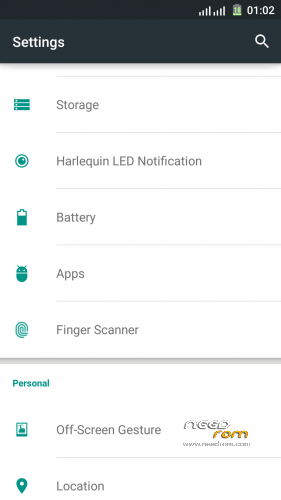
1) transparent curtain, notifications
2) redesigned big letters about antennas
3) repainted Dialer
4) increased contacts pictures, NAME in two lines
5) transformed dark theme (for applications)
6) wallpapers (separated only by native launcher)
7) battery with %
added:
1) Lenovo launčer
2) camera Vowney (decent quality shooting)
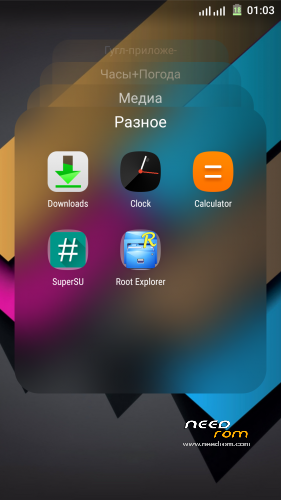
3) SuperSU
4) Root Explorer
5) MaxAudio
6) System ringtones (alarms, notifications, ringtones)
7) MX Player
fixed:
1) the alarm work
2) various warnings ( on high volume.. etc..)
3) a lot of things and I don’t remember….
If you have installed the firmware Aerom I advise you to install Rublix v7 using FlashTool
installation
How to install TWRP or CWM:
1. Copy ROM Rublix v7 to SDcard;
2. Go to TWRP or CWM;
3. Wipe Dalvik, Cache, Data, System;
4. Install ROM;
5. Reboot and enjoy!
How to install FlashTools
- Unpack 20160101_Rublixv7_FlashTool.rar
- Click on Flash_tool.exe
- Select “scatter-Loading” and search MT6752_Android_scatter.txt in ROM
- Wait file to be added into Flash Tool
- Select “Download Only” or if upgrade “Firmware upgrade”
- Turn off your phone, remove the battery (if the battery is removable) and replace it after some seconds (and don’t turn on the phone).
- Press “Download” button to start
- and connect your phone into the computer via USB data cable.
- The process will start and a red progress bar will appear after color purple, yellow.
- And green circles display
- Finish !
- You can now safely disconnect your phone and turn it on.
I hope positively appreciate my work
Added patch fix some Windows applications & fix Lenovo weather widget ” FIX window_apk + FIX weather Lenovo widget ”
set by using TWRP or CWM
※Please make a backup of your device before installing or updating ROM
Greeting
Why Fingerprint is not working? ((((
((((