
- Title: S20 Official Rom 1.0.2
- Listed: December, 2016
- Last modified: 12/20/2016 11:26 pm
- Version: V1.0.2 2016 10 09
You must be logged for ROM download.
13114 total views, 1 today
1 Total favorites
 Member Info
DESCRIPTION
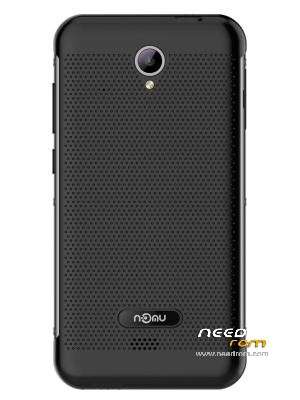
Nomu S20 Official Stock rom for Mediatek Flashtool.
NOMU_S20_COMMON_V1.0.2_2016_10_09_FQ5C23WTE1D.XWP.NOMU
Use latest flashtool to flash
Download and Install correctly Mediatek Preloader drivers before using Flashtool
( Take care on Windows 8.1/10 drivers, you need to disable driver signature before install:)
https://www.youtube.com/watch?v=50pD0mONm44
http://laurentiumihet.ro/technology/windows-10-mtk-vcom-usb-drivers-for-32-64-bit-drivers-installation-tutorial/
https://thebroodle.com/microsoft/windows/install-mediatek-mt65xx-usb-vcom-drivers-windows-8-8-1/
1- With flashtool load MT6737_Android_Scatter.txt
2- Push download and connect smartphone to pc (smartphone must be powered off)…
To have root, use my twrp https://www.needrom.com/download/s20-twrp-3-0-2-1/
※Please make a backup of your device before installing or updating ROM
Trojan TRiada !
Put your phone on computer cause you can have access to delete and create new files if you do it via your PC or laptop even if it's not rooted. Delete com.android.vending folder (/storage/emulated/0/.jm/com.android.vending) and create a txt the same name without extension. So create a com.android.vending.txt and then delete it's extension. Now the pop up windows ads will disappear.