
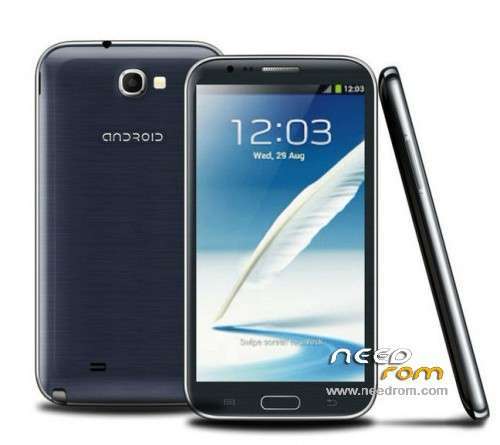
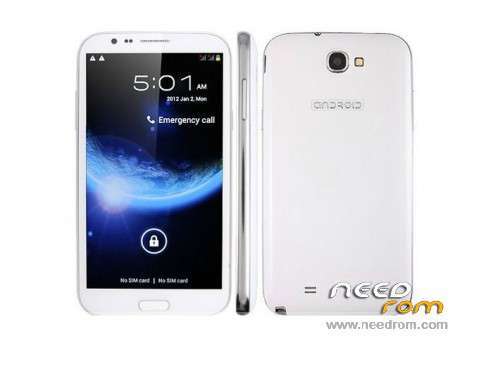
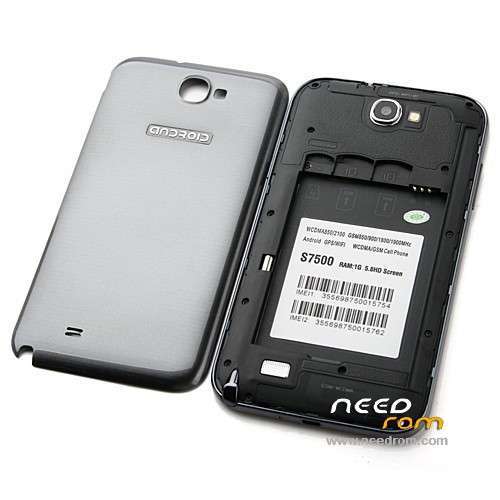
- Title: S7500 S9900 H7200 – e1901_v77_jbl_hd_rtw(OFICIAL)
- Listed: July, 2014
- Last modified: 07/30/2014 10:03 pm
- Version: Android 4.1.1
You must be logged for ROM download.
16842 total views, 1 today
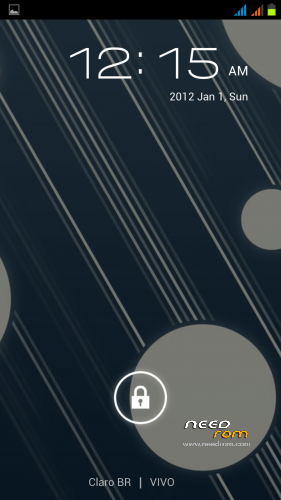
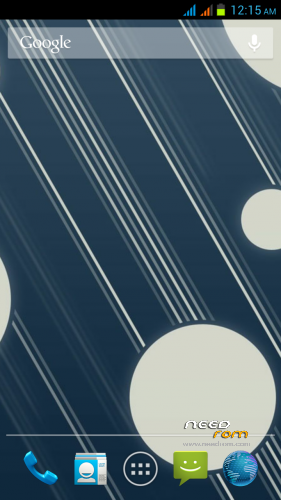
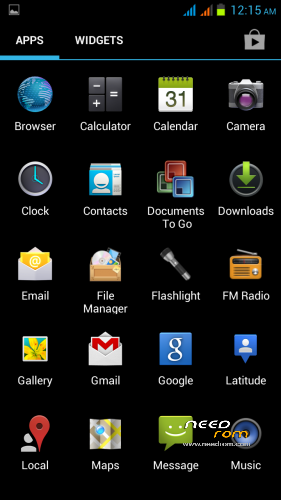
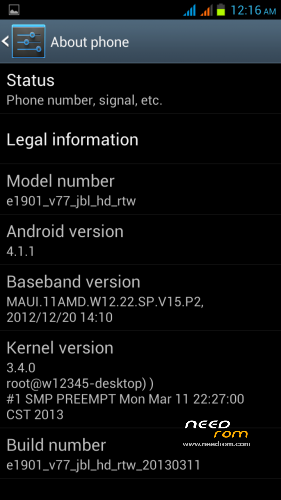

 Member Info
DESCRIPTION
Tutorial to revive smartphone
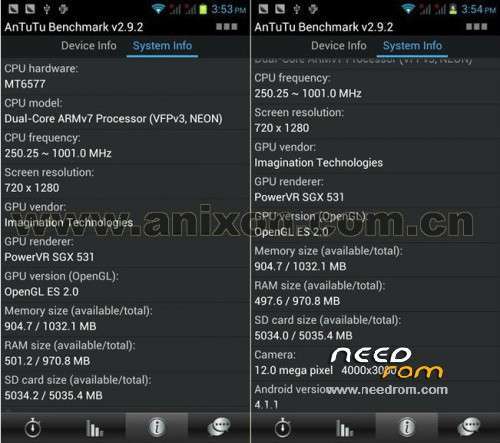
"STAR S7500/S9900/H7200/e1901_v77_jbl_hd_rtw" "MT6577"
Video Tutorial:
https://www.youtube.com/watch?v=ozk1YhvL9ek
Required:
-> Rom S7500/S9900/H7200/e1901_v77_jbl_hd_rtw
-> SP Flash Tools 5
-> Drives
1° After downloading the Rom S7500/S9900/H7200/e1901_v77_jbl_hd_rtw
unzip it
2° Open SP Flash Tools 5
3° Click on "Scatter-loading" and browse to the folder where you unzipped the rom
and select the "MT6577_Android_scatter_emmc.txt" file
4° Click on "Download"
5° Connect the "OFF" smartphone and "NO BATTERY" on pc
6° Hold up a "GREEN SQUARE" ready and can close the
SP Tools Flash 5 and connect your smartphone safe and sound …
※Please make a backup of your device before installing or updating ROM
I need cell ccm rom s9900 Spreadtrum …
is to get me?
Not is drive of the s9900……